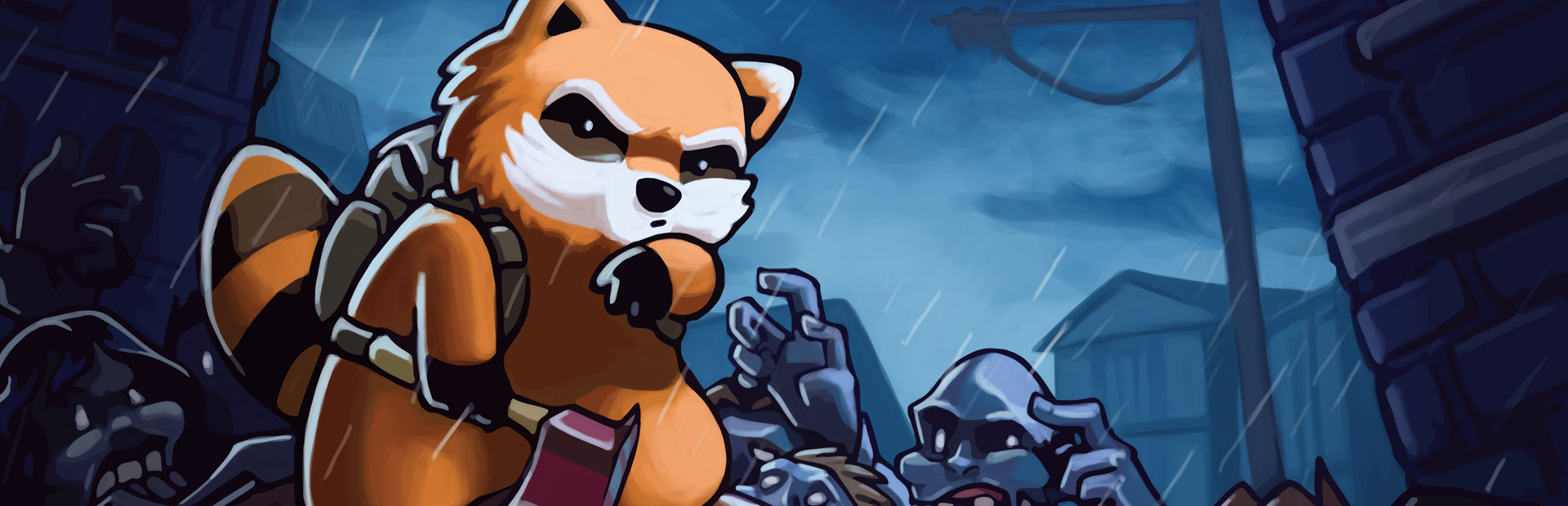
Tu audiencia spawnea zombies y hordas alrededor del sobreviviente al instante.
- Zombies comunes cerca de tu sobreviviente
- Horda completa de hasta 30 zombies
- Zombies corredores a velocidad máxima
Conecta TikTok Live o Twitch y convierte cada regalo en zombies, salud, items o caos sobre tu sobreviviente.
Desde el regalo de tu espectador hasta el efecto en pantalla, en menos de 50 ms.
Un regalo, recompensa o follow de tu audiencia.
La app recibe el evento y lo traduce en un comando del juego.
Recibe el comando vía archivo y lo ejecuta en el juego.
El zombie, objeto o efecto aparece sobre tu sobreviviente.
Todo se maneja desde la app. No hace falta programar ni editar archivos del juego.
Descarga OverInteractive para Windows e instálala en segundos.
Vincula tu cuenta de TikTok Live o Twitch desde la app.
Un clic en la app instala el mod de Project Zomboid en tu carpeta de perfil de Zomboid.
Abre Project Zomboid y empieza tu stream de supervivencia interactiva.
32 efectos listos para mapear a regalos, recompensas o comandos de chat.
Tu audiencia spawnea zombies y hordas alrededor del sobreviviente al instante.
Armas, comida, suministros médicos y munición caen directo al inventario.
Efectos directos sobre tu personaje, útiles o letales.
TikTok, Twitch, Kick y YouTube. Conecta una o varias: los triggers funcionan igual venga de donde venga el evento.
Conexión directa a tu TikTok Live desde la app. Sin software extra, sin cuentas adicionales.
Si ya usas TikFinity para alertas u overlays, OverInteractive se conecta vía WebSocket y reutiliza tu sesión.
Login por Device Code Flow y suscripción a eventos en tiempo real. Mapea recompensas de canal, subs, bits y follows.
Login OAuth y eventos oficiales por webhooks. Mapea Kicks, subs y follows de tu canal de Kick.
Conecta tu directo de YouTube escribiendo tu @usuario, sin iniciar sesión. Mapea Super Chats, Super Stickers, miembros y mensajes del chat.
Compatible con la Build 42 de Steam, la versión estable por defecto. El mod se instala en la carpeta de mods de tu usuario, no en la del juego.
El mod se instala en tu carpeta de perfil de Zomboid — nunca modifica los archivos del juego.
La app detecta automáticamente tu instalación de Project Zomboid en Steam.
Haz clic en Instalar en la tarjeta de Project Zomboid. La app copia el mod a tu perfil de Zomboid.
Abre Project Zomboid, entra en Mods y activa «OverInteractive Connector». Solo hace falta una vez por partida.
Mapea regalos y recompensas a comandos en la app y comienza tu stream.
32 comandos listos para mapear a regalos, recompensas o comandos de chat.

Spawns a zombie near the player.

Spawns a horde of zombies around the player.

Spawns a fast sprinter zombie nearby.

Fully heals the player.

Causes pain and drains endurance.

Gets the player heavily intoxicated.

Maxes out the player's hunger.

Maxes out the player's thirst.

Maxes out the player's fatigue.

Restores endurance, removes fatigue and pain.

Removes zombie infection and bites.

Gives the player an axe.

Gives the player a baseball bat.

Gives the player a katana.

Gives the player a crowbar.

Gives the player a machete.

Gives the player a hunting knife.

Gives the player a pistol with 2 ammo boxes.

Gives the player a shotgun with shells.

Gives the player an assault rifle with ammo.

Gives the player a full water bottle.

Gives the player a can of baked beans.

Gives the player any item by type ID.

Gives the player a random food item.

Gives the player a random melee weapon.

Gives the player a random firearm with ammo.

Gives the player a random survival tool.

Gives the player a first aid kit with supplies.

Gives 3 molotov cocktails and a lighter.

Starts heavy rain.

Turns off the regional electricity supply.

Turns off the regional water supply.
Descarga OverInteractive y deja que tus espectadores sobrevivan Project Zomboid contigo.
Descargar gratis