Aliens and champions
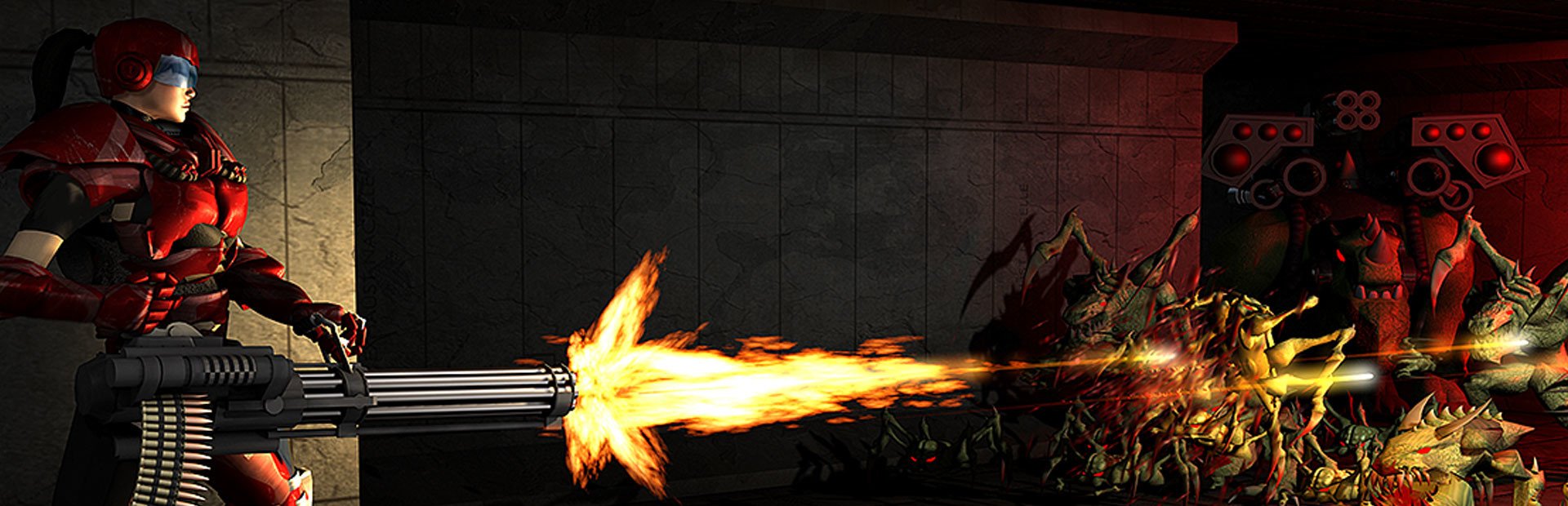
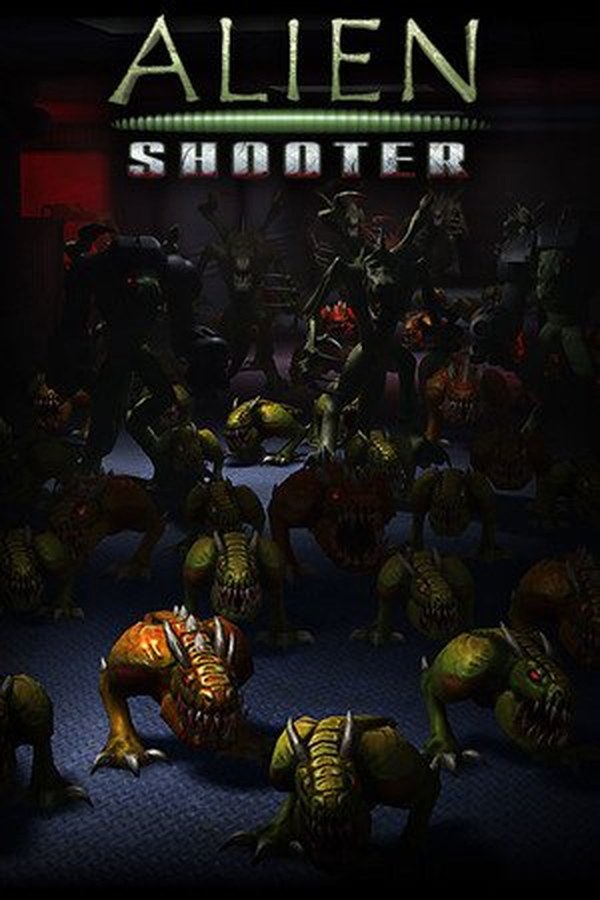
Mutant frogs, giant spiders, bipeds and rhinos, armed or not, in green, yellow and red; flyers, random hordes and six blue champions that take a beating. They spawn a few steps away and head straight for you.
Your chat floods your base with aliens: mutant frogs, giant spiders, rhinos and blue champions that spawn right next to you and come for you. Or saves you with heals, guns, armor and a shield just in time.
Four stops, in under a second.
From TikTok, Twitch, Kick, YouTube or Starvios: a gift, a follow, likes or a chat command.
Receives the event, checks your active profile for the matching effect and sends it.
A mod the app installs in the game folder with one click.
The effect reaches the game instantly, and the top of the screen shows what happened and who sent it.
Everything happens from the game's status bar, at the bottom of the app.
It detects Alien Shooter on Steam. If it doesn't show up, press «Set path» in the bar below and pick its folder.
Press «Install mod» with the game closed. The app sets everything up in the game folder.
If Steam verifies or updates the game, the bar will ask you to «Repair»: one click and you're done.
Press «Launch game» or open it from Steam, and start a Campaign or Survival game.
As soon as the game reaches the menu, the bar below turns to «Running · Connected».
In «Profiles», create a sample one with one click or build your own: every gift, follow or chat command triggers the effect you pick.
Each effect is assigned to a gift, a follow, likes or a chat command.
Mutant frogs, giant spiders, bipeds and rhinos, armed or not, in green, yellow and red; flyers, random hordes and six blue champions that take a beating. They spawn a few steps away and head straight for you.
Heals, mega health, extra lives, a shield, armor vests, all eight weapons in the game, ammo, a battle drone, freezing or blasting nearby aliens, money and super speed.
Damage, lead feet, stolen ammo, faster aliens, earthquakes and blackouts.
Rain, snow, color flashes and chat messages at the top of the screen.
If you switch windows, Alien Shooter stops. Gifts wait and apply as soon as you return to the game.
In the menu, the shop or while you're dead, effects wait their turn and land when you're back in play; if they can't apply for more than two minutes, they're dropped.
When you fall, every monster the chat sent disappears (the game's own ones stay), so you don't respawn surrounded again and again.
Each command summons up to 30 monsters; for more, raise the trigger's repetition. Tested with over 4,000 at once and the game running smoothly. They always appear: if there's no free spot nearby (for example when surrounded or next to buildings), they wait a moment and spawn as soon as there is. They never spawn inside buildings or stuck in walls or containers.
The game font has no accented letters: a nickname or message with them shows «?» in their place. Plain letters and numbers look perfect.
Healing at full health, giving a drone when you already have one or stealing ammo from someone who has none: the app says so and nothing is spent in the game.
Download OverInteractive for free: this same guide is waiting inside the app, in the game's «Start» tab.
Download free