Enemies and bosses
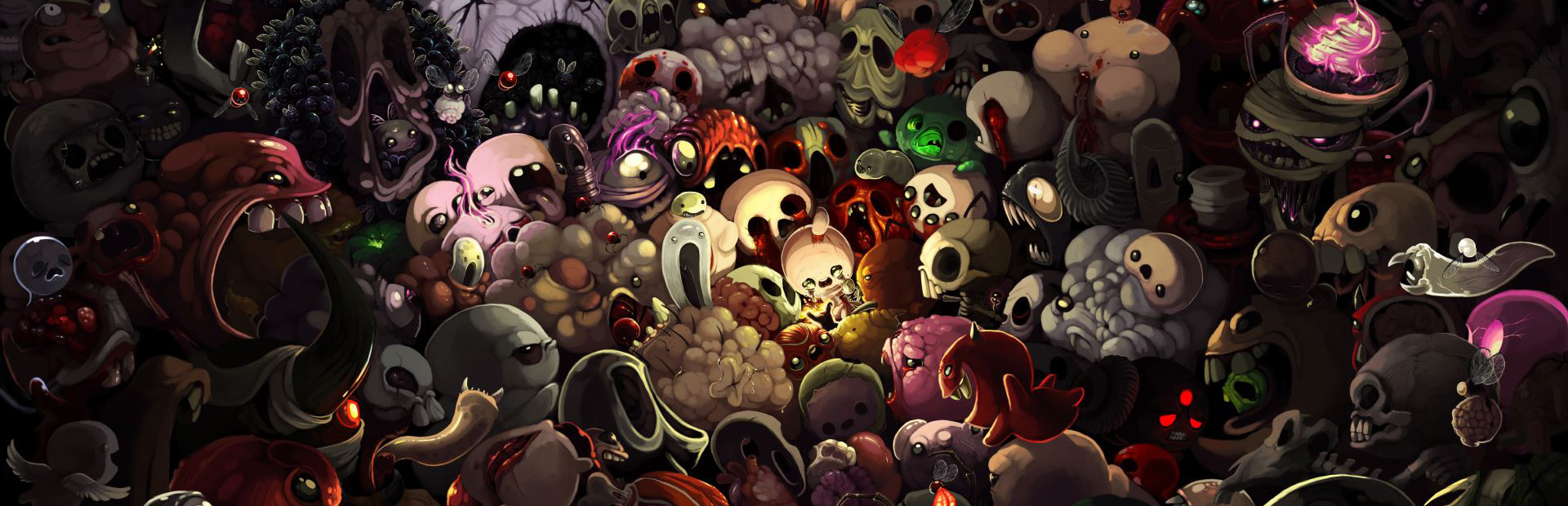
Attack Fly, Gaper, Charger, Boom Fly, Knight, hordes and mini-bosses like Monstro, Duke of Flies, Gemini or Chub… all the way to Delirium. Each one with the viewer's name on top. «Kill Room» clears the room.
Your chat rewrites your run: they fill the room with flies and mini-bosses with their name on top, gift you Brimstone or take it away, roll the D6 for you and curse the floor.
Four stops, in under a second.
From TikTok, Twitch, Kick, YouTube or Starvios: a gift, a follow, likes or a chat command.
Receives the event, checks your active profile for the matching effect and sends it.
A mod the app installs in the game's «mods» folder, the official place where Isaac loads its mods.
The effect shows up in the room instantly; enemies carry the name of whoever sent them.
Everything happens from the game's status bar, at the bottom of the app.
It detects The Binding of Isaac: Rebirth on Steam. If it doesn't show up, press «Set path» in the bar below and pick its folder.
Check in Steam (right-click the game → Properties → DLC) that Afterbirth, Afterbirth+ and Repentance are installed and ticked.
Press «Install mod» with the game closed. The app copies the mod into the game's «mods» folder and prepares what the --luadebug option needs to start.
Press «Launch game»: the app opens it with the --luadebug option, without which the mod can't talk to the app.
Prefer opening it from Steam? Add --luadebug under Properties → Launch options, just once.
With the game open, the bar below switches to «Running · Connected». Start a run and every gift reaches the room.
In «Profiles» create an example one in a click or build your own: each gift, follow or chat command fires the effect you pick.
Each effect is assigned to a gift, a follow, likes or a chat command.
Attack Fly, Gaper, Charger, Boom Fly, Knight, hordes and mini-bosses like Monstro, Duke of Flies, Gemini or Chub… all the way to Delirium. Each one with the viewer's name on top. «Kill Room» clears the room.
Heal, damage, soul hearts, heart containers, a random stat up or down, giant or tiny Isaac and super speed.
Give or take coins, bombs and keys, plus golden bombs and keys.
A random item or trinket, or specific ones like Brimstone, Mom's Knife, Sacred Heart, Soy Milk or Missing No.… and take them away later.
Chat uses the D6, D4, D20, D Infinity, Clicker, We Need To Go Deeper, a random card or a random pill for you.
Troll Bomb, teleport, Curse of Darkness, a random curse or charming the whole room.
The base game and Afterbirth can't load this kind of mod. You need Repentance or Repentance+, with Afterbirth and Afterbirth+ installed and enabled on Steam.
The mod needs the game to start with --luadebug. «Launch game» does it for you; if you open it from Steam without that option, the bar stays «Offline».
The mod turns off pause-on-focus-loss so the run keeps going while you check chat or OBS. It is a global game option and stays saved.
In the menus there is no room to apply anything to. Start or continue a run so every gift shows.
Download OverInteractive for free: this same guide is waiting inside the app, in the game's «Start» tab.
Download free