
Your character
Heal, deal damage, kill instantly, invincible, giant or tiny, faster or slower, fill or empty the special attack and give or take bones.
Your chat plays with the bullets: they freeze them or wipe them off the screen, make them huge, shrink the enemies or turn you into a giant target in the middle of hell.
Four stops, in under a second.
From TikTok, Twitch, Kick, YouTube or Starvios: a gift, a follow, likes or a chat command.
Receives the event, checks your active profile for the matching effect and sends it.
A mod the app copies into the game folder, plus a small tweak to one game file so it loads on startup.
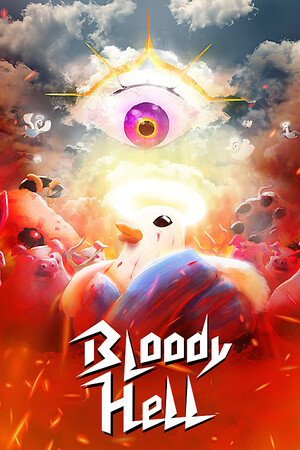
The effect reaches your game instantly, in the middle of the bullet storm.
Everything happens from the game's status bar, at the bottom of the app.
It detects Bloody Hell on Steam. If it doesn't show up, press «Set path» in the bar below and pick its folder.
Press «Install mod» with the game closed. The app copies the mod and tweaks one game file so it loads it, keeping a copy of the original first.
Press «Launch game» or open it from Steam as usual. The mod starts with the game.
With the game open, the bar below switches to «Running · Connected». From then on every gift reaches your game.
In «Profiles» create an example one in a click or build your own: each gift, follow or chat command fires the effect you pick.
Each effect is assigned to a gift, a follow, likes or a chat command.
Heal, deal damage, kill instantly, invincible, giant or tiny, faster or slower, fill or empty the special attack and give or take bones.
Freeze every bullet, wipe them off the screen or make them huge or tiny.
Kill everyone in the scene, freeze them, make them giant or tiny.
Camera shake, zoom in or out, and «Reset Camera» to get back to normal.
Slow motion, fast forward and «Reset Time» to get back to normal speed.
When Steam updates the game, the tweak that loads the mod is lost. The bar shows «Install mod» again: press it with the game closed and you're done.
Installing touches a game file and can't be done with Bloody Hell open: the app will ask you to close it.
In the menu there is no character or bullets to apply anything to. Start playing so every gift shows.
Download OverInteractive for free: this same guide is waiting inside the app, in the game's «Start» tab.
Download free