
Troops
Knight, P.E.K.K.A, Hog Rider, Mega Knight, Skeleton Army, Lava Hound… 52 troops marching toward your towers.
Your audience is the opponent: every gift drops a card on their side of the arena (a Hog Rider, a Mega Knight, a Fireball) and you defend your towers.
Four stops, in under a second.
From TikTok, Twitch, Kick, YouTube or Starvios: a gift, a follow, likes or a chat command.
Receives the event, checks your active profile for the matching effect and sends it.
A server the app downloads and starts on your PC. It receives every gift and turns it into a card inside the battle.
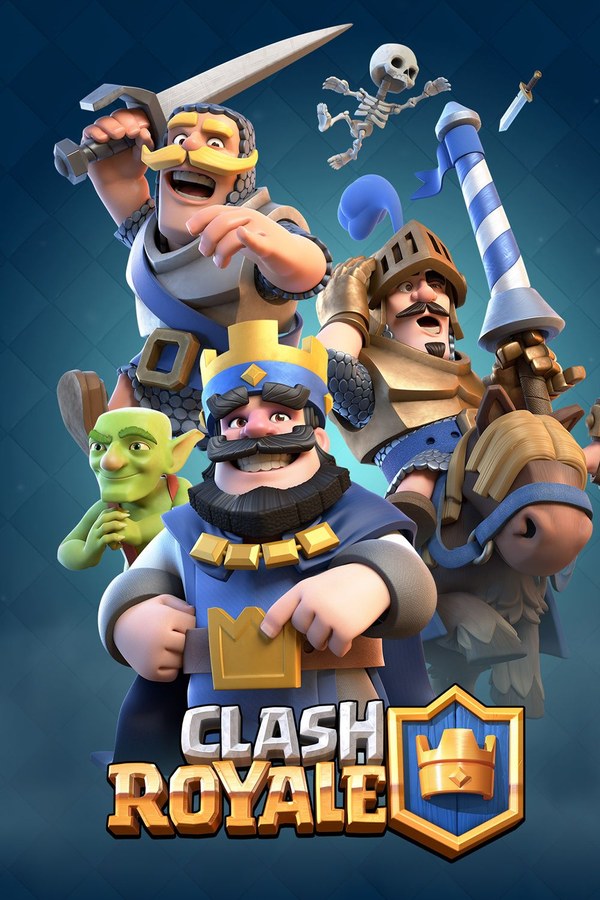
The game runs inside an Android emulator. The card enters on the audience's side and marches toward your towers.
Everything happens from the game's status bar, at the bottom of the app.
Open your Android emulator and turn on ADB debugging in its settings. It's the only thing the app can't do for you: it finds emulators on its own, without asking for any address.
If two emulators are running, the bar below lets you pick which one to use.
One button in the bar below: it downloads the server, installs the game inside the emulator, starts the server and opens the game. Whatever is already done gets skipped, so the second time takes seconds.
The first start takes a bit longer. When it's ready, the bar shows «Server» in green and, with the game open, «Game connected».
Inside the game press «Battle». Your opponent is the audience and shows up instantly; the bar switches to «In battle». Cards can only drop while a battle is on.
In «Profiles» create an example one in a click or build your own: each gift, follow or chat command drops the card you pick, with its amount and lane.
Each effect is assigned to a gift, a follow, likes or a chat command.
Knight, P.E.K.K.A, Hog Rider, Mega Knight, Skeleton Army, Lava Hound… 52 troops marching toward your towers.
Cannon, Inferno Tower, X-Bow, Tesla, Goblin Hut or Tombstone planted on the field.
Fireball, Rocket, Lightning, Poison, The Log or Freeze: they land on the right tower on their own.
A random card, troop, building or spell, for gifts that don't want a fixed card.
Without an emulator running with ADB debugging on, «Set up and play» stops with the notice «No emulator running». BlueStacks ships with that option off.
The game talks to the server the app sets up, not to Supercell's: it doesn't use your account or your online matches.
By default every card drops on the audience's side and attacks. If you pick the «player» side in the trigger, the card plays for you.
In the «Settings» tab you pick the map out of 13 arenas, the names on screen, elixir speed and how often a new card arrives. Tower health, match length and troop level apply when the server restarts.
Download OverInteractive for free: this same guide is waiting inside the app, in the game's «Start» tab.
Download free