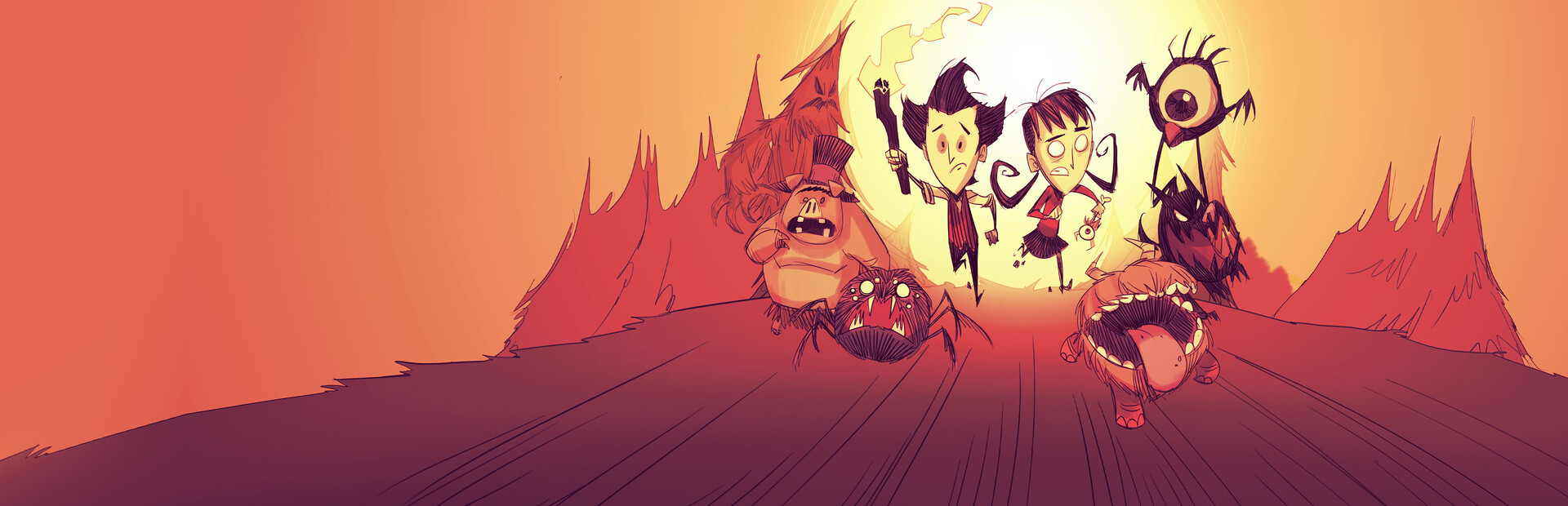
Creatures
Spiders, hounds and hound waves, angry bees, tentacles, Krampus, shadow creatures and bosses like Deerclops, Bearger or Dragonfly.
Your chat decides how you survive: they send hounds, Krampus or a Deerclops, change the season, bring night or an earthquake, drain your sanity or gift you a backpack.
Four stops, in under a second.
From TikTok, Twitch, Kick, YouTube or Starvios: a gift, a follow, likes or a chat command.
Receives the event, checks your active profile for the matching effect and sends it.
A mod the app installs and turns on in the game's mods folder. It runs in the world you host.
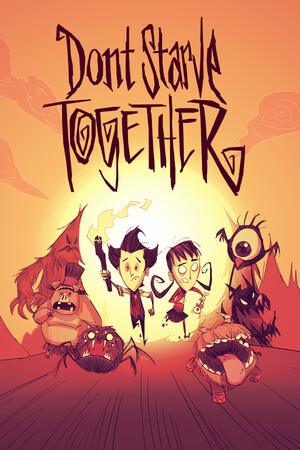
The effect shows up in your game almost instantly: the creature next to you, the rain starting or winter arriving.
Everything happens from the game's status bar, at the bottom of the app.
It detects your Steam copy of Don't Starve Together on its own. If it lives in another folder, pick it with «Set path» in the bar below.
Press «Install mod». The app copies it into the game's mods folder and leaves it enabled: no need to go through the Mods menu.
Mods load when the game starts: if it was open, close it and open it again.
Press «Launch game»: the app reminds you how to play and opens Don't Starve Together through Steam. You can also open it as usual.
In the game menu go to «Play» and then «Host Game», and load or create your world. Once the world is loaded, the bar below switches to «Running · Connected».
In «Profiles» create an example one in a click or build your own: each gift, follow or chat command fires the effect you pick.
Each effect is assigned to a gift, a follow, likes or a chat command.
Spiders, hounds and hound waves, angry bees, tentacles, Krampus, shadow creatures and bosses like Deerclops, Bearger or Dragonfly.
Rain or clear skies, lightning, earthquakes, meteors, season changes, forcing day or night and a full moon.
Heal or hurt, raise or lower sanity, insanity, feed or starve, freeze, overheat, speed or god mode.
Torch, axe, spear, log armor, football helmet, healing salve, cooked meat, ham bat, backpack, gold or a gem.
Drop your whole inventory, set you on fire or teleport you somewhere random.
The mod runs in the world you host («Play» → «Host Game»). If you join someone else's server, effects won't work.
Don't Starve Together loads mods at startup. If the mod doesn't show up, open the game's Mods menu, enable «OverInteractive» and restart the game.
Some effects are still being tuned. Test the commands before using them live.
Effects happen in your world: players who join your match don't have to install anything.
Download OverInteractive for free: this same guide is waiting inside the app, in the game's «Start» tab.
Download free