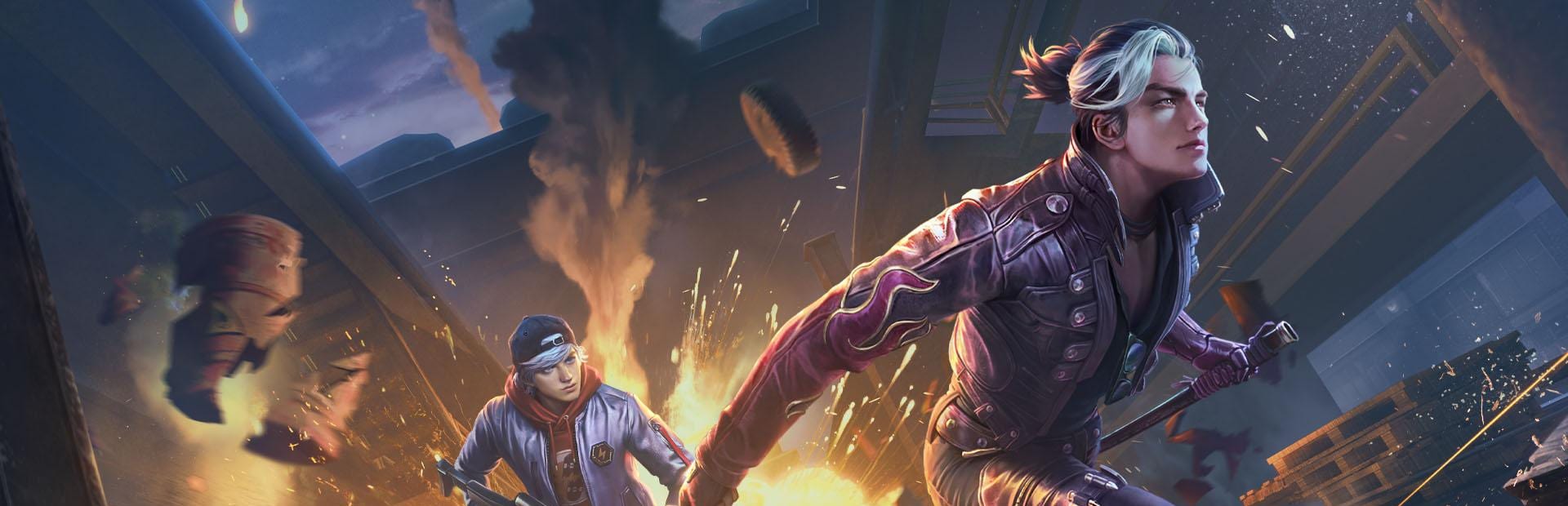
Chat presses the movement keys for you, at the worst possible moment.
- Jump, crouch and bunny hop
- Walk forward, moonwalk and strafe dance
- Teabag to celebrate (or to taunt)
Connect TikTok Live, Twitch, Kick, YouTube or Starvios: viewers make you jump, crouch, reload or switch weapons mid-match, and give you countdown challenges — pistol only, no healing, hot drop.
From your viewer's gift to the key in your emulator, without touching the game.
A gift, reward or chat message from your audience.
The app receives the event and turns it into the action or challenge you picked.
The app presses the same key you would in your emulator, and draws challenges on top in its effects window. Nothing touches the game.
The game gets the key as if you pressed it: you jump, reload or switch weapons.
Everything is handled from the app. No programming, and nothing to install inside the game or the emulator.
Download OverInteractive for Windows and install it in seconds.
Link your TikTok Live, Twitch, Kick, YouTube or Starvios account from the app.
MuMu Player, BlueStacks, LDPlayer and more: as soon as one is open, the app detects it.
Let chat make you jump, swap your weapon and throw challenges at you.
Actions and challenges ready to map to gifts, rewards or chat commands.
Chat presses the movement keys for you, at the worst possible moment.
Your loadout, in chat's hands: a reload you didn't ask for, or straight to fists.
They show up on top of the game with a timer, and chat sees whether you pull them off.
TikTok, Twitch, Kick, YouTube and Starvios. Connect one or several: triggers work the same wherever the event comes from.
Direct connection to your TikTok Live from the app. No extra software or accounts.
If you already use TikFinity for alerts or overlays, OverInteractive links over WebSocket and reuses your session.
Device Code Flow login and real-time event subscriptions. Map channel point rewards, subs, bits and follows.
OAuth login and official events over webhooks. Map Kicks, subs and follows from your Kick channel.
Connect your YouTube live by typing your @handle, no sign-in needed. Map Super Chats, Super Stickers, memberships and chat messages.
Connect your Starvios live by typing your channel. Map Starvies, subs, follows, raids, Star Showers and chat messages.
Free Fire runs in an Android emulator on your PC. OverInteractive presses the keys in its key mapping, just like your keyboard would — nothing is installed or modified in the game or the emulator.
Nothing to install in the game: it just has to be open in your emulator.
With the emulator open, the app marks it as running. Check in «Settings» that the keys match yours.
Add a «Window Capture» of «Disrupts — OverInteractive» above the emulator capture.
Start from the example profile: actions for small gifts and challenges for big ones.
Join a match and let chat decide how you play it.
Commands ready to map to gifts, rewards or chat commands.
Makes the streamer jump once.
Crouches the streamer, or stands them back up if they were crouched.
Jumps non-stop for a few seconds.
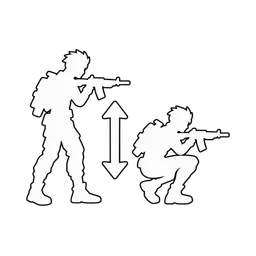
Crouches up and down for a few seconds and ends standing the way they were.
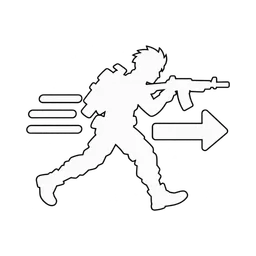
Holds forward for a few seconds, wherever the streamer is looking.

Holds backwards for a few seconds.

Left, right, left, right for a few seconds.
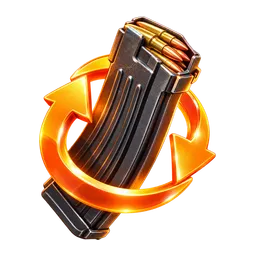
Reloads the weapon in hand, even if the magazine is full.
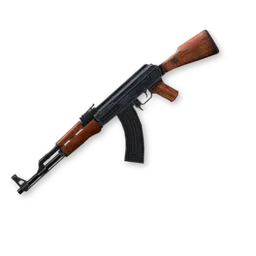
Switches to the weapon in slot 1.

Switches to the weapon in slot 2.
Switches to fists (slot 3).
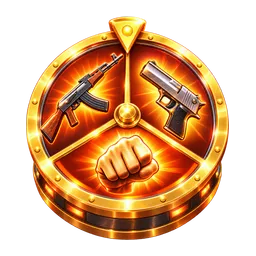
Switches to a random slot: primary, secondary or fists.

Fires the character's active skill right now, if it's ready.
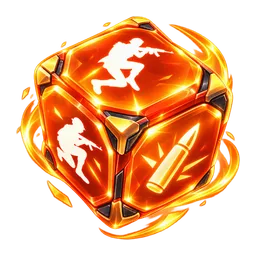
Picks one of the actions at random.

Use only your secondary weapon until the timer runs out.
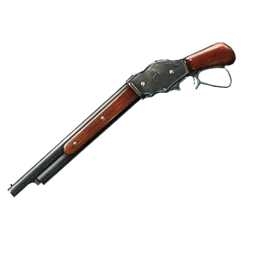
Use only a shotgun until the timer runs out. No shotgun? Go find one.
Fight with your fists until the timer runs out.

Don't use medkits or heal until the timer runs out.
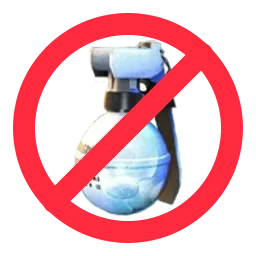
Don't throw a single gloo wall until the timer runs out.
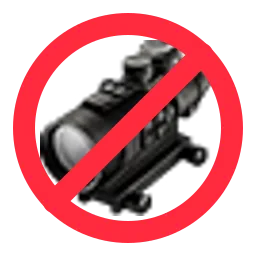
Don't aim down sights until the timer runs out.
Move only while crouched until the timer runs out.

Don't jump until the timer runs out.
Next match, land at the busiest spot on the map.
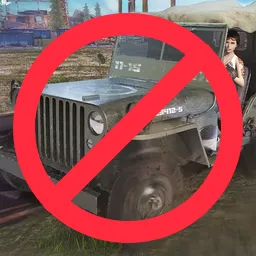
Don't get in any vehicle until the timer runs out: on foot everywhere.
Stop and do an emote right now, whatever is happening.
Narrate everything you do, like a sports commentator.
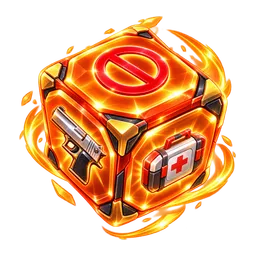
Picks one of the challenges at random.
Download OverInteractive and let chat decide how you play every match.
Download free