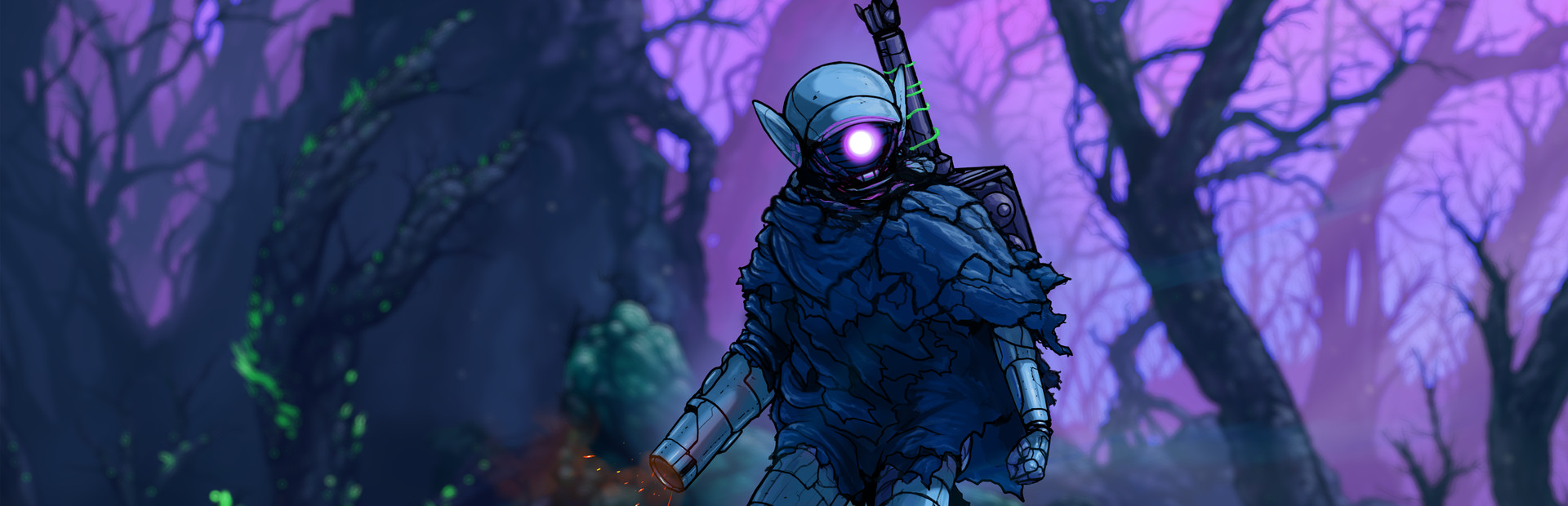
The bestiary
33 creatures with their own command, from SlimeDude and SurfaceWalker to JunkChomper, Fisto, RedSkull or Fat Starguy, one at a time or several at once.
Your chat drops any creature from the bestiary right next to you, whatever zone you are in, and decides whether to heal you, hurt you or clear the room.
Four stops, in under a second.
From TikTok, Twitch, Kick, YouTube or Starvios: a gift, a follow, likes or a chat command.
Receives the event, checks your active profile for the matching effect and sends it.
The app installs a mod loader (BepInEx) and the OverInteractive mod in the game folder. The mod runs every effect inside your game.
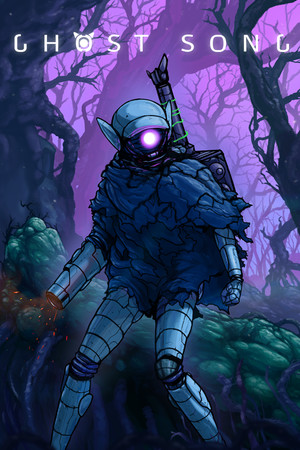
The enemy appears next to your Deadsuit instantly, in any zone of the map.
Everything happens from the game's status bar, at the bottom of the app.
It detects Ghost Song on Steam by itself. If it lives in another folder, press «Set path» in the bar below.
With the game closed, press «Install mod». The app downloads the BepInEx loader, sets it up for this game and adds the OverInteractive mod, without touching original files.
Press «Launch game» or open it from Steam. The first time after installing it takes longer to start: the loader prepares its files once.
When the game finishes loading, the bar below switches to «Connected». From then on every gift reaches your game.
In «Profiles» create an example one in a click or build your own: each gift, follow or chat command fires the effect you pick.
Each effect is assigned to a gift, a follow, likes or a chat command.
33 creatures with their own command, from SlimeDude and SurfaceWalker to JunkChomper, Fisto, RedSkull or Fat Starguy, one at a time or several at once.
Summon the creature you choose in the profile or a random one from the whole bestiary (Spawn Random Enemy), and clear the room at once (Kill All Enemies).
Heal you fully, take health away or kill you on the spot.
Enemies don't depend on the zone you're in: chat can bring you creatures from other parts of the map.
The first time you open the game after installing, the mod loader generates its files and takes much longer than usual. Don't close it: after that it starts as normal.
In the menu, a loading screen or a transition there is nowhere to drop the enemy and the effect is not applied. Fire effects while playing.
This game needs a special mod loader setting so it doesn't close on startup. The app applies it when installing; if you set up BepInEx by hand, press «Reinstall mod» so it gets fixed.
«Kill Hero» kills you on the spot and «Hurt» can too if it leaves you with no health. Save them for big gifts.
Download OverInteractive for free: this same guide is waiting inside the app, in the game's «Start» tab.
Download free