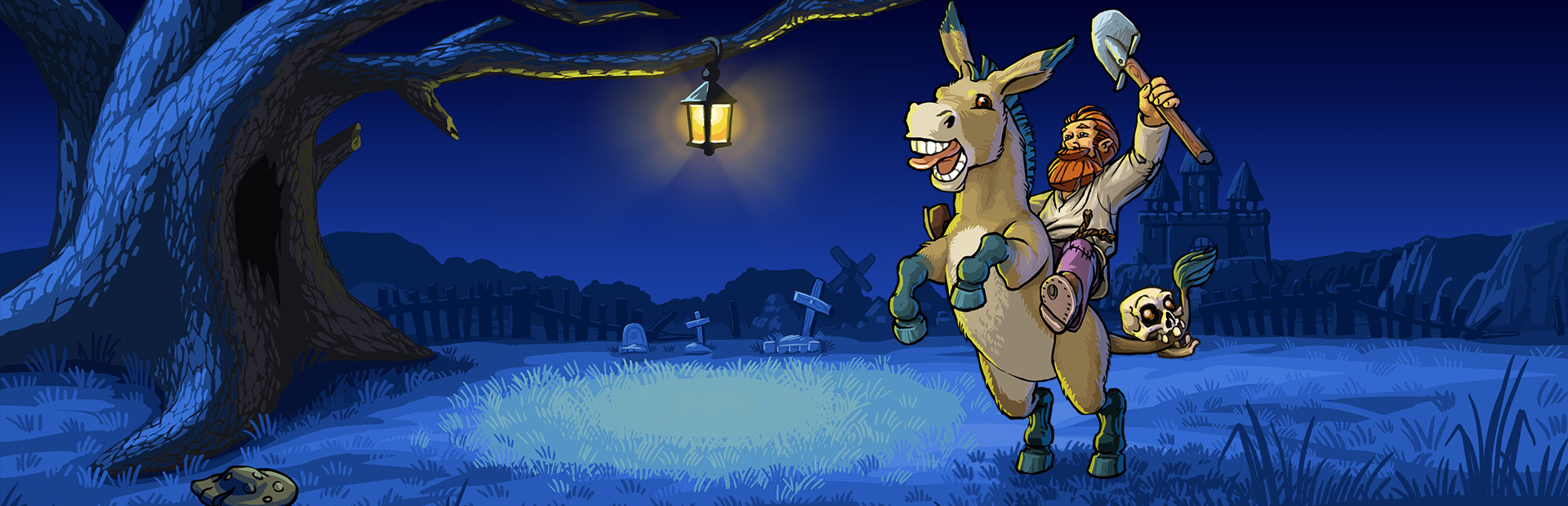
Your audience nurtures or punishes the keeper — healing them, hurting them and deciding how much energy they have left to work.
- Full heal or a few hits of damage
- Refill or fully drain their energy
- Stackable energy boosts
Connect TikTok Live, Twitch, Kick, YouTube or Starvios and turn every gift into gold, energy, a day skip or a horde of enemies in the catacombs — in real time.
From your viewer's gift to the on-screen effect, in about one frame.
A gift, reward or follow from your audience.
The app receives the event and translates it into a game command.
Receives the command over a local socket and runs it in the game.
The gold, energy, day skip or enemies happen on screen.
Everything is handled from the app. No programming or editing game files needed.
Download OverInteractive for Windows and install it in seconds.
Link your TikTok Live, Twitch, Kick, YouTube or Starvios account from the app.
One click installs BepInEx plus the OverInteractive plugin into the Graveyard Keeper folder.
Open Graveyard Keeper and start your interactive graveyard stream.
Effects ready to map to gifts, rewards or chat commands.
Your audience nurtures or punishes the keeper — healing them, hurting them and deciding how much energy they have left to work.
The keeper's gold rises and falls with every gift — from loose pouches to resources to keep building.
Your audience controls the town's clock and what lurks underground.
TikTok, Twitch, Kick, YouTube and Starvios. Connect one or several: triggers work the same wherever the event comes from.
Direct connection to your TikTok Live from the app. No extra software, no extra accounts.
If you already use TikFinity for alerts or overlays, OverInteractive links to it over WebSocket and reuses your session.
Device Code Flow login and real-time event subscription. Map channel point rewards, subs, bits and follows.
OAuth login and official events over webhooks. Map Kicks, subs and follows from your Kick channel.
Connect your YouTube live by typing your @handle, no sign-in needed. Map Super Chats, Super Stickers, memberships and chat messages.
Connect your Starvios live by typing your channel. Map Starvies, subs, follows, raids, Star Showers and chat messages.
Powered by BepInEx 5, the standard Unity mod loader. The mod connects to the app over a local socket and runs each command inside the game.
The app installs BepInEx and the OverInteractive plugin into your Graveyard Keeper folder — both fully removable.
The app auto-detects your Graveyard Keeper install on Steam.
Click Install on the Graveyard Keeper card. The app sets up BepInEx and the plugin.
Open Graveyard Keeper. BepInEx loads the OverInteractive connector automatically.
Map gifts and rewards to commands in the app and start your stream.
Commands ready to map to gifts, rewards or chat commands.

Gives the keeper a small pouch of gold.

Gives the keeper a big pouch of gold.

Gives the keeper an amount of gold.

Takes gold from the keeper (never below zero).

Fully refills the keeper's energy.

Drains all of the keeper's energy (leaves them tired).

Gives the keeper an energy boost.

Fully heals the keeper.

Heals a little health.

The keeper takes direct (non-lethal) damage.

Fast-forwards time to morning.

Fast-forwards time to noon.

Fast-forwards time to evening.

Fast-forwards time to night.

Jumps to the next day (sunrise).

Sends the keeper back to their saved position.

Gives wood to the keeper.

Gives stone to the keeper.

Gives iron ore to the keeper.

Gives coal to the keeper.

Gives raw meat to the keeper.

Gives wheat to the keeper.

A hostile enemy appears near the keeper (works best in the dungeon).

A pack of hostile enemies appears near the keeper (works best in the dungeon).
Download OverInteractive and let your viewers run the graveyard with you.
Download free