Money and tech
Give or take money, plus red, green and blue tech points that fly into your counter.
Your chat moves into your graveyard: they fill your pockets or empty them, send you blessings and curses, gift you materials and take away your sanity.
Four stops, in under a second.
From TikTok, Twitch, Kick, YouTube or Starvios: a gift, a follow, likes or a chat command.
Receives the event, checks your active profile for the matching effect and sends it.
A mod the app installs in the game folder, together with BepInEx, that runs every effect in your game.
The money, the blessing or the materials show up instantly, with an on-screen notice saying who sent them.
Everything happens from the game's status bar, at the bottom of the app.
It detects Graveyard Keeper 2 in your Steam library. If it lives somewhere else, press «Set path» in the «Game» step of the bar below and pick the folder that holds GraveyardKeeper2.exe.
Press «Install mod» with the game closed. The app puts BepInEx, in the version for modern Unity games, and the OverInteractive mod in the game folder.
If the game is open, the app asks you to close it before installing.
Open it from Steam or with «Launch game» and get into a game. The mod starts with the game.
The bar below switches to «Running · Connected». From then on every gift reaches the game.
In «Profiles» create an example one in a click or build your own: each gift, follow or chat command fires the effect you pick.
Each effect is assigned to a gift, a follow, likes or a chat command.
Give or take money, plus red, green and blue tech points that fly into your counter.
Heal, full heal, damage that never kills you or a spell of invulnerability.
Refill or drain your working energy and your combat stamina.
Push your insanity up or give you some peace of mind.
The game's own blessings (God's Fury, God's Protection, Running God…) with their icon and timer, and a curse or two like lack of sleep.
Speed boost, slow motion or freezing you in place for a few seconds.
Morning, noon, evening or night instantly.
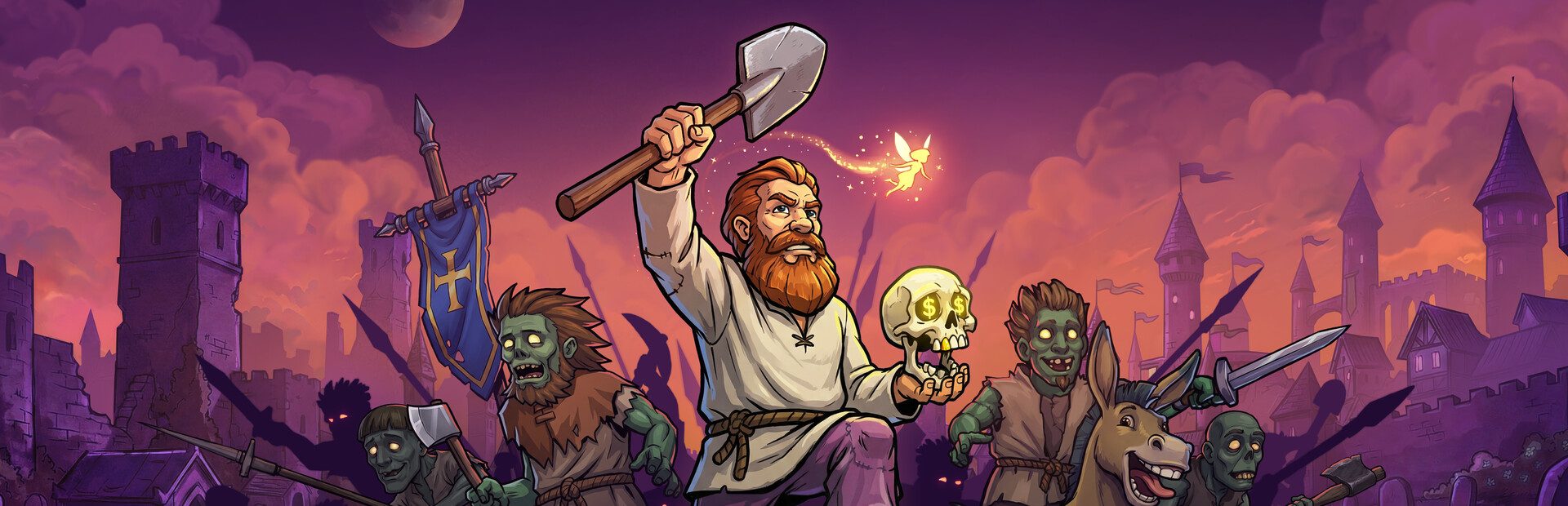
The game's zombies (wild, bucket, stinkers, spitters…) appear next to you, chase you and hit you. You get your sword to fight back and they leave after 90 seconds, or chat banishes them.
Planks, bricks, iron, coal, food, candles, gems… drop at your feet for you to pick up.
If the summoned zombies take all your health, you go down like losing a fight: they vanish, you wake up at home with full health and the game goes on. The «Damage» command alone never kills you.
Speed, freeze and invulnerability go back to how they were when their duration ends.
While a game window is open (inventory, a workbench, a dialogue) or you are asleep, the world is paused and the effect is retried when you're back.
Download OverInteractive for free: this same guide is waiting inside the app, in the game's «Start» tab.
Download free