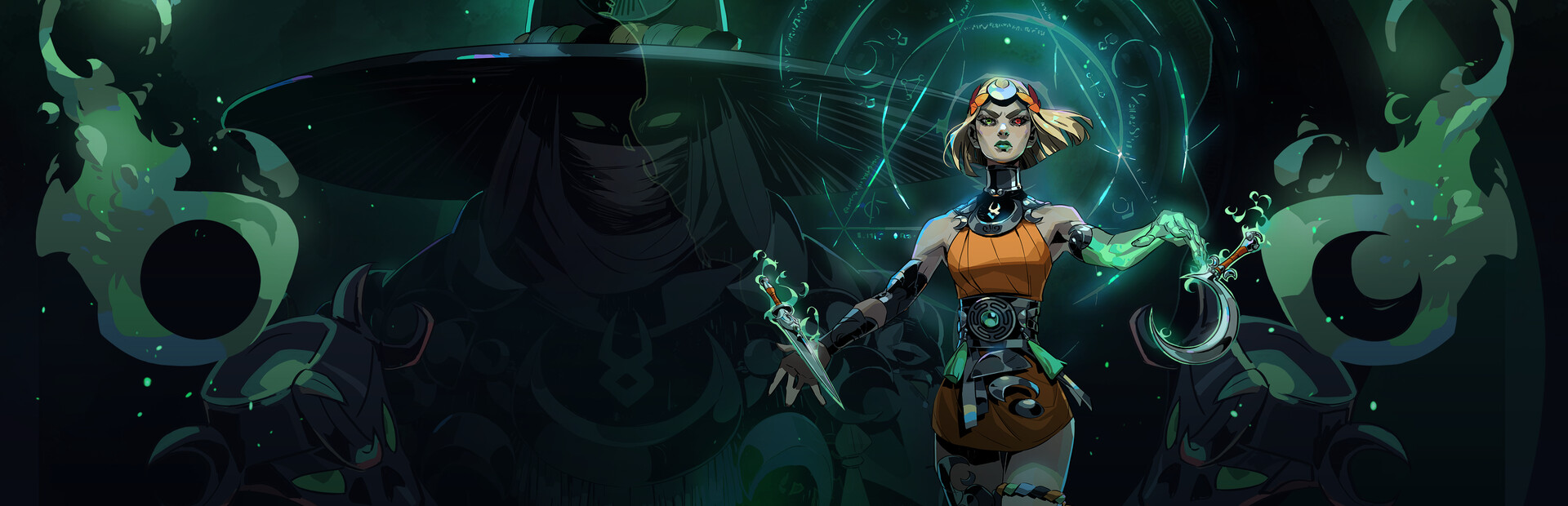
Enemies
Whispers, Lamias, Lycaons, Satyr Hoplites, automatons, Sky-Dracons and hordes from any region. Plus clearing the room, freezing time or double damage.
Your chat crashes Melinoë's night: they send enemies from any region, drain or refill her magick, swap her weapon, strip her boons and freeze time.
Four stops, in under a second.
From TikTok, Twitch, Kick, YouTube or Starvios: a gift, a follow, likes or a chat command.
Receives the event, checks your active profile for the matching effect and sends it.
A mod the app installs in the game folder. It receives every gift while the game is open from the app.
The effect shows up in your run in real time: enemies in the room, empty magick or a swapped weapon.
Everything happens from the game's status bar, at the bottom of the app.
It detects your Steam copy of Hades II on its own. If it lives in another folder, pick it with «Set path» in the bar below.
Press «Install mod» with the game closed. The app drops the mod in the game folder and adds one line at the end of a game file so it loads, keeping a copy of the original first. No other mod loader needed.
This step is required: the mod only connects if the app opens Hades II. Opened from Steam or a shortcut, the game runs normally but without effects.
Opened from the app, the game keeps running even when you switch to OBS or chat.
A few seconds after it opens, already on the title screen, the bar below switches to «Running · Connected».
In «Profiles» create an example one in a click or build your own: each gift, follow or chat command fires the effect you pick.
Each effect is assigned to a gift, a follow, likes or a chat command.
Whispers, Lamias, Lycaons, Satyr Hoplites, automatons, Sky-Dracons and hordes from any region. Plus clearing the room, freezing time or double damage.
Heal, hurt, raise max health, Death Defiance, invulnerable, faster or slower, no dash or super dash.
Refill or drain magick, raise max magick, unlimited magick for a while or charge the Hex.
A random boon, Pom of Power, rarity upgrade… or strip them all.
Forced swap to the Witch's Staff, Sister Blades, Umbral Flames, Moonstone Axe, Argent Skull or Black Coat.
Gold rain or take gold, and give Bones, Ashes, Psyche, Moon Dust, Nectar or Ambrosia.
Shake, zoom, slow motion, tints, blur, no HUD or frozen controls for a few seconds.
The mod can only talk to the app if the app is the one opening Hades II. From Steam or a shortcut, the game works but no effect gets through.
Almost every effect needs a run in progress. Whatever arrives while Melinoë is at the Crossroads is queued and applied when the next run starts, one per second.
Weapon swaps only use the Nocturnal Arms you already have. If chat asks for one you haven't unlocked, that effect is dropped instead of gifting it to you.
If Steam updates or verifies the game, it may remove the line that loads the mod. If it stops connecting, press «Reinstall mod» in the ⋯ menu of the bar below.
Download OverInteractive for free: this same guide is waiting inside the app, in the game's «Start» tab.
Download free