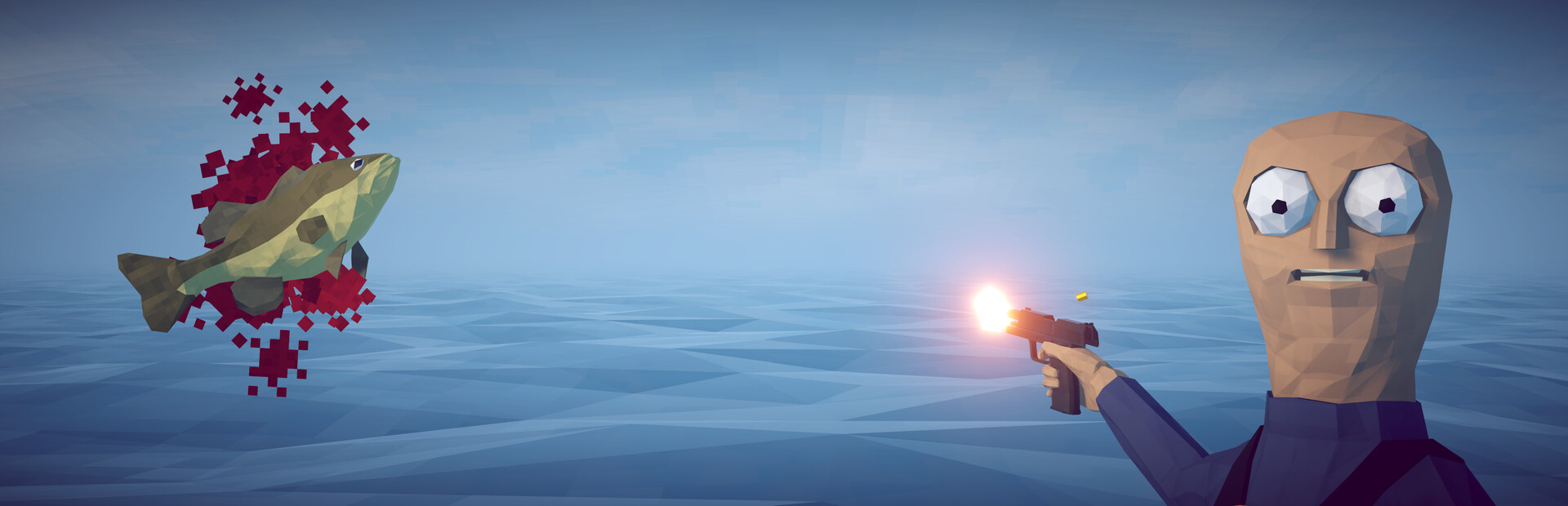
The angler
Damage, heal, poison, set on fire, empty or fill the stomach… or «Kill», which drops the angler on the spot.
Your chat goes fishing with you: they drop creatures and sea bosses on you, send the boat away, switch islands, arm you with whatever they like and decide who ends up broke.
Four stops, in under a second.
From TikTok, Twitch, Kick, YouTube or Starvios: a gift, a follow, likes or a chat command.
Receives the event, checks your active profile for the matching effect and sends it.
A mod the app installs in the game folder, together with BepInEx, that runs every effect in the game you host.
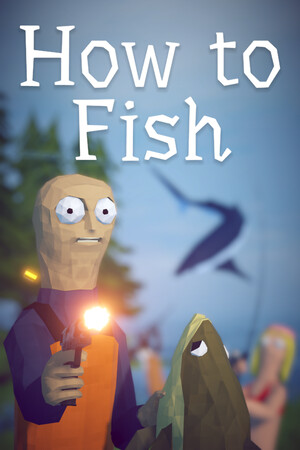
The creature, the weapon or the island change shows up instantly, for you and for anyone playing with you.
Everything happens from the game's status bar, at the bottom of the app.
It detects How to Fish in your Steam library. If it lives somewhere else, press «Set path» in the «Game» step of the bar below; either the game folder or the one with the same name inside it works.
Press «Install mod» with the game closed. The app puts BepInEx, in the version for modern Unity games like How to Fish, and the OverInteractive mod in the game folder.
If the game is open, the app asks you to close it before installing.
Open it from Steam or with «Launch game» and create a solo game or host one. The mod starts with the game.
The bar below switches to «Running · Connected». From then on every gift reaches the game.
In «Profiles» create an example one in a click or build your own: each gift, follow or chat command fires the effect you pick.
Each effect is assigned to a gift, a follow, likes or a chat command.
Damage, heal, poison, set on fire, empty or fill the stomach… or «Kill», which drops the angler on the spot.
God mode, «One Shot» (everything dies in one hit, creatures and you included) or hard mode, with tougher creatures, for a while.
A random creature, a swarm, the rare colourful variant or anything from the bestiary (Pufferfish, Blue Shark, Giant Piranha…), plus bosses with their health bar and music.
A random weapon or the one chat picks (assault rifle, shotgun, sniper rifle, dynamite, brass knuckles…), in your hand or dropped on the ground.
Put money into the shared pot, steal it or instantly sell whatever you are holding.
Drag everyone to the next or previous island, send the boat far away so you swim back, or bring it right in front of you.
Launch you into the air, teleport you to a random spot nearby or a camera earthquake.
«Butterfingers» dumps your whole inventory and «Mystery Bait» swaps your bait for a random one.
The game gives the final say to whoever creates the game. If you join someone else's, effects that change the world (creatures, money, islands, weapons) are not applied. Solo, you are always the host.
«Kill» drops you instantly, «One Shot» applies to you too, bosses have thousands of health points and «Butterfingers» dumps your inventory on the ground. Put them on expensive gifts.
Creatures, island changes and the boat are seen and felt by every player in the game.
Download OverInteractive for free: this same guide is waiting inside the app, in the game's «Start» tab.
Download free