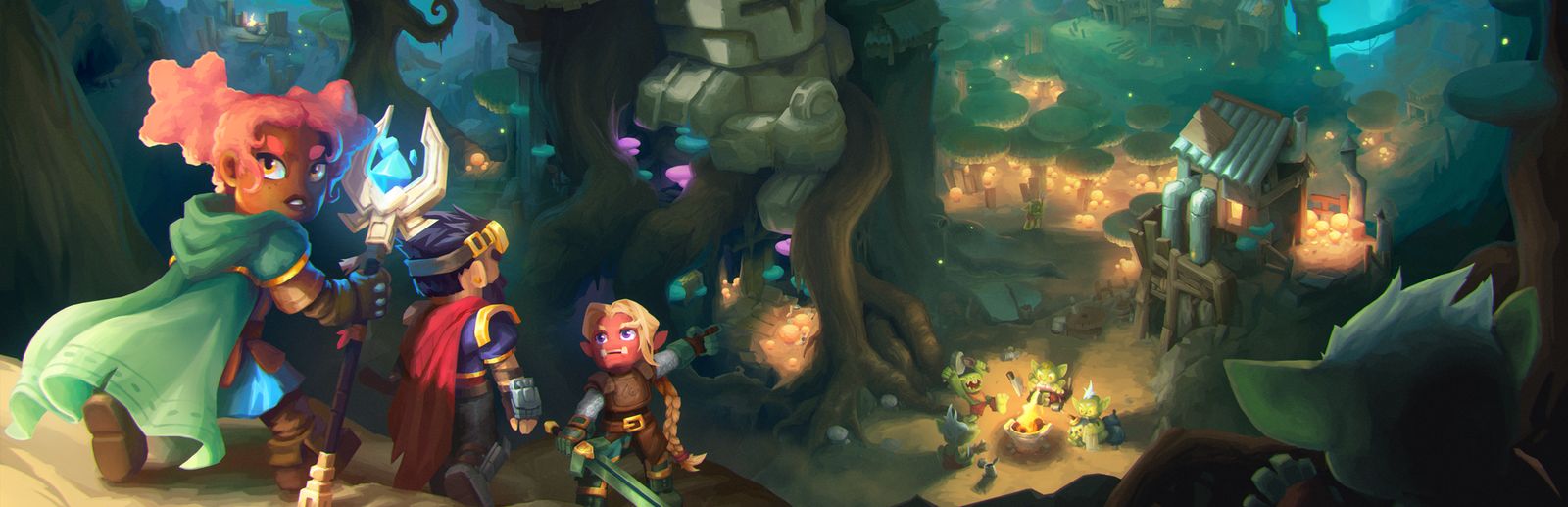
Enemies with the viewer's name
Trorks, outlanders, goblins, skeletons, zombies, werewolves, wolves, spiders, golems and Void creatures appear around you with the sender's name above them.
Your chat sends trorks, skeletons, wolves or the Voidtaken Bear with their name above it… or saves you with a mithril sword, a full armor set or potions just in time.
Four stops, in under a second.
From TikTok, Twitch, Kick, YouTube or Starvios: a gift, a follow, likes or a chat command.
Receives the event, checks your active profile for the matching effect and sends it.
Hytale loads official server plugins. The app drops the OverInteractive plugin in your mods folder and enables it in your worlds: no mod loader needed.
The effect happens instantly in your world: creatures appear around you and items go straight into your inventory.
Everything happens from the game's status bar, at the bottom of the app.
It looks for the Hytale launcher folder (by default %APPDATA%\Hytale). If you installed it somewhere else, press «Set path» in the bar below and pick the folder that contains «install» and «UserData».
With the game closed, press «Install mod». The app copies the plugin to UserData\Mods and enables it in the worlds you already have.
Press «Launch game» (it opens the launcher) or open it yourself. If you create a new world, keep «OverInteractive» enabled in its mod list.
As soon as the world finishes loading, the bar below switches to «Connected». From then on every gift reaches your game.
In «Profiles» create an example one in a click or build your own: each gift, follow or chat command fires the effect you pick.
Each effect is assigned to a gift, a follow, likes or a chat command.
Trorks, outlanders, goblins, skeletons, zombies, werewolves, wolves, spiders, golems and Void creatures appear around you with the sender's name above them.
For big gifts: the Goblin Duke, the Elite Skeleton, the Voidtaken Bear or the Feastmaster appear next to the streamer.
Kweebecs, a klops merchant, horses or a whole farm of chickens, pigs and sheep.
Swords, longswords, axes, bows with arrows, magic staffs, bombs and full iron, mithril or adamantite armor sets, straight to the inventory.
Health, regeneration, stamina or mana potions, potions that turn you into a frog or a pigeon, and food to keep going.
The streamer throws away whatever they hold: they can pick it up again… if they find it in time.
The plugin lives in the world's server: in the main menu there is no game and the bar won't say «Connected». If a gift arrives while the world loads, it waits and applies as soon as you spawn.
On a dedicated server, copy the same plugin to its mods folder. It has to run on the same PC as the app; with several players, effects go to the first one who joined (or the one you put in target.txt).
Whatever doesn't fit appears at the streamer's feet to pick up.
The Voidtaken Bear or the Feastmaster change the game: keep them for the most expensive gifts.
Runs any server command (give, npc spawn, time…), one per line, with {player} and {viewer}. Player commands like npc spawn need you to be an operator: type /op self once in the game chat.
Download OverInteractive for free: this same guide is waiting inside the app, in the game's «Start» tab.
Download free