Infected
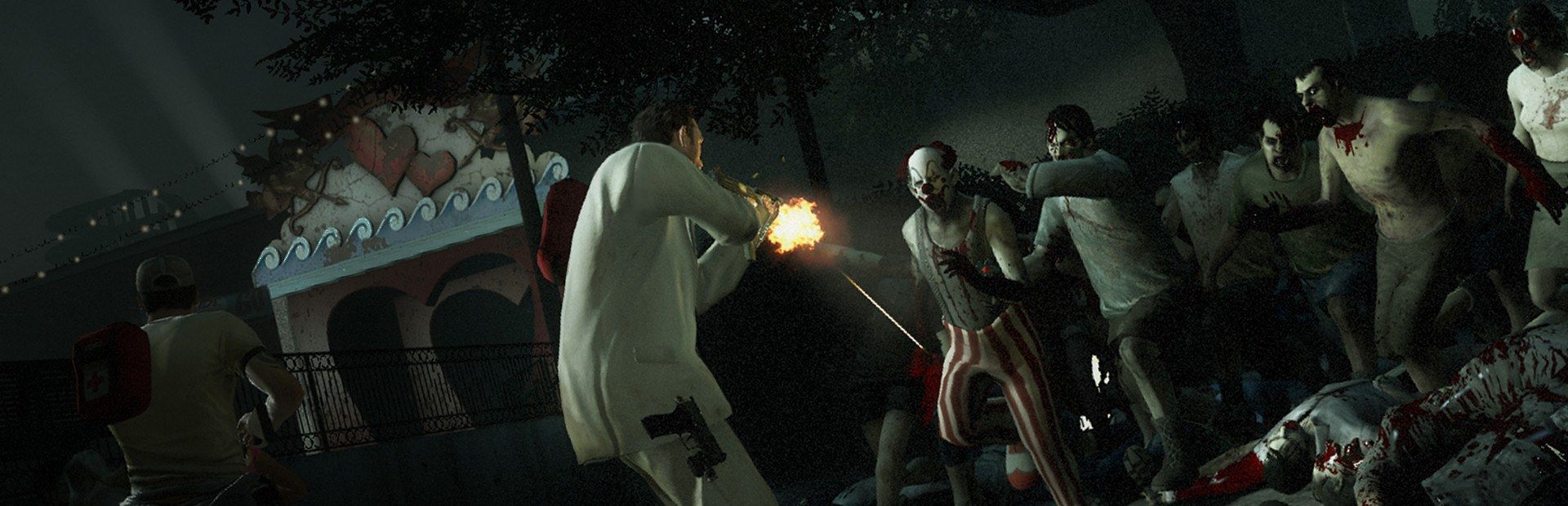
Tank, Witch, Witch Bride, Hunter, Smoker, Boomer, Charger, Spitter, Jockey or a batch of common infected.
Your chat plays the Director: they drop a Tank, a Witch or a panic horde, heal or down the survivors and hand out medkits, molotovs or a chainsaw.
Four stops, in under a second.
From TikTok, Twitch, Kick, YouTube or Starvios: a gift, a follow, likes or a chat command.
Receives the event, checks your active profile for the matching effect and sends it.
A plugin the app installs in the game folder, along with SourceMod. It runs in the match you host.
The effect shows up in your game instantly: the special infected, the horde or the weapon in the survivors' hands.
Everything happens from the game's status bar, at the bottom of the app.
It detects your Steam copy of Left 4 Dead 2 on its own. If it lives in another folder, pick it with «Set path» in the bar below.
In Steam: right-click Left 4 Dead 2 → Properties → Launch Options, and type -insecure. Without it the game loads no plugins. You only do this once.
The «Open Properties in Steam» button in «View requirements» (⋯ menu of the bar below) takes you straight there.
Press «Install mod» with the game closed. The app installs MetaMod:Source and SourceMod (the standard for plugins in this game) and the OverInteractive plugin.
Press «Launch game» or open it from Steam: either way it uses your -insecure option.
Start a co-op campaign as host. Until the map loads the bar shows «Offline», and that's normal; once you're in it switches to «Running · Connected».
In «Profiles» create an example one in a click or build your own: each gift, follow or chat command fires the effect you pick.
Each effect is assigned to a gift, a follow, likes or a chat command.
Tank, Witch, Witch Bride, Hunter, Smoker, Boomer, Charger, Spitter, Jockey or a batch of common infected.
Panic event or mega horde: whole waves chat unleashes when you least expect it.
Heal, hurt, slap, incapacitate a random one, revive, invincible team, faster, slower or low gravity for the whole team.
Medkit, pills, adrenaline, defibrillator, molotov, pipe bomb, bile jar, Magnum, assault rifle, grenade launcher, chainsaw or katana.
Left 4 Dead 2 only loads plugins with the -insecure option. The app can't set it for you: add it once in the game's Steam properties.
Effects run in the match you host. If you join another player's match, they don't get through.
With that option on, the game can't join VAC-secured servers. Remove it in Steam whenever you want to play there without effects.
Some effects are still being tuned. Test the commands before using them live.
Download OverInteractive for free: this same guide is waiting inside the app, in the game's «Start» tab.
Download free