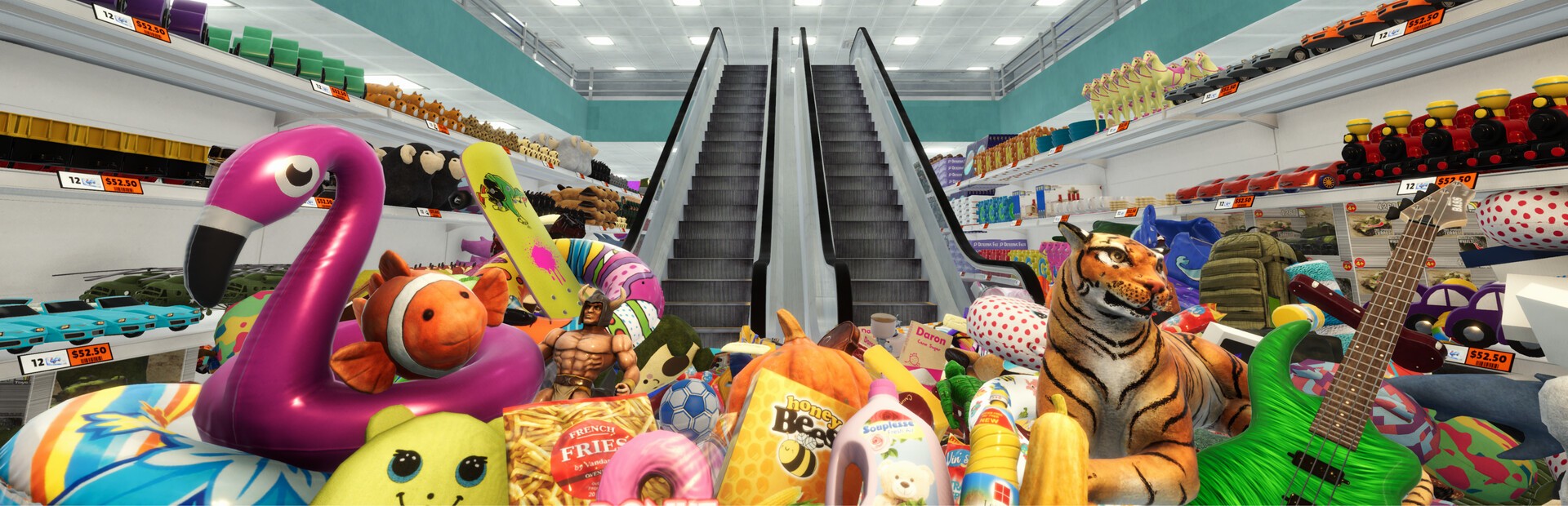
Products go flying across the whole store, with movie-style slow motion on the big hits.
- Earthquake, a bomb on the shelf and knocking down a whole shelf
- Scatter, product rain and tornado
- Butterfingers: you drop everything you're carrying
Connect your stream and turn every gift into an earthquake, a bomb on a shelf, a rain of products or a hand that tidies the floor for you, in real time.
From your viewer's gift to the effect on screen, in about one frame.
A gift, reward or follow from your audience.
The app receives the event and turns it into a game command.
Receives the command over a local socket and runs it inside the game.
Products fly, the camera goes wild or the floor tidies itself, with a banner showing who sent it.
Everything is handled from the app. No programming or game file editing needed.
Download OverInteractive for Windows and install it in seconds.
Link TikTok Live, Twitch, Kick, YouTube or Starvios from the app.
One click installs BepInEx and the OverInteractive plugin in your Megastore: Tidy Up Together folder.
Open the game, enter a store and start your interactive chaos stream.
Effects ready to map to gifts, rewards or chat commands.
Products go flying across the whole store, with movie-style slow motion on the big hits.
Your audience makes life hard for you and your camera while you try to tidy up.
They can also lend a hand: products fly to their shelf on their own and count as sorted by you.
TikTok, Twitch, Kick, YouTube and Starvios. Connect one or several: triggers work the same wherever the event comes from.
Direct connection to your TikTok Live from the app. No extra software, no extra accounts.
If you already use TikFinity for alerts or overlays, OverInteractive links to it over WebSocket and reuses your session.
Device Code Flow login and real-time event subscription. Map channel point rewards, subs, bits and follows.
OAuth login and official events over webhooks. Map Kicks, subs and follows from your Kick channel.
Connect your YouTube live by typing your @handle, no sign-in needed. Map Super Chats, Super Stickers, memberships and chat messages.
Connect your Starvios live by typing your channel. Map Starvies, subs, follows, raids, Star Showers and chat messages.
Powered by BepInEx 6, the standard mod loader for modern Unity games. The mod connects to the app over a local socket and runs every command inside the game.
The app installs BepInEx and the OverInteractive plugin in your Megastore: Tidy Up Together folder, both fully removable.
The app finds your Steam install of Megastore: Tidy Up Together on its own; if it's elsewhere, you pick the folder.
Click Install on the game card. The app sets up BepInEx and the plugin.
Open Megastore: Tidy Up Together and enter a store. BepInEx loads the OverInteractive connector automatically.
Map gifts and rewards to commands in the app and start your stream.
Commands ready to map to gifts, rewards or chat commands.
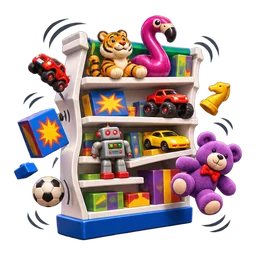
Every product on the shelves goes flying across the store, nearest first, in dramatic slow motion. Solo play only.
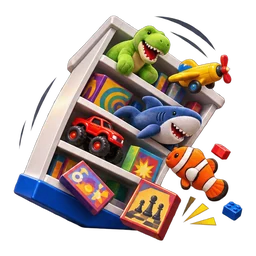
Blasts a whole nearby shelf across the store, finished shelves first, in dramatic slow motion. Solo play only.
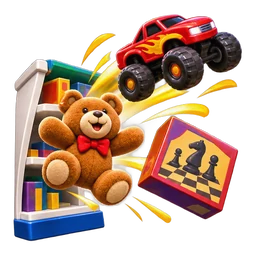
Blasts random products off nearby shelves in dramatic slow motion. No limit: asking for more than there are throws them all. Solo play only.
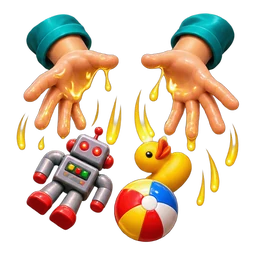
The player drops everything they're carrying.
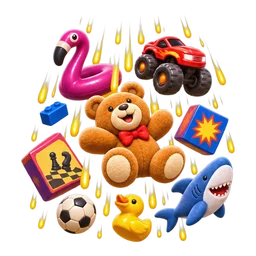
Loose products rise up and rain down on the player. No limit: asking for more than there are rains them all.
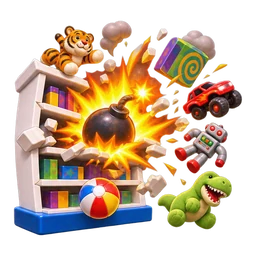
A bomb goes off on the nearest shelf: its products, nearby shelves and loose products all get blasted away, in dramatic slow motion. In co-op it only blasts loose products.
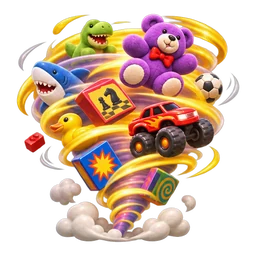
Nearby loose products swirl around the player. Solo play only.
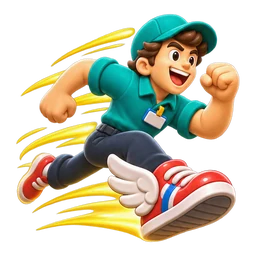
The player runs way faster.
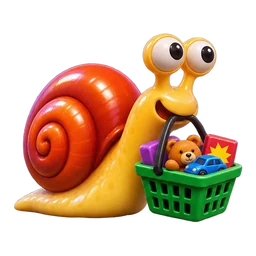
The player moves at a snail's pace.
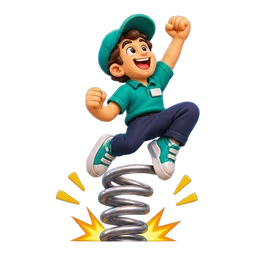
The player jumps sky-high.

The player can't jump.
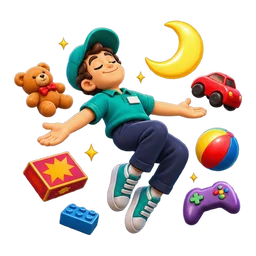
Low gravity for the player and every product.

The player can't move at all.

Movement and camera are inverted.

Sends the player flying.
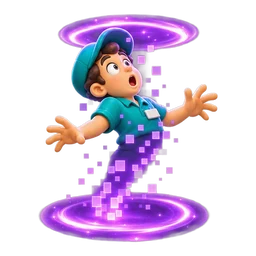
Teleports the player to the other end of the store.
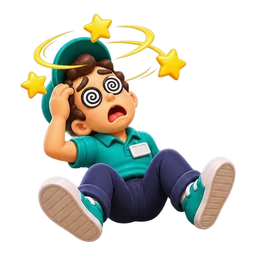
The camera sways and walking straight gets hard.
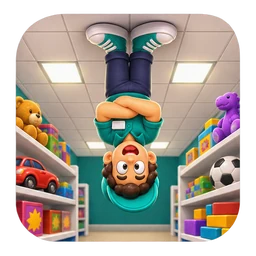
Flips the screen upside down.

The screen spins non-stop.

Zooms the camera way in.
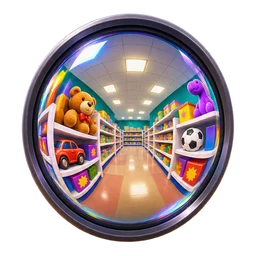
A huge field of view.

Shakes the screen.
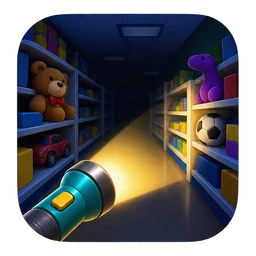
The lights go out and only a flashlight is left.

Flashing party colors on screen.
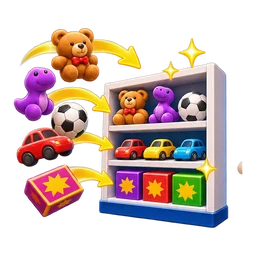
Loose products near the player fly to their correct shelf on their own. No limit: it stops when there are no free shelves left. Solo play only.

Up to 60 products on the floor within 15 m of the player go back to their shelf (capped so it never finishes the whole store at once). Solo play only.
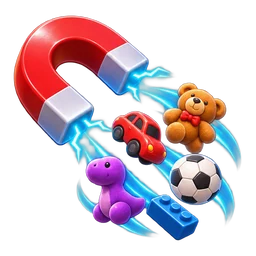
Loose products of the type in hand come to the player. Solo play only.
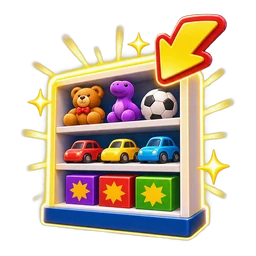
Highlights the right shelf for the product in hand.

Shows a message with the viewer's name on screen.

Confetti and the shelf-completed sound.

A horn blast over the store speakers.
Download OverInteractive and let your audience wreck (or fix) the store with you.
Download free