Which Metal Slug you play
Chat switches your game: The Lost Missions, 2.5 Silver, X Golden, X3 Ultimate, 6X Deluxe or Metal Slug Tour, or back to the picker.
Your chat goes into battle: they hand out weapons, send rebel waves, tanks and helicopters with their name on top, park a Slug next to you and even pick which Metal Slug you play.
Four stops, in under a second.
From TikTok, Twitch, Kick, YouTube or Starvios: a gift, a follow, likes or a chat command.
Receives the event, checks your active profile for the matching effect and sends it.
The app adds the OverInteractive connector to the game data, keeping a copy of the original first.
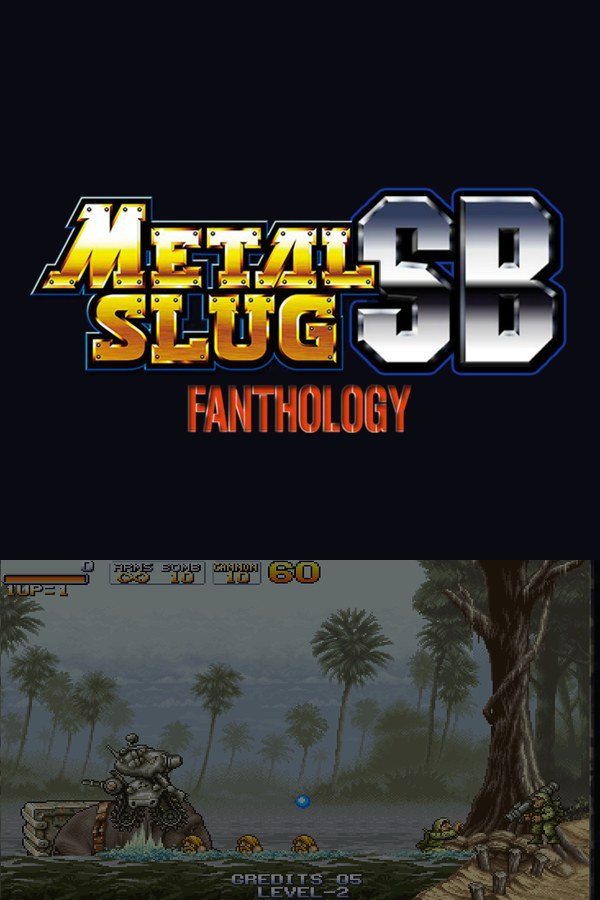
They are the game's own weapons, enemies and Slugs, dropped in by chat instantly.
Everything happens from the game's status bar, at the bottom of the app.
Get it for free from GameJolt and unzip it wherever you like. It isn't on Steam or Epic, so no store is needed.
Press «Set path» in the bar below and pick the folder with PLAY.exe (usually the GAME folder inside the game's folder).
If you left it in Downloads, on the Desktop or in a Games folder, the app sometimes finds it on its own.
With the game closed, press «Install mod». The app keeps an untouched copy of the game data and puts the version with the connector in its place.
Press «Launch game» or open PLAY.exe yourself, and pick which Metal Slug to play in the menu.
With the game open, the bar below switches to «Connected». From then on every gift reaches your game.
In «Profiles» create an example one in a click or build your own: each gift, follow or chat command fires the effect you pick.
Each effect is assigned to a gift, a follow, likes or a chat command.
Chat switches your game: The Lost Missions, 2.5 Silver, X Golden, X3 Ultimate, 6X Deluxe or Metal Slug Tour, or back to the picker.
Heavy machine gun, rocket launcher, shotgun, flame shot, laser, the Iron Lizard, the Zaert Zizor, their giant versions or a random weapon.
Give or take ammo and grenades, infinite ammo or grenades, and rapid fire.
Grenade boxes, fire bombs, mines, chili peppers, the diet pill, mummy poison, medals, an item roulette or a POW carrying the viewer's name.
Rebel squads, paratroopers, bikers, tanks, helicopters and a huge catalog of single enemies; or paper enemies, bullet sponges and freezing them all.
Extra lives or taking one away, credits, invincibility, time, points, fattening up or slimming down, and Slugs parked next to you: Metal Slug, Elephant Slug or the giant crate.
Slow motion, fast forward, forced march, mystery boxes, snowfall, sandstorm or a locked camera.
Since the game isn't in any store, the app needs you to pick its folder. Without it nothing can be installed.
With the game open the app won't install the mod and tells you, so the file is never left half-done.
Each version ships its own data and wipes the mod: the bar asks for «Install mod» again. Press it with the game closed and the app patches the new version, keeping a copy of its data first. If you unzipped it into another folder, pick it with «Change path» first.
Snowfall is only drawn by 6X Deluxe, the sandstorm only exists in 2.5 Silver, X Golden and X3 Ultimate, and chili peppers don't fatten you in The Lost Missions.
Download OverInteractive for free: this same guide is waiting inside the app, in the game's «Start» tab.
Download free