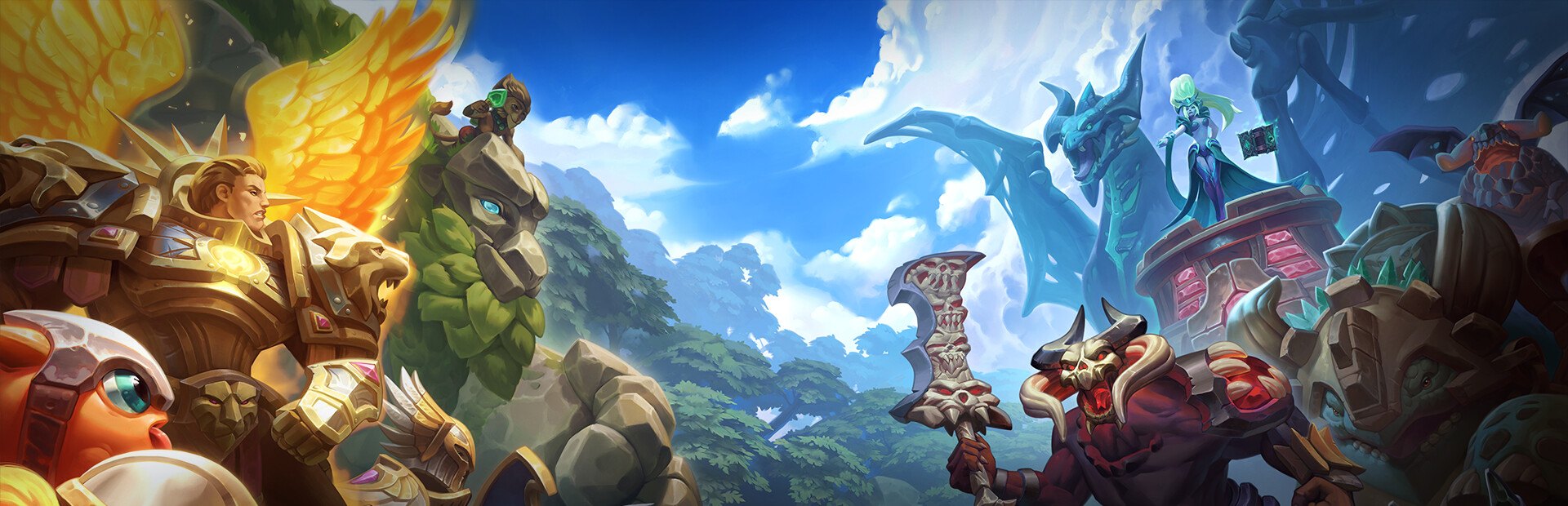
Any card
One command per card across the nine factions: minions, spells and buildings like Crossbow Dudes, Fireball, Colossus or Black Hole, even if they aren't in your collection.
Your chat steps into the arena: they summon any of the 295 cards on your side or the rival's, in the lane they want, and can run the whole match against you.
Four stops, in under a second.
From TikTok, Twitch, Kick, YouTube or Starvios: a gift, a follow, likes or a chat command.
Receives the event, checks your active profile for the matching effect and sends it.
The app installs a mod loader (BepInEx) and the OverInteractive mod in the game folder. The mod drops each card straight into the arena.
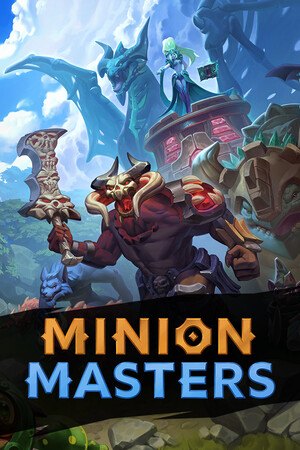
The card appears on the chosen side and lane instantly, without going through your hand or your deck.
Everything happens from the game's status bar, at the bottom of the app.
It detects Minion Masters on Steam by itself. If it lives in another folder, press «Set path» in the bar below.
With the game closed, press «Install mod». The app downloads the BepInEx loader built for this game and drops the OverInteractive mod in its folder, without touching original files.
Press «Launch game» or open it from Steam. The first time after installing it takes a good while to start: the loader prepares its files once.
When the game finishes loading, the bar below switches to «Connected».
The mod leaves Practice selected as the mode when the game opens: hit battle and play. In the game's «Settings» tab you can see whether the mod can act in the current match and tune mana, card level or team battle mode.
In «Profiles» create an example one in a click or build your own: each gift, follow or chat command summons the card you pick, on the side and lane you want.
Each effect is assigned to a gift, a follow, likes or a chat command.
One command per card across the nine factions: minions, spells and buildings like Crossbow Dudes, Fireball, Colossus or Black Hole, even if they aren't in your collection.
Each summon goes to the rival's side or yours, and to the top lane, bottom lane or a random one: chat can play against you or with you.
From «Settings», chat runs the whole match: your card panel and mana bar are hidden and the bot is silenced.
In «Settings»: mana rate, free cards, your cards at max level, the level of chat's cards and each master's starting health.
It works in Practice, tutorial and adventures. In ranked, 2v2 or any server match the mod does nothing, on purpose: it would affect another person and the game's anti-cheat.
The first time you open the game after installing, the mod loader generates its files and takes a good while. Don't close it: after that it starts as normal.
Chat's cards come in for free, so at the normal rate you play at a disadvantage against your own chat. Raise the «Mana rate» in «Settings» to make up for it.
Changing the masters' starting health is saved right away, but it applies when the next match starts, not the one you're playing.
Download OverInteractive for free: this same guide is waiting inside the app, in the game's «Start» tab.
Download free