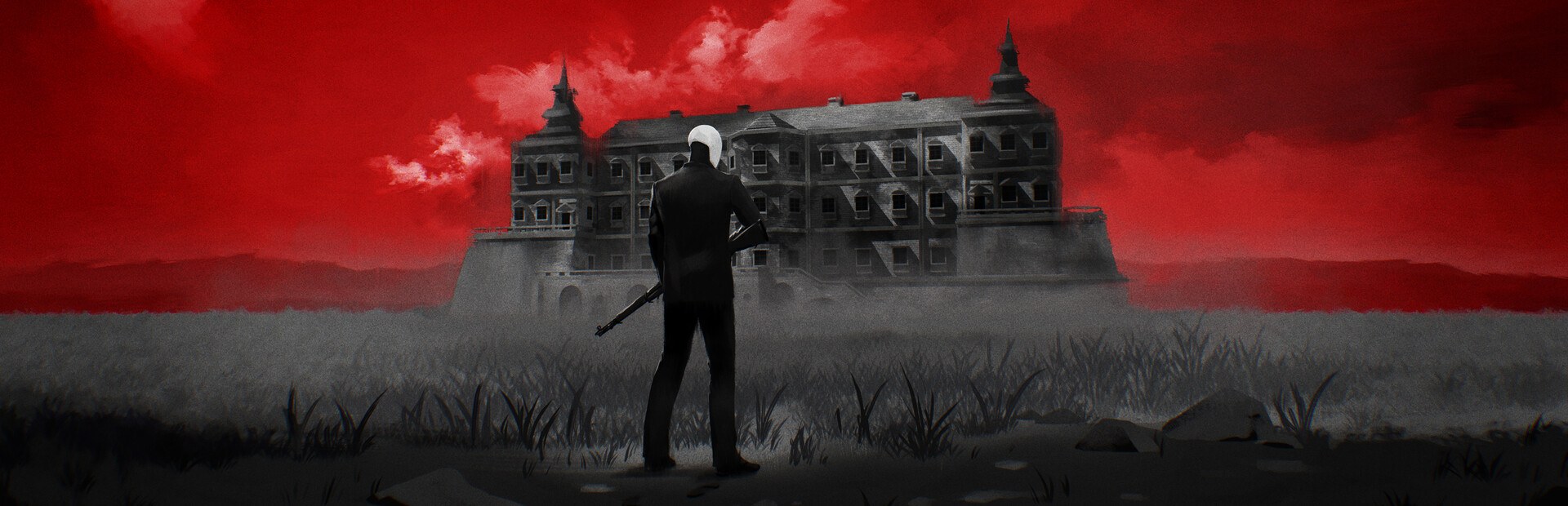
Your character
Heal, damage, energy shield, more max health, god mode, infinite ammo, money, or make you faster, slower or stuck in place.
Your chat joins the shootout: they send thugs and snipers with their name on top, swap your gun mid-room and decide when time bends.
Four stops, in under a second.
From TikTok, Twitch, Kick, YouTube or Starvios: a gift, a follow, likes or a chat command.
Receives the event, checks your active profile for the matching effect and sends it.
The app adds the OverInteractive connector to the game data, keeping a copy of the original first.
The enemy, the weapon or the bullet-time shows up in your game instantly.
Everything happens from the game's status bar, at the bottom of the app.
It detects OTXO on Steam and the Epic Games Store. If it can't find it, press «Set path» in the bar below and pick the game folder.
With OTXO closed, press «Install mod». The app keeps an untouched copy of the game data and puts the version with the connector in its place.
If the game is open, the app touches nothing and tells you, so the file is never left half-done.
Press «Launch game» and the app opens it through the store you own it on, Steam or Epic. You can also open it yourself from its launcher, but on Epic don't open the executable directly: the game closes itself if it doesn't go through its launcher.
Startup can be slow. If it sits on the opening logos, click inside the window.
The connector starts with the game. Once it's ready, the bar below switches to «Connected» and from then on every gift reaches your run.
In «Profiles» create an example one in a click or build your own: each gift, follow or chat command fires the effect you pick.
Each effect is assigned to a gift, a follow, likes or a chat command.
Heal, damage, energy shield, more max health, god mode, infinite ammo, money, or make you faster, slower or stuck in place.
They put an AKM, a SPAS-12, an M249, an M60, the blunderbuss or grenades in your hands; or refill you, disarm you or roll a random gun.
Thugs and snipers with the viewer's name floating on top, whole hordes, or wiping the room in one go.
Bullet-time on demand, frozen or sped-up time: chat sets the pace of the room.
Zoom right in the middle of the action and screen shake.
In the menu or between runs the effect is not applied: the app rejects it and shows you why.
The app won't install the mod while OTXO is open. Close it, install and open it again.
A Steam or Epic update replaces the game data and takes the connector with it. The app notices and the bar asks for «Install mod» again: press it with the game closed and the app keeps a copy of the new data before patching it.
The game can take a while to get past the startup screens, and the mod won't connect until then. It isn't broken: wait or click the window.
Download OverInteractive for free: this same guide is waiting inside the app, in the game's «Start» tab.
Download free