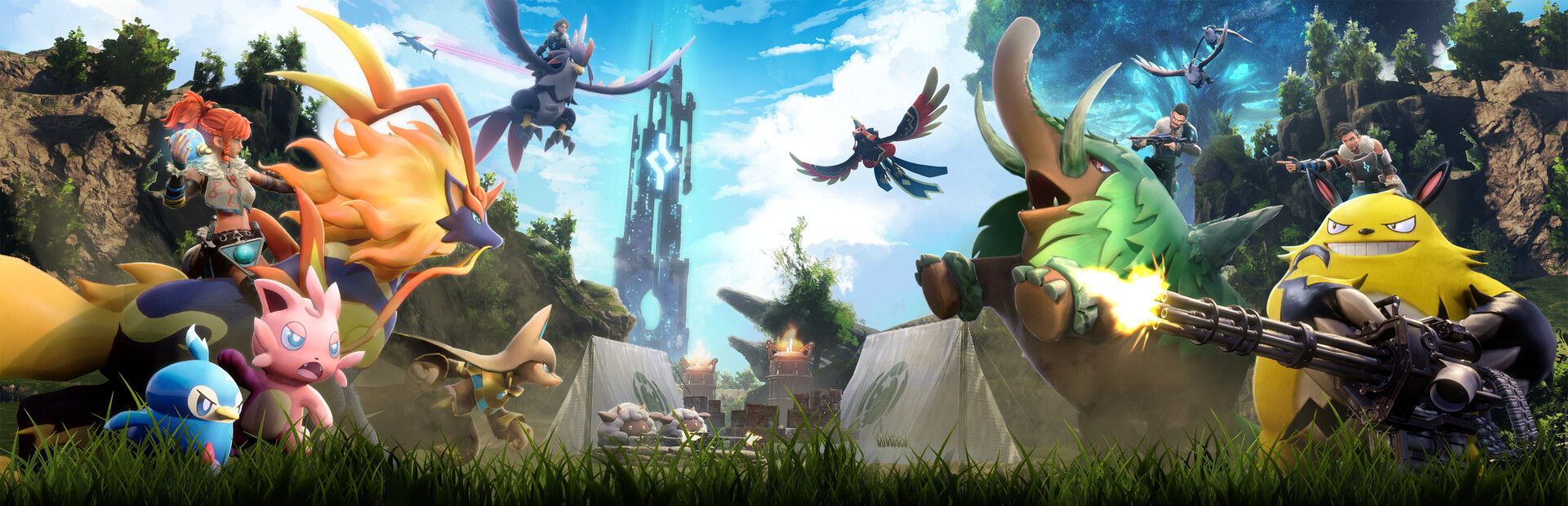
Wild Pals
Lamball, Direhowl, Gorirat, Grizzbolt, Anubis, Jetragon, Necromus and more: they spawn next to you and attack, at the level and amount you choose. «Clear Pals» removes them all at once.
Your chat throws wild Pals and alphas at you that come for you, sets you on fire or launches you into the air… and also heals you, makes you invincible or fills your bag with Mega Spheres.
Four stops, in under a second.
From TikTok, Twitch, Kick, YouTube or Starvios: a gift, a follow, likes or a chat command.
Receives the event, checks your active profile for the matching effect and sends it.
UE4SS, the mod loader for Unreal games, plus the OverInteractive script. The app installs both in the game folder.
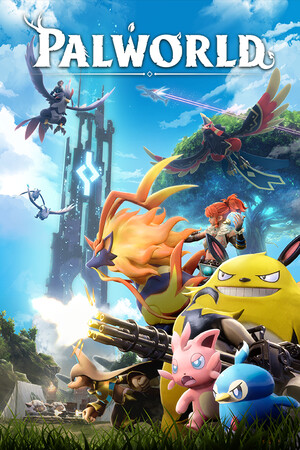
The Pal or effect shows up next to you instantly, in your own world.
Everything happens from the game's status bar, at the bottom of the app.
It detects Palworld on Steam and also the Xbox / Game Pass version installed in its «XboxGames» folder. If it doesn't show up, press «Set path» in the bar below and pick the game folder.
Press «Install mod» with the game closed. The app puts UE4SS next to the executable and the OverInteractive mod in its mods folder. No game file is modified.
If you already use Palworld's official mod system and it has UE4SS, the app uses that one instead of installing another: two at once would crash the game.
Press «Launch game» or open it as usual. If the game warns about mods and offers to restart without them, keep the mods: otherwise the mod won't load.
With the game open, the bar below switches to «Running · Connected». From then on every gift reaches your world.
In «Profiles» create an example one in a click or build your own: each gift, follow or chat command fires the effect you pick.
Each effect is assigned to a gift, a follow, likes or a chat command.
Lamball, Direhowl, Gorirat, Grizzbolt, Anubis, Jetragon, Necromus and more: they spawn next to you and attack, at the level and amount you choose. «Clear Pals» removes them all at once.
The alpha version of a Pal: bigger, with far more health and heading straight for you. Leave it on random for a surprise.
Set you on fire, freeze you, launch you into the air, slow motion just for you, take a chunk of health or instant death.
Heal you, make you invincible for a while, extra speed, super jump and moon gravity.
Jump the clock to 22:00 (the night Pals come out) or to 08:00.
Mega Spheres, baked berries, gold coins or any item from the list, straight into your inventory.
It works in your own world, playing alone. Dedicated servers or other people's games are not supported.
Palworld detects mods on startup and offers to restart without them. It's not a bug: keep the mods or chat won't be able to do anything.
To keep the game smooth there are at most 12 chat Pals alive. Extra ones are not lost: they wait in a queue and spawn when one goes down.
If you already have UE4SS through the game's official mod system, the app reuses it. Don't install another copy by hand: two at once crash the game.
Download OverInteractive for free: this same guide is waiting inside the app, in the game's «Start» tab.
Download free