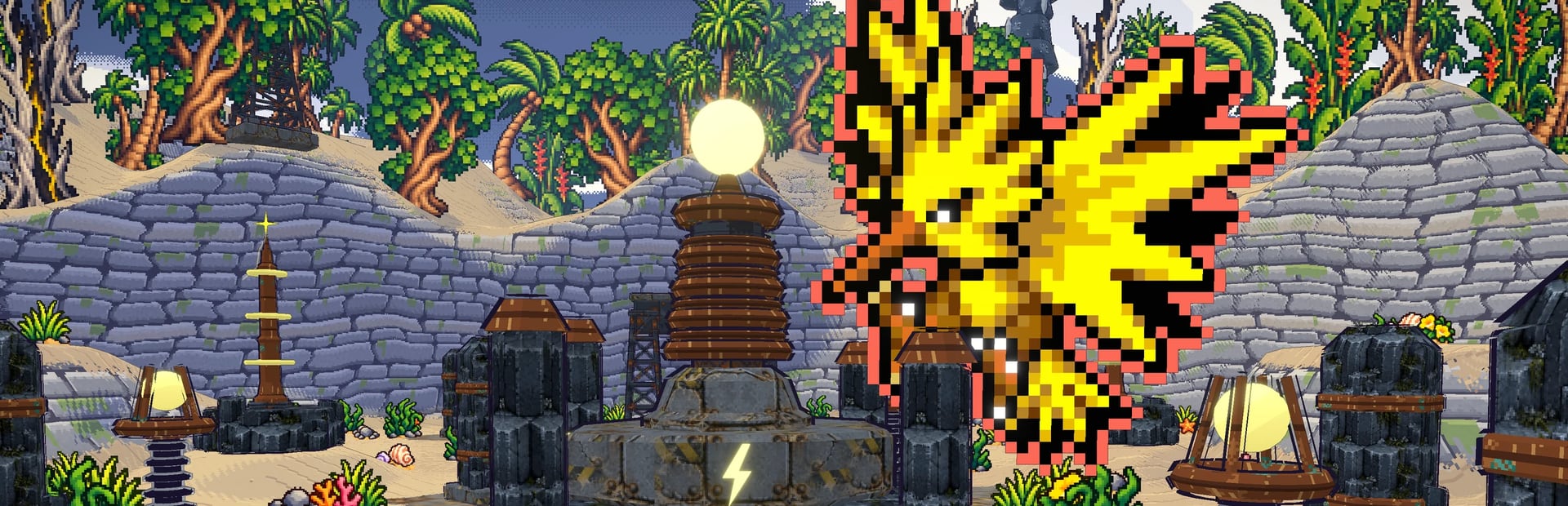
The game's hordes
Alpha Pokémon, swarm, stampede, flock, rock rain, elite wave, totem and summoner: the run's own events, with their banner.
Your chat drops swarms, stampedes and Alpha Pokémon with the game's own events, summons any of the 1025 Pokémon, sends allies with their name and heals or speeds up your run.
Four stops, in under a second.
From TikTok, Twitch, Kick, YouTube or Starvios: a gift, a follow, likes or a chat command.
Receives the event, checks your active profile for the matching effect and sends it.
OverInteractive opens the game's official desktop app and connects to it. There's no mod and no files to copy.
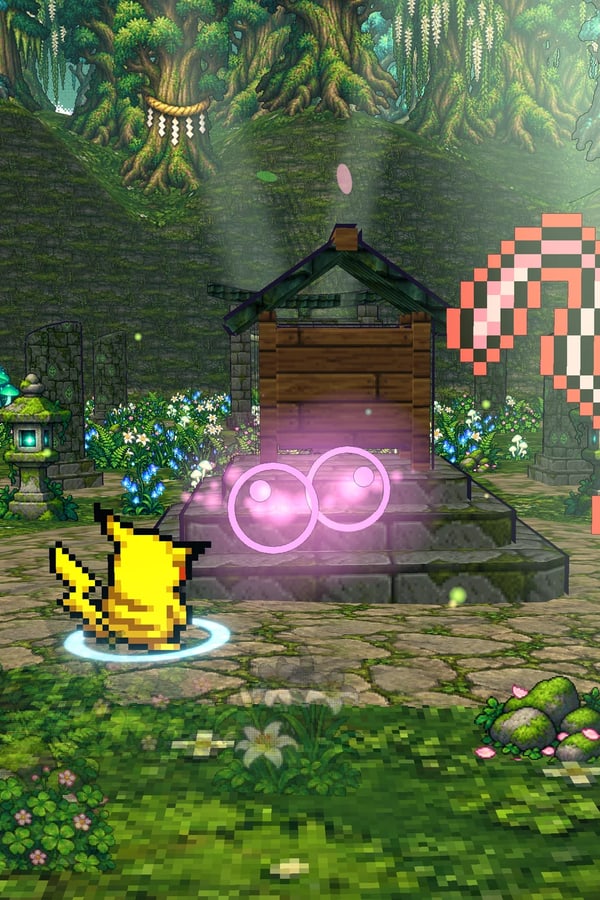
The effect lands in your run with the game's own banner and the viewer's name: hordes, specific Pokémon, allies, items or time changes.
Everything happens from the game's status bar, at the bottom of the app.
It's the game's official website. The «Apps» button is at the top left, next to «Shop».
Keep «Windows» selected (1) and press the «Or: portable, no install» link (2), next to the red button. Don't use the installer: the portable version is a single file that doesn't install.
The red button now says «Portable, no install» underneath (3). Press it: a single file downloads, PokeBonk-1.4.0-win-portable.exe, about 112 MB (the number changes with each version).
The first time you open it, Windows may warn «Windows protected your PC» (4): press «More info», then «Run anyway». The website says so too.
Open File Explorer, go to «Documents» and create a new folder named PokeBonk (right click → New → Folder). Move the file you downloaded into it; it's in «Downloads».
Come back here: the step in the bar below switches to «Game · PokeBonk» on its own. If you put it in another folder, press «Set path» and choose it. The app looks for the file PokeBonk-x.y.z-win-portable.exe (whatever the version number); if the folder doesn't work, the bar tells you why: you downloaded the installer, the download didn't finish or it's in a subfolder.
Press «Open to sign in» in the bar: PokéBonk opens normally and you sign in or play as a guest. Then close it. Your session stays saved.
It's needed because the sign-in check doesn't pass when the game is opened connected.
PokéBonk opens connected. When the bar says «Running · Connected», gifts reach the game. If it says «On the sign-in screen», go back to the previous step; if it says «not connected», press «Reopen connected».
Effects land during a run. In the menu, while picking an upgrade card or on pause they wait and apply when you're back.
In «Profiles» create the example one in a click or build your own gift ladder.
Each effect is assigned to a gift, a follow, likes or a chat command.
Alpha Pokémon, swarm, stampede, flock, rock rain, elite wave, totem and summoner: the run's own events, with their banner.
One command for each of the 1025 Pokémon, grouped by region. Amount and variant: normal, shiny or giant Alpha.
Wild Pokémon of the area, a shiny, or «Calm», which stops enemies from appearing for a while.
An ally with the viewer's name, heal, Rare Candy or invincibility.
Bomb, Repel, Magnet, PokéDollars and berries next to the player.
Fast forward or slow motion for the whole run for a few seconds.
If the sign-in screen shows up when opening it from here, press «Open to sign in» in the bar, sign in and press «Launch game» again.
Runs with chat effects may not give rewards or count for the leaderboards, like in most interactive games.
They only work in solo runs: in co-op the effects aren't applied.
If a gift arrives in the menu or on pause, it waits in a queue until you're playing again.
Download OverInteractive for free: this same guide is waiting inside the app, in the game's «Start» tab.
Download free