Enemies
Ganados with different models, mixed hordes, Zealots, soldiers, Brutes, Colmillos, Arañas, Garradors and vipers that spawn next to Leon. There is also «Kill All Enemies» to clear the area.
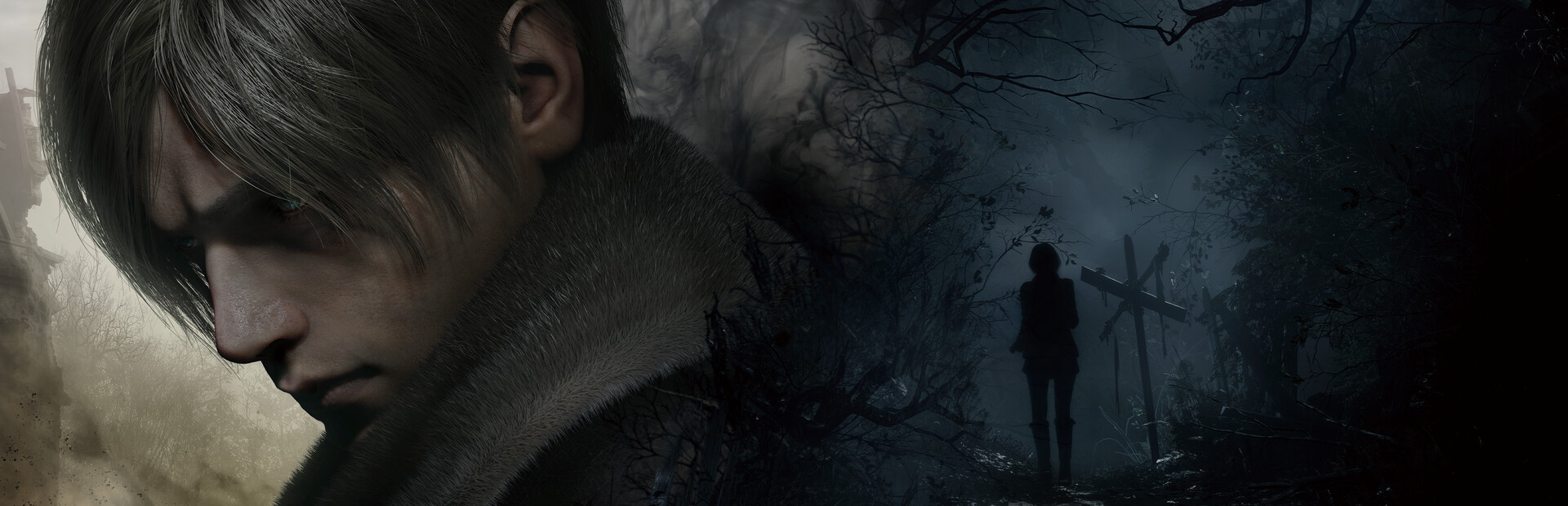
Your chat moves into Leon's nightmare: they drop Ganados and Garradors next to him, stuff his case with guns or strip his ammo, and turn him into a giant in the middle of the village.
Four stops, in under a second.
From TikTok, Twitch, Kick, YouTube or Starvios: a gift, a follow, likes or a chat command.
Receives the event, checks your active profile for the matching effect and sends it.
REFramework, the standard Resident Evil mod loader, plus the OverInteractive scripts. The app installs both in the game folder.

The effect reaches your game instantly and an on-screen notice tells you which one it was.
Everything happens from the game's status bar, at the bottom of the app.
It detects Resident Evil 4 on Steam. If it lives in another library and doesn't show up, press «Set path» in the bar below and pick its folder.
Press «Install mod» with the game closed. The app downloads REFramework and drops the OverInteractive scripts in its folder. No original game file is touched.
If you already used REFramework on your own, the app keeps it and doesn't replace it.
Press «Launch game» or open it from Steam as usual. REFramework loads the mod on startup.
Once the game finishes loading, the bar below switches to «Running · Connected». From then on every gift reaches your game.
In «Profiles» create an example one in a click or build your own: each gift, follow or chat command fires the effect you pick.
Each effect is assigned to a gift, a follow, likes or a chat command.
Ganados with different models, mixed hordes, Zealots, soldiers, Brutes, Colmillos, Arañas, Garradors and vipers that spawn next to Leon. There is also «Kill All Enemies» to clear the area.
Heal, deal damage, kill instantly or give him god mode for a few seconds.
Herbs, first aid spray, grenades, pesetas, every ammo type and guns like the Red9, the Striker, the Broken Butterfly or the rocket launcher. Or take his ammo away.
Giant or tiny Leon, slow motion, frozen enemies, super speed and an over-the-top Quake-style field of view.
The mod runs on the latest Steam version. It is not tested on old builds, beta branches, Game Pass or unofficial copies: effects may fail or the game may close there.
It is designed for the single-player campaign. Don't use it in Mercenaries or anything online.
To keep the game from crashing there are at most 12 chat enemies per type and 24 at once. Extra ones are not lost: they wait in a queue and spawn when one goes down.
In the menu or a cutscene there is nothing to apply them to. Play with your save loaded so every gift shows.
Download OverInteractive for free: this same guide is waiting inside the app, in the game's «Start» tab.
Download free