Enemies
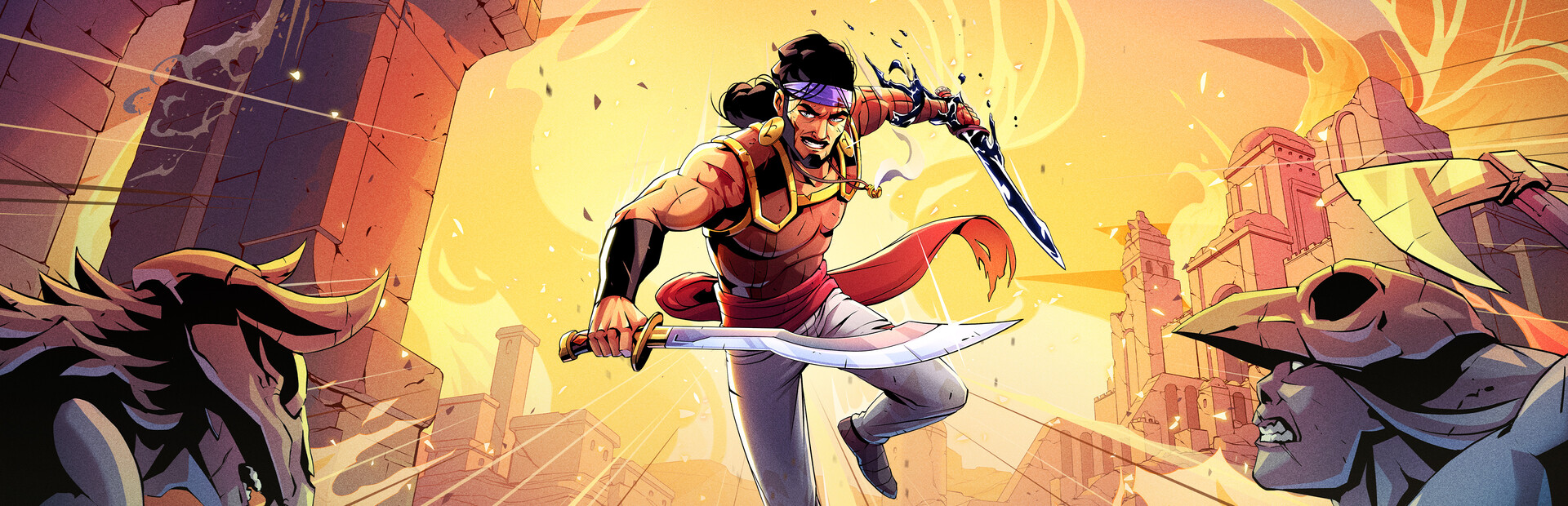
18 enemies to summon next to the Prince (Brute, Sword Giant, Lancer, Archer, Bomber, Scarab Swarm…), plus slowing them down or wiping them all out (Wipe Them Out).
Your chat throws enemies at the Prince mid-run, gives or steals his gold, swaps his medallions and decides whether to protect him or leave him one hit from death.
Four stops, in under a second.
From TikTok, Twitch, Kick, YouTube or Starvios: a gift, a follow, likes or a chat command.
Receives the event, checks your active profile for the matching effect and sends it.
The app installs a mod loader (BepInEx) and the OverInteractive mod in the game folder. The mod runs every effect inside your run.
The effect hits the Prince instantly, in any biome and any room.
Everything happens from the game's status bar, at the bottom of the app.
It detects The Rogue Prince of Persia on Steam by itself. If it lives in another folder, press «Set path» in the bar below.
With the game closed, press «Install mod». The app downloads the BepInEx loader and drops the OverInteractive mod in the game folder, without touching original files.
Press «Launch game» or open it from Steam. The first time after installing it takes longer to start: the loader prepares its files once.
When the game finishes loading, the bar below switches to «Connected». From then on every gift reaches the Prince.
In «Profiles» create an example one in a click or build your own: each gift, follow or chat command fires the effect you pick.
Each effect is assigned to a gift, a follow, likes or a chat command.
18 enemies to summon next to the Prince (Brute, Sword Giant, Lancer, Archer, Bomber, Scarab Swarm…), plus slowing them down or wiping them all out (Wipe Them Out).
Heal him fully, leave him one hit from death (One Hit Away) or end the run on the spot.
The Prince takes no damage for a while (God Mode).
An extra attack medallion, endless speed boost or the Prince in slow motion while everything else keeps its pace.
Give or steal gold from his purse and spirit shards from the run.
A random medallion. If the belt is full, the game asks which one to drop.
The first time you open the game after installing, the mod loader generates its files and takes much longer than usual. Don't close it: after that it starts as normal.
On the title screen and on loading screens there is no Prince to act on and the effect is not applied. Fire effects while playing.
«Kill the Prince» ends the run on the spot and «One Hit Away» leaves him one hit from death. Save them for big gifts.
The mod stops the game from pausing when you switch windows, so you can check chat or OBS without freezing your run.
Download OverInteractive for free: this same guide is waiting inside the app, in the game's «Start» tab.
Download free