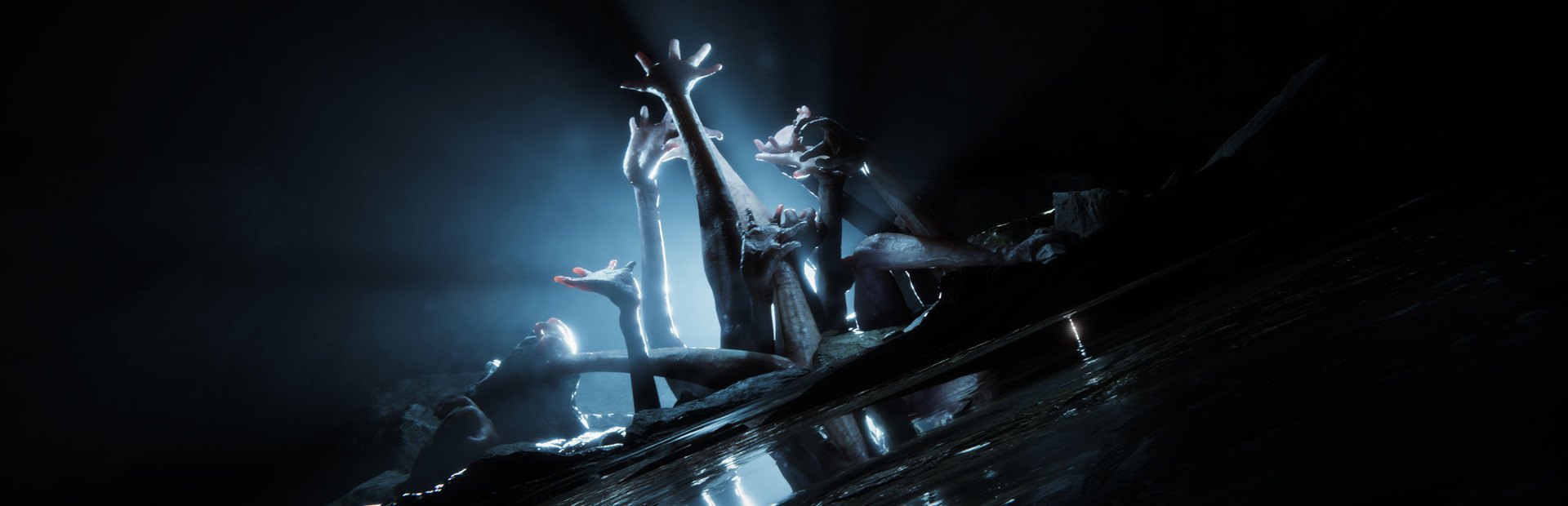
Cannibals and mutants
Cannibals one by one or as a family (Cannibal Family, Gold Mask Pack), named ones like Frank, Igor or Elise, mutants like Armsy or Puffy and bosses like the Demon Boss.
Your chat sends cannibals, whole families, mutants and bosses wearing their name, fills your backpack or leaves you hungry and thirsty, and runs the island's weather and clock.
Four stops, in under a second.
From TikTok, Twitch, Kick, YouTube or Starvios: a gift, a follow, likes or a chat command.
Receives the event, checks your active profile for the matching effect and sends it.
The app installs a mod loader (BepInEx) and the OverInteractive mod in the game folder. The mod runs every effect inside your game.
The effect happens on your island. Creatures sent by chat carry a nameplate with the viewer's name and picture.
Everything happens from the game's status bar, at the bottom of the app.
It detects Sons of the Forest on Steam by itself. If it lives in another folder, press «Set path» in the bar below.
With the game closed, press «Install mod». The app downloads the BepInEx loader and drops the OverInteractive mod in the game folder, without touching original files.
If you had RedLoader or MelonLoader in the game folder, the app disables them (without deleting them): with two loaders at once neither starts.
Press «Launch game» or open it from Steam and load your save. The first time after installing it takes longer to start and the mod won't answer until the loader finishes preparing its files.
With your save loaded, the bar below switches to «Connected». From then on every gift reaches the island.
In «Profiles» create an example one in a click or build your own: each gift, follow or chat command fires the effect you pick.
Each effect is assigned to a gift, a follow, likes or a chat command.
Cannibals one by one or as a family (Cannibal Family, Gold Mask Pack), named ones like Frank, Igor or Elise, mutants like Armsy or Puffy and bosses like the Demon Boss.
Deer, moose, rabbits, raccoons, bats, seagulls, eagles, a shark or an orca off the coast.
Another Kelvin, Virginia or Timmy showing up next to you.
God mode, sprint, heal you, hit you, knock you down, kill you or revive you.
Fill or empty your stomach, thirst and stamina, make you sick or cure you.
Rain, storm, clear skies, force day or night, skip time and slow or fast motion.
Katana, crossbow, fire axe, pistol, grenades, bow and more weapons straight into your inventory.
An item of your choice or a Mystery Item, binoculars, hang glider, night vision goggles… Ammo, clothing, food and crafting materials have their own categories too.
RedLoader and MelonLoader stop our mod from loading. When installing, the app disables them without deleting them, so their mods stop loading. If the bar shows «Repair», press it with the game closed.
The first time you open the game after installing, the mod loader generates its files and takes much longer than usual. Don't close it: after that it starts as normal.
The world is run by whoever hosts. If you join as a guest, your character and inventory effects work the same, but creatures and clean-ups depend on the host and may not show up.
Nothing is applied in the main menu. Creatures take a few seconds to appear: they come out of the island's own simulation.
Download OverInteractive for free: this same guide is waiting inside the app, in the game's «Start» tab.
Download free