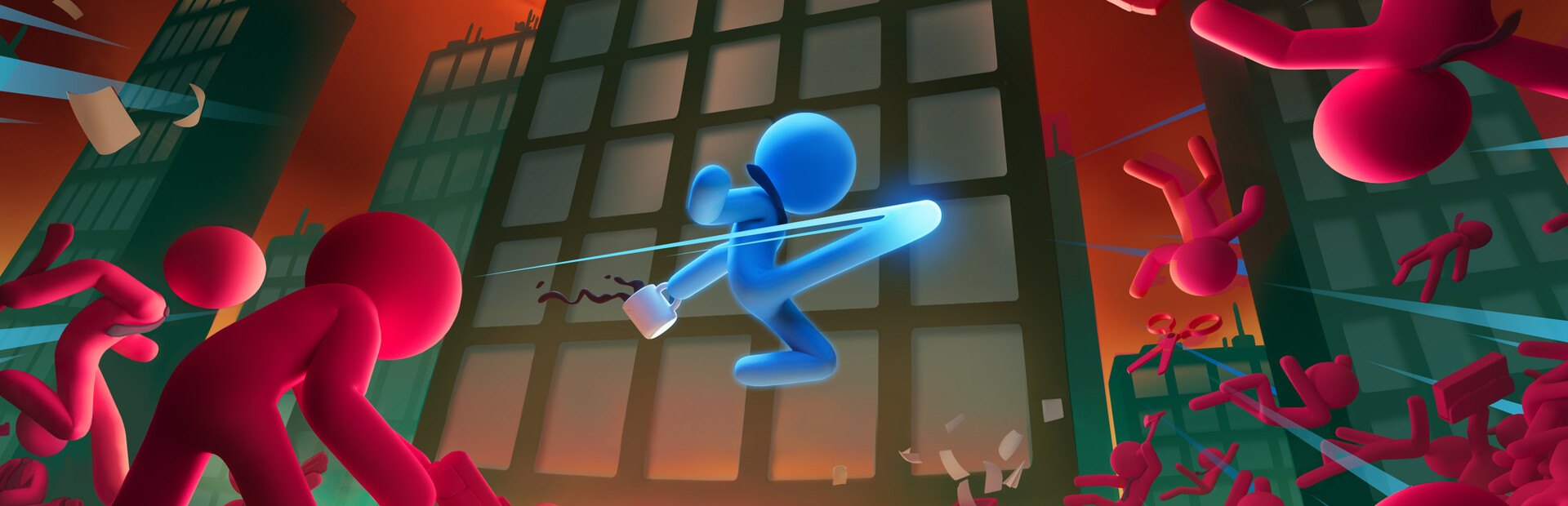
Your stickman
Heal, hurt without killing, extra life, armour, invincible, rock hard, vulnerable, stunned, launched through the air, the special fully charged… or killed outright.
Your chat climbs the tower with you: every gift can send you an office worker named after whoever sent it, a boss or an ally, teach you a new move or set off an earthquake mid-fight.
Four stops, in under a second.
From TikTok, Twitch, Kick, YouTube or Starvios: a gift, a follow, likes or a chat command.
Receives the event, checks your active profile for the matching effect and sends it.
A mod the app installs in the game folder, together with BepInEx, that applies every effect to your stickman and the floor you are on.
The enemy, the heal or the upgrade reaches your run as soon as the gift arrives.
Everything happens from the game's status bar, at the bottom of the app.
It detects Stick It to the Stickman in your Steam library. If it lives somewhere else, press «Set path» in the «Game» step of the bar below and pick the folder the game is in.
Press «Install mod» with the game closed. The app puts BepInEx, the standard mod loader for Unity games, and the OverInteractive mod in the game folder.
If the game is open, the app asks you to close it before installing.
Open it from Steam or with «Launch game».
The bar below switches to «Running · Connected». From then on every gift reaches your run.
In «Profiles» create an example one in a click or build your own: each gift, follow or chat command fires the effect you pick.
Each effect is assigned to a gift, a follow, likes or a chat command.
Heal, hurt without killing, extra life, armour, invincible, rock hard, vulnerable, stunned, launched through the air, the special fully charged… or killed outright.
A random new attack move, passive or special from the level, with its name floating over the stickman. Or the other way round: losing the passives or the special.
Office workers, tough enemies, waves and bosses that appear instantly next to the stickman with the viewer's name on top. Plus: kill, stun or freeze them.
69 of the game's enemies to pick from: office workers, ninjas, skeletons, ghosts, warehouse robots, giants and bosses like the Ninja Master or the Vampire Lord.
A stickman with the viewer's name fights on your side for a while, or the nearest enemies switch to your side.
The game's attack helicopter, earthquakes, fart clouds, a ring of fire and a money rain.
In menus or the loading screen nothing is applied. Stickman effects go to every human player if you play co-op.
Enemies and allies sent by chat carry the name of whoever fired the effect.
«Kill Stickman» always does and bosses can end a run. Put them on expensive gifts.
Download OverInteractive for free: this same guide is waiting inside the app, in the game's «Start» tab.
Download free