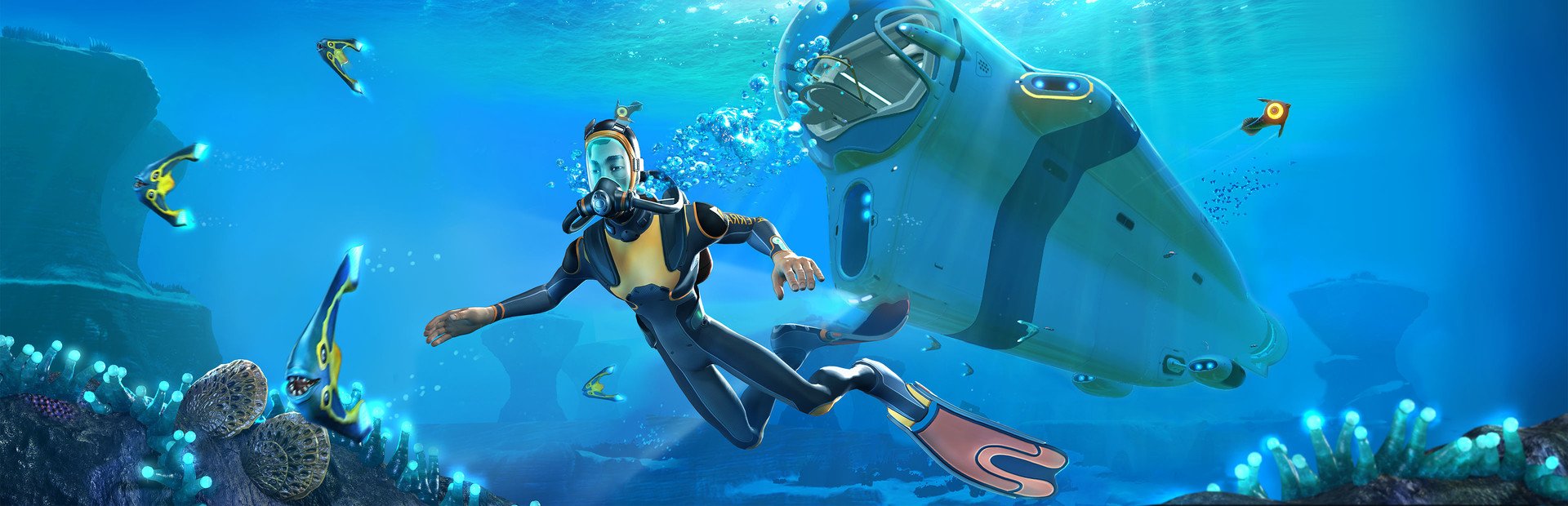
Your diver
Heal, hurt without killing, poison, invincible, swim twice as fast or in slow motion, a shove, a shaking camera… or killed outright.
Your chat dives into planet 4546B with you: every gift can fill your oxygen tank or empty it, hand you a first aid kit, turn day into night or drop a Reaper Leviathan named after whoever sent it.
Four stops, in under a second.
From TikTok, Twitch, Kick, YouTube or Starvios: a gift, a follow, likes or a chat command.
Receives the event, checks your active profile for the matching effect and sends it.
A mod the app installs in the game folder, together with BepInEx, that applies every effect to your diver and the sea around them.
The creature, the heal or the item reaches your game as soon as the gift arrives.
Everything happens from the game's status bar, at the bottom of the app.
It detects Subnautica in your Steam library. If it lives somewhere else, press «Set path» in the «Game» step of the bar below and pick the folder the game is in.
Press «Install mod» with the game closed. The app puts BepInEx, the standard mod loader for Unity games, and the OverInteractive mod in the game folder.
If the game is open, the app asks you to close it before installing.
Open it from Steam or with «Launch game» and load your save.
The bar below switches to «Running · Connected». From then on every gift reaches your game.
In «Profiles» create an example one in a click or build your own: each gift, follow or chat command fires the effect you pick.
Each effect is assigned to a gift, a follow, likes or a chat command.
Heal, hurt without killing, poison, invincible, swim twice as fast or in slow motion, a shove, a shaking camera… or killed outright.
Fill the tank, empty it in one go, a leak that burns it four times faster or infinite oxygen for a while.
Feed and hydrate the diver, or leave them hungry and thirsty.
First aid kits, water, food, batteries, flares and materials like titanium, copper, gold or diamond, straight into the inventory.
Jump to noon or midnight, or make the day race by.
Schools of fish, lone predators or packs and random leviathans, with the viewer's name on screen. Plus a button to remove them all.
42 of the game's creatures to pick from: harmless peepers and rays, stalkers, sand sharks, warpers, the Reaper Leviathan, the Ghost and the Sea Dragon.
In menus, on the loading screen or with the game paused nothing is applied.
They leave on their own when their duration runs out and are not written to your save: a gifted leviathan does not move in next to your base.
Food and water effects only act in Survival and Hardcore. In Freedom and Creative the game has no such meters.
«Kill Diver» always does and a leviathan can finish you or your vehicle. Put them on expensive gifts.
Download OverInteractive for free: this same guide is waiting inside the app, in the game's «Start» tab.
Download free