Super Mario Bros.
Goomba, Koopa Troopa, Paratroopa, Hammer Bro, Lakitu and the Poison Mushroom.
Your chat fills the level with Goombas, Hammer Bros, Rex and even Bowser from across the whole series, or lends a hand with a Mushroom, a Fire Flower or a Yoshi, in the world you choose.
Four stops, in under a second.
From TikTok, Twitch, Kick, YouTube or Starvios: a gift, a follow, likes or a chat command.
Receives the event, checks your active profile for the matching effect and sends it.
The platformer the app downloads, complete with its worlds. The OverInteractive connection comes built in.
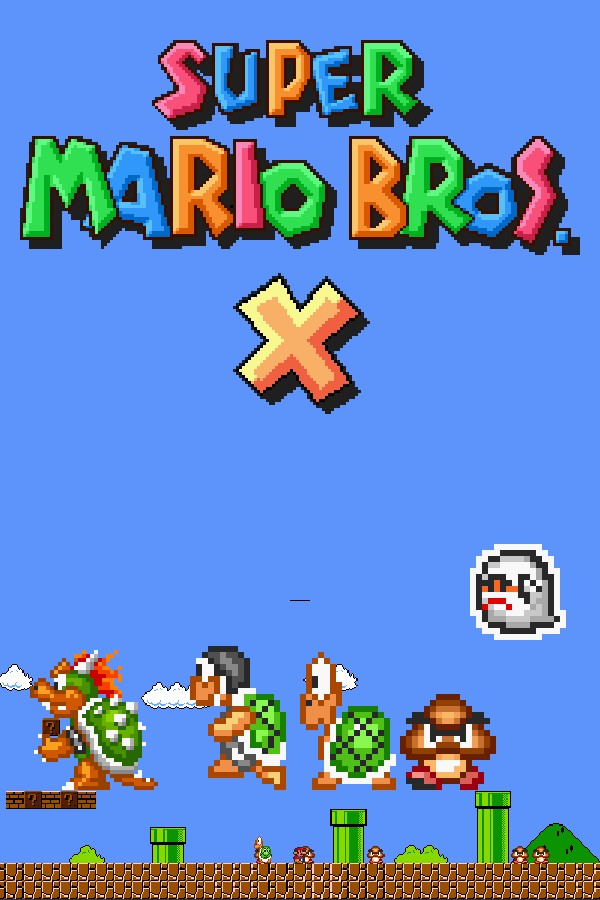
The enemy spawns next to Mario with its usual behavior: it walks, jumps, throws hammers or spits fire.
Everything happens from the game's status bar, at the bottom of the app.
In the bar below press «Download runtime». It brings the full game with two worlds, The Invasion 2 and The Princess Cliché. The OverInteractive connection comes built in, so that step ticks itself.
In the game's «Settings» tab, «World»: pick one of the included ones, install a community episode in one click (remakes of classics and fan-made adventures) or import one you already have. It applies the next time you open the game.
Episodes that need scripts are marked in the list because they don't work.
The game starts straight in the chosen world, skipping the menus, and doesn't pause even when its window sits behind OBS.
As soon as the bar below shows «Connected», every gift reaches the game. Effects land inside levels.
In «Profiles» create an example one in a click or build your own: each gift, follow or chat command fires the effect you pick.
Each effect is assigned to a gift, a follow, likes or a chat command.
Goomba, Koopa Troopa, Paratroopa, Hammer Bro, Lakitu and the Poison Mushroom.
Shy Guy, Tweeter, Snifit, Pokey and the SMB2 Bob-omb.
Paragoomba, Buzzy Beetle, Spiny, Dry Bones, Boo, Banzai Bill, Giant Goomba and Koopa, lit Bob-ombs and more.
Koopas in four colors and their shells, Rex, Galoomba, Mega Mole, Big Boo, Grinder, Disco Shell and Swooper.
Guests from elsewhere: enemies from Mario Land 2 and the classic Mario Bros., Zelda II's Knight and Bots, Metroid's Rippers and Mr. Saturn.
Birdo, Mouser, Wart, Boom Boom, Larry and Ludwig von Koopa, Blargg and two different Bowsers, for the big gifts.
They appear next to you: Mushroom, Fire or Ice Flower, Super Leaf, Tanooki and Hammer Suits, P-Wing, Yoshi, Kuribo's Shoe or the Koopa Clown Car.
Give or take lives, make big or small, give fire, ice, leaf, Tanooki or Hammer Suit, invincible, restart the level… or kill the player.
Nothing is applied on the world map: effects wait in a queue and fire when you enter the next level (for up to 10 minutes).
If 30 chat enemies are already alive, the next ones wait in the queue until one falls. They spawn a few steps away from Mario in a puff of smoke, not on top of him.
The game doesn't run scripts: community episodes that rely on them are marked and can't be chosen.
«Uninstall runtime» keeps your saves and the episodes you installed or imported, and they show up again after reinstalling. To delete them, tick the box in the uninstall prompt. Installing episodes and removing worlds are done with the game closed.
Download OverInteractive for free: this same guide is waiting inside the app, in the game's «Start» tab.
Download free