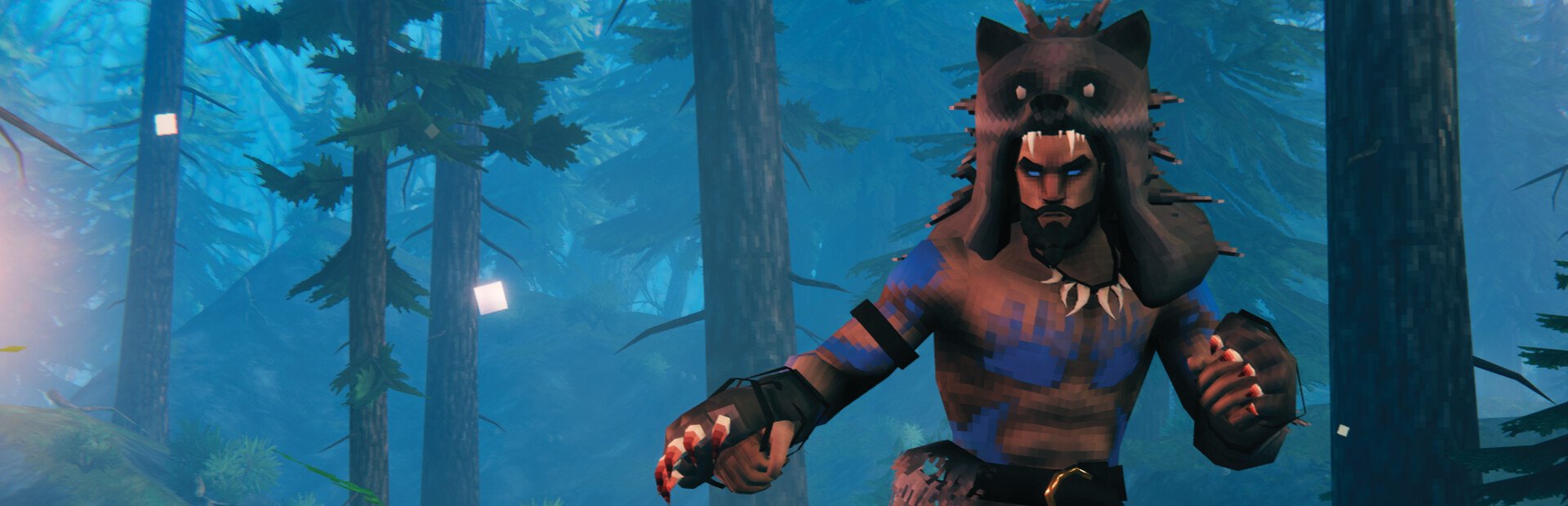
Health
Heal, full restore, damage that never kills you, invulnerability, draining or refilling stamina and eitr, or puking your food.
Your chat moves into your Valheim: they summon trolls and bosses, unleash the game's raids, set you on fire or poison you, change the weather and fill or empty your backpack.
Four stops, in under a second.
From TikTok, Twitch, Kick, YouTube or Starvios: a gift, a follow, likes or a chat command.
Receives the event, checks your active profile for the matching effect and sends it.
A mod the app installs in the game folder, together with BepInEx, that runs every effect in your game.
The creature, the fire or the wood show up instantly, with an on-screen notice saying who sent them.
Everything happens from the game's status bar, at the bottom of the app.
It detects Valheim in your Steam library. If it lives somewhere else, press «Set path» in the «Game» step of the bar below and pick the folder that holds valheim.exe.
Press «Install mod» with the game closed. The app puts BepInEx, in the version for modern Unity games, and the OverInteractive mod in the game folder.
If you already had the Valheim community's BepInEx, the app installs its own next to it: community mods don't load with this loader.
Open it from Steam or with «Launch game», pick your character and enter a world. The mod starts with the game.
The bar below switches to «Running · Connected». From then on every gift reaches the game.
In «Profiles» create an example one in a click or build your own: each gift, follow or chat command fires the effect you pick.
Each effect is assigned to a gift, a follow, likes or a chat command.
Heal, full restore, damage that never kills you, invulnerability, draining or refilling stamina and eitr, or puking your food.
Fire, poison, frost, tar, smoke, cold and wet with the game's own icon and timer; plus the cure or the Rested buff.
Speed boost, snail's pace, freeze, moon jump, stagger or earthquake.
Dawn, noon, dusk or night; thunderstorms, snow, ash rain or meteor showers on your screen; and a gale.
The game's own raids on your base: the forest is moving, the horde, the wolves, the drakes, the jotuns of the Deep North…
Over 50 creatures from every biome, with stars, and all eight bosses from Eikthyr to the Frozen King. Chat can also banish them, slay or tame whatever surrounds you.
Wood, stone, metals, coins, food, mead and arrows into your inventory; or stripping your gear and knocking the weapon out of your hand.
Raise or lower any skill, on-screen messages, shouts in the world chat and the game's emotes.
A summoned troll or boss fights like in the game: if it kills you, you lose your inventory where you fell and respawn in your bed. The «Damage» command alone never kills you.
The world clock and the raids are governed by whoever hosts the world. Solo or hosting they always work; as a guest in someone else's world those effects retry and everything else works the same.
Speed, freeze, invulnerability, weather and wind go back to how they were when their duration ends.
The mod doesn't use the game's cheat console and never flags your character as a cheater: Steam achievements keep working.
Download OverInteractive for free: this same guide is waiting inside the app, in the game's «Start» tab.
Download free