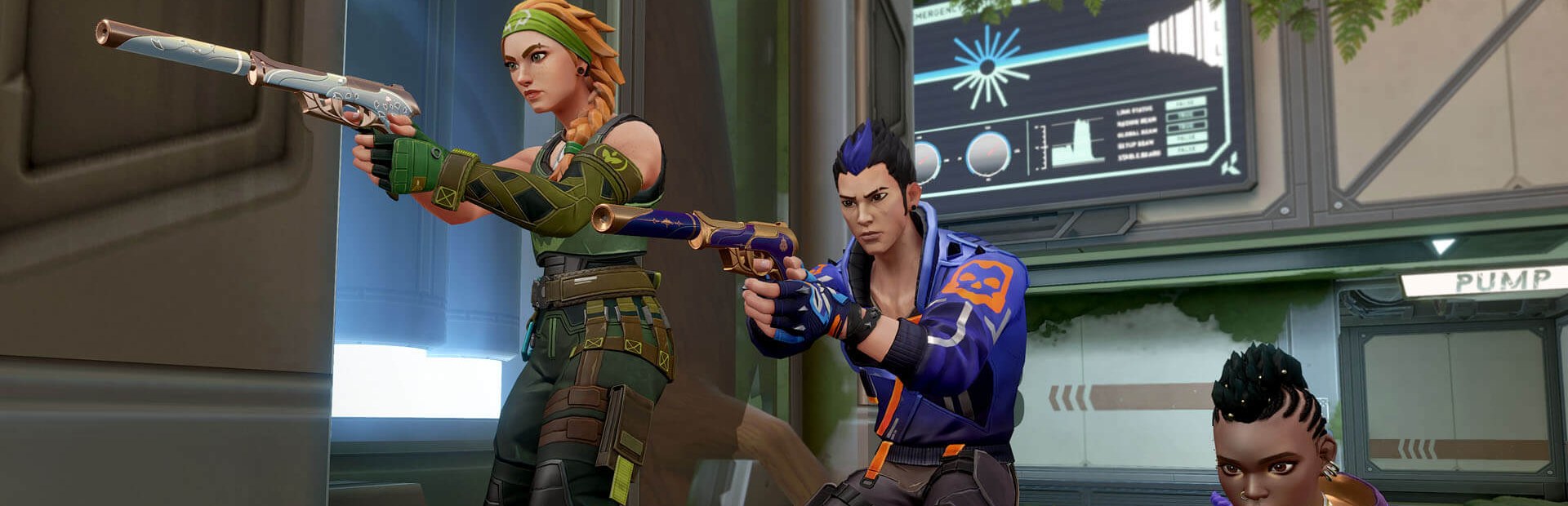
The banner tells you what to do with your gun and how much time is left; you carry it out.
- Drop your weapon, knife only or pistol only
- No scoping or shoot the sky
- Reload after every shot or inspect your weapon
Connect TikTok Live, Twitch, Kick, YouTube or Starvios: every gift fires a challenge with a countdown (drop your weapon, knife only, no abilities) or covers your screen with ink, fog or flashes — in real time.
From your viewer's gift to the challenge on your screen, in about a frame.
A gift, reward or chat message from your audience.
The app receives the event and picks the challenge or effect to fire.
A transparent app window drawn over VALORANT with the challenge, its key and the countdown. No mod: the game is never touched.
You see the challenge and carry it out with your keyboard and mouse while the round goes on.
Everything is handled from the app. No programming, and nothing to install in the game.
Download OverInteractive for Windows and install it in seconds.
Link your TikTok Live, Twitch, Kick, YouTube or Starvios account from the app.
In VALORANT's video settings: that way the effects window can show on top of the game.
Jump into a round and let chat make your life harder.
Effects ready to map to gifts, rewards or chat commands.
The banner tells you what to do with your gun and how much time is left; you carry it out.
From bunny hops to the moonwalk: challenges that change how you move and how you use your agent.
Economy and chaos challenges, plus effects that cover part of your screen for a few seconds.
TikTok, Twitch, Kick, YouTube and Starvios. Connect one or several: triggers work the same wherever the event comes from.
Direct connection to your TikTok Live from the app. No extra software or accounts.
If you already use TikFinity for alerts or overlays, OverInteractive links over WebSocket and reuses your session.
Device Code Flow login and real-time event subscriptions. Map channel point rewards, subs, bits and follows.
OAuth login and official events over webhooks. Map Kicks, subs and follows from your Kick channel.
Connect your YouTube live by typing your @handle, no sign-in needed. Map Super Chats, Super Stickers, memberships and chat messages.
Connect your Starvios live by typing your channel. Map Starvies, subs, follows, raids, Star Showers and chat messages.
VALORANT's anticheat (Vanguard) allows nothing inside the game. OverInteractive draws the challenges and effects in a transparent window on top — nothing is installed into the game, nothing is modified and no key presses are simulated.
Nothing to install on the game side: it just has to be open in «Windowed Fullscreen».
Go to VALORANT in the game list: you can launch it from the app through the Riot Client.
Put the game in «Windowed Fullscreen» and add the effects window to OBS. «Try an effect» confirms it shows up.
Create an example profile or build your own: each gift, follow or chat command fires the challenge or effect you pick.
Jump into a match and let chat decide how you play the round.
Commands ready to map to gifts, rewards or chat commands.
Drop the gun you're holding right now and keep playing without it.
Only the knife until the timer runs out.
Only the sidearm until the timer runs out.
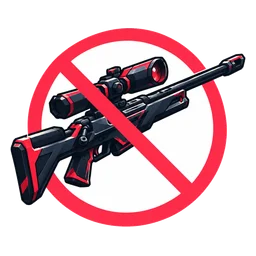
No aiming down sights (no right click) until the timer runs out.
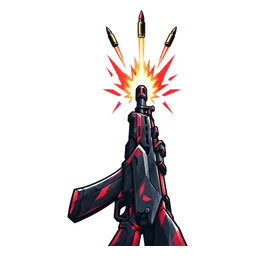
Empty a few bullets into the air right now.
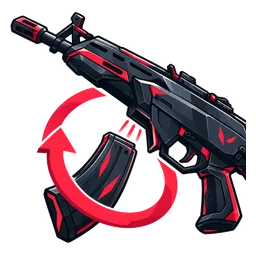
Reload after every single shot until the timer runs out.
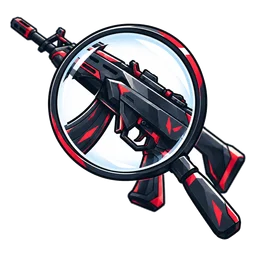
Stop and inspect your weapon right now.
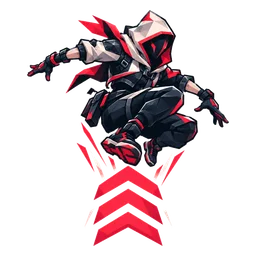
Keep jumping non-stop until the timer runs out.
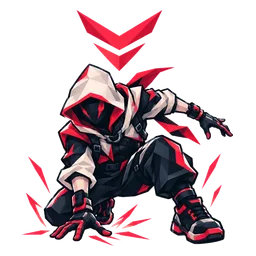
Move only while crouched until the timer runs out.
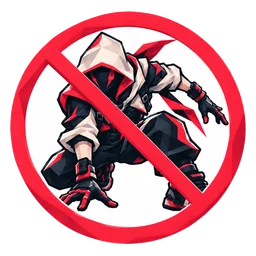
Crouching is forbidden until the timer runs out.
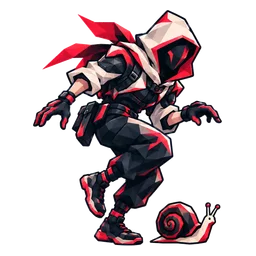
No running: hold walk until the timer runs out.
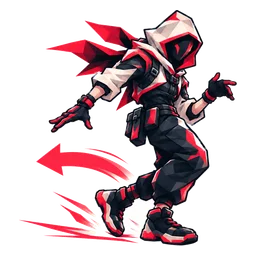
Walk backwards until the timer runs out.
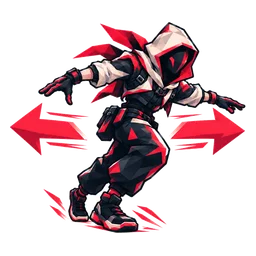
Dance left and right until the timer runs out.
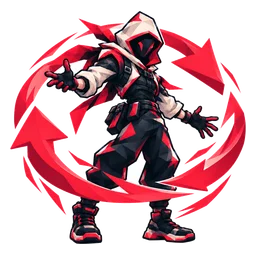
Spin all the way around right now.
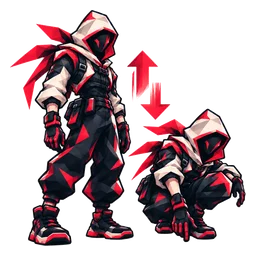
Crouch up and down right now.
No abilities until the timer runs out.
Use your ultimate as soon as it's up.
Don't buy anything this round.
Buy only a Sheriff this round.

Narrate everything you do, like a sports commentator.
Picks one of the challenges at random.
Download OverInteractive and let your chat decide how you play the next round.
Download free