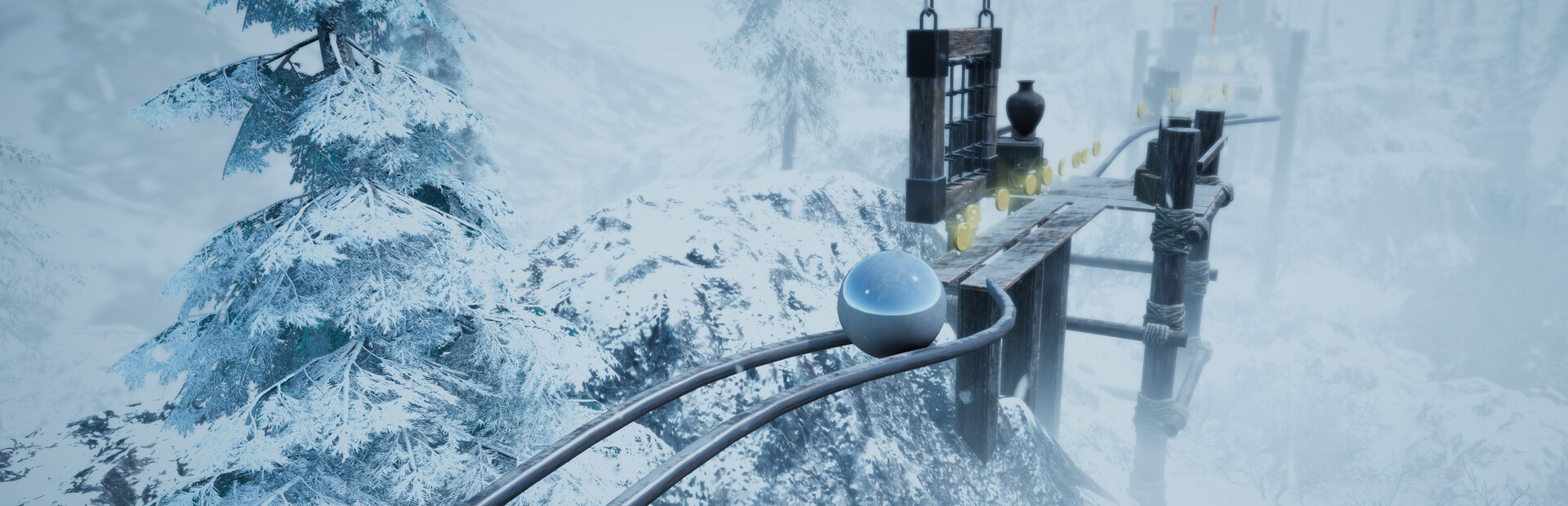
Your audience messes with the ball's physics: speed, size, gravity and jumps.
- Speed the ball up or slow it down
- Blow it up huge or shrink it to a marble
- Floaty low gravity or crushing heavy gravity
- Super jump, triple jump and a slippery ice ball
Connect TikTok Live, Twitch, Kick, YouTube or Starvios and turn every gift into a speed boost, a giant jump, a gravity flip or a shove that knocks the ball off its path — in real time.
From your viewer's gift to the effect on screen, in about one frame.
A gift, reward or follow from your audience.
The app receives the event and turns it into a game command.
Receives the command over a local socket and runs it inside the game.
The speed boost, the giant jump or the shove happen on screen.
Everything is handled from the app. No programming, no editing game files.
Download OverInteractive for Windows and install it in seconds.
Link your TikTok Live, Twitch, Kick, YouTube or Starvios account from the app.
One click installs BepInEx and the OverInteractive mod into your AtmaSphere 2 folder.
Open AtmaSphere 2 and start your interactive run.
Effects ready to map to gifts, rewards or chat commands.
Your audience messes with the ball's physics: speed, size, gravity and jumps.
They force moves on the ball at the worst moment, or lock it in place.
They shove it off its path in whatever direction chat picks (screen-relative).
They play with what you see and with your progress down the run.
TikTok, Twitch, Kick, YouTube and Starvios. Connect one or several: triggers work the same wherever the event comes from.
Direct connection to your TikTok Live from the app. No extra software, no extra accounts.
If you already use TikFinity for alerts or overlays, OverInteractive links to it over WebSocket and reuses your session.
Device Code Flow login and real-time event subscription. Map channel point rewards, subs, bits and follows.
OAuth login and official events over webhooks. Map Kicks, subs and follows from your Kick channel.
Connect your YouTube live by typing your @handle, no sign-in needed. Map Super Chats, Super Stickers, memberships and chat messages.
Connect your Starvios live by typing your channel. Map Starvies, subs, follows, raids, Star Showers and chat messages.
Powered by BepInEx, Unity's standard mod loader. The mod connects to the app over a local socket and runs every command inside the game.
The app installs BepInEx and the OverInteractive mod into your AtmaSphere 2 folder.
The app detects your Steam install of AtmaSphere 2 on its own.
Click Install on the AtmaSphere 2 card. The app takes care of BepInEx and the mod.
Open AtmaSphere 2. BepInEx loads the OverInteractive connector automatically.
Map gifts and rewards to commands in the app and start your stream.
Commands ready to map to gifts, rewards or chat commands.

Makes the ball roll faster for a while.

Slows the ball down for a while.

Sends the ball way higher on every jump.

Grants two extra mid-air jumps.

Blows the ball up to a huge size.

Shrinks the ball to a tiny marble.

Locks the ball in place for a few seconds.

Flings the ball straight up into the air.

Makes the ball slippery and hard to control.

Floaty low gravity for a while.

Crushing heavy gravity for a while.

Forces the ball to dash.

Forces a ground slam.

Forces the ball to sprint for a while.

Shoves the ball off its path in a random direction.

Shoves the ball to the left (screen-relative).

Shoves the ball to the right (screen-relative).

Shoves the ball forward (screen-relative).

Shoves the ball backward (screen-relative).

Kills the player instantly.

Sends the ball back to the last checkpoint.

Zooms the camera in close.

Zooms the camera far out.

Shakes the camera.

Swaps the ball to a different skin.

Blurs the screen (depth of field) for a while.
Download OverInteractive and let your audience roll the ball with you.
Download free