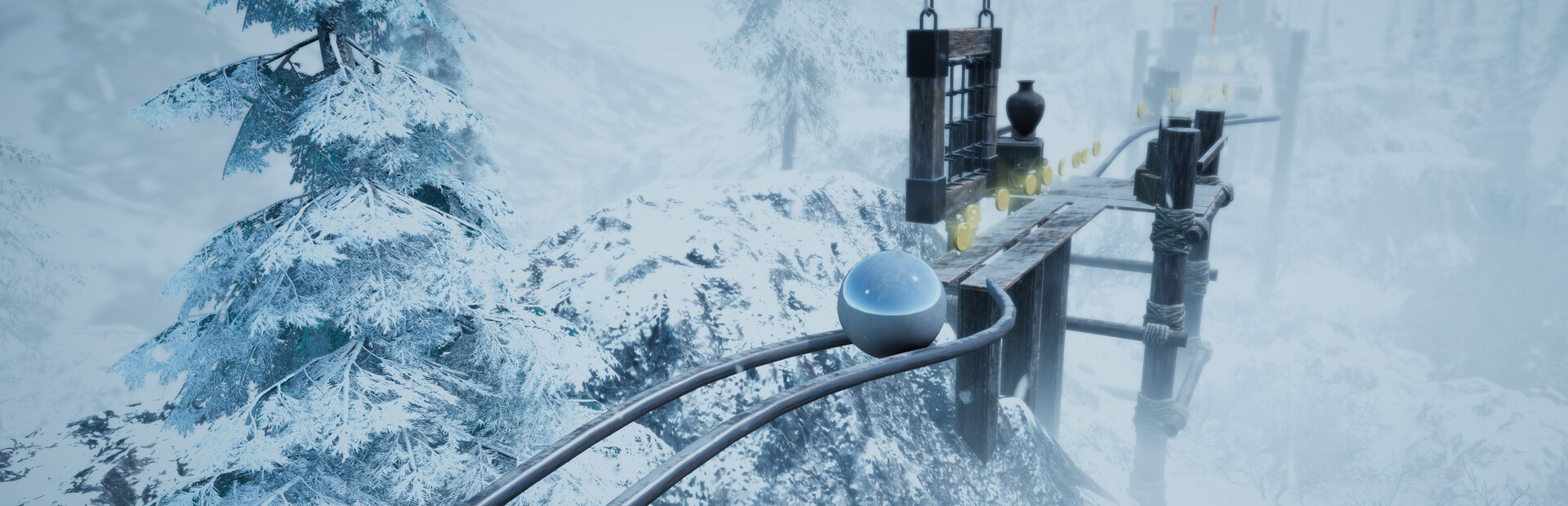
The ball
Faster or slower, mega jump, triple jump, giant or tiny ball, frozen, icy, flung into the air and low or heavy gravity.
Your chat gets into your ball: they make it huge or tiny, change its gravity, shove it off the path and move the camera mid-jump.
Four stops, in under a second.
From TikTok, Twitch, Kick, YouTube or Starvios: a gift, a follow, likes or a chat command.
Receives the event, checks your active profile for the matching effect and sends it.
The app installs a mod loader (BepInEx) and the OverInteractive mod in the game folder. The mod runs every effect inside the level.
The effect hits your ball instantly and an on-screen notice says who sent it.
Everything happens from the game's status bar, at the bottom of the app.
It detects AtmaSphere 2 on Steam by itself. If it lives in another folder, press «Set path» in the bar below.
With the game closed, press «Install mod». The app downloads the BepInEx loader and drops the OverInteractive mod in the game folder, without touching original files.
Press «Launch game» or open it from Steam. The first time after installing it takes longer to start: the loader prepares its files once.
When the game finishes loading, the bar below switches to «Connected». From then on every gift reaches your ball.
In «Profiles» create an example one in a click or build your own: each gift, follow or chat command fires the effect you pick.
Each effect is assigned to a gift, a follow, likes or a chat command.
Faster or slower, mega jump, triple jump, giant or tiny ball, frozen, icy, flung into the air and low or heavy gravity.
They force your ball to dash, ground-slam (Force Slam) or sprint for a while.
A shove in a random direction, or to the left, right, forward or back.
Kill the ball on the spot or send it back to the last checkpoint.
Zoom in or out, camera shake, blur and a random skin for your ball.
The first time you open the game after installing, the mod loader generates its files and takes much longer than usual. Don't close it: after that it starts as normal.
In the menu or while a level loads there is no ball to act on and the effect is not applied. Fire effects while playing.
The game pauses itself when it loses focus; the mod prevents that so you can check chat or OBS without stopping your run.
Every applied effect shows up briefly in the top left with the viewer's name, the effect and its duration.
Download OverInteractive for free: this same guide is waiting inside the app, in the game's «Start» tab.
Download free