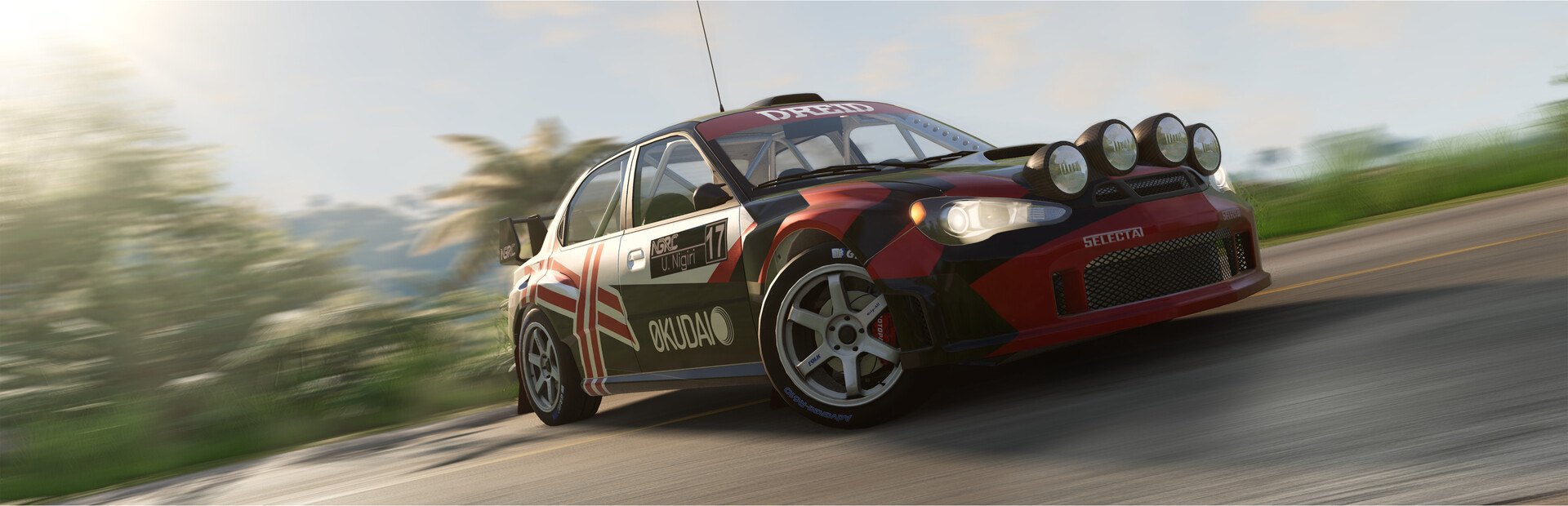
Flat tires, fire, explosions, parts falling off, doors ripped away and random paint. Every hit really deforms the car.
- Flat tires, fire and explosions
- Parts and doors flying off
- Dead engine, no brakes, stuck throttle and inverted steering
Connect TikTok Live, Twitch, Kick, YouTube or Starvios and turn every gift into a flat tire, an explosion, flipped steering or a jump to the Moon, in real time.
From your viewer's gift to the on-screen effect, in about one frame.
A gift, reward or follow from your audience.
The app receives the event and translates it into a game command.
Receives the command over a local connection and runs it in your game.
The tire bursts, the car flies or the brakes are gone.
Everything is handled from the app. No programming or editing game files needed.
Download OverInteractive for Windows and install it in seconds.
Link your TikTok Live, Twitch, Kick, YouTube or Starvios account from the app.
One click, no loaders: the mod goes into BeamNG's mods folder.
When BeamNG opens the app drops you into the map with the car you choose.
Effects ready to map to gifts, rewards or chat commands.
Flat tires, fire, explosions, parts falling off, doors ripped away and random paint. Every hit really deforms the car.
Yeet, pushes, dead stops, spin-outs, moon, triple or zero gravity, slow motion, force field and magnet.
Nothing the chat sends adds cars or objects to the map: everything acts right away on your car, the physics, the world or the camera. And the chat can help you out too.
TikTok, Twitch, Kick, YouTube and Starvios. Connect one or several: triggers work the same wherever the event comes from.
Direct connection to your TikTok Live from the app. No extra software, no extra accounts.
If you already use TikFinity for alerts or overlays, OverInteractive links to it over WebSocket and reuses your session.
Device Code Flow login and real-time event subscription. Map channel point rewards, subs, bits and follows.
OAuth login and official events over webhooks. Map Kicks, subs and follows from your Kick channel.
Connect your YouTube live by typing your @handle, no sign-in needed. Map Super Chats, Super Stickers, memberships and chat messages.
Connect your Starvios live by typing your channel. Map Starvies, subs, follows, raids, Star Showers and chat messages.
No loaders or patches: the mod lives in your BeamNG user mods folder, like any mod from the repository, and talks to the app over a local connection.
The app installs the mod into BeamNG's mods folder, without touching any game file.
The app auto-detects your BeamNG.drive install on Steam.
Click Install on the BeamNG.drive card. No loader needed.
When it reaches the menu, the app drops you into the map with the car you choose.
Map gifts and rewards to commands in the app, or create an example profile, and start your stream.
Commands ready to map to gifts, rewards or chat commands.
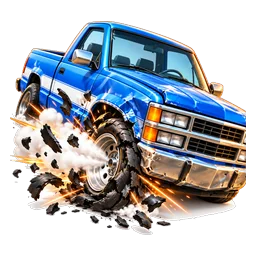
Bursts a random tire.
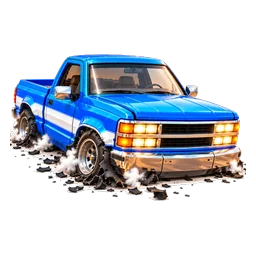
Bursts all the tires at once.
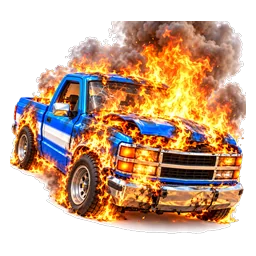
Sets the car on fire. The flames go out when the time is up (or with Put Out the Fire / Repair).
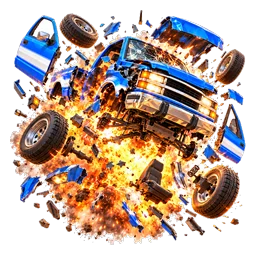
Blows the car up from underneath: it flies, burns and loses parts.
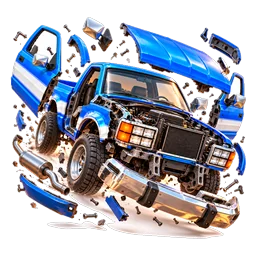
Every breakable part comes loose: bumpers, hood, doors, exhaust…
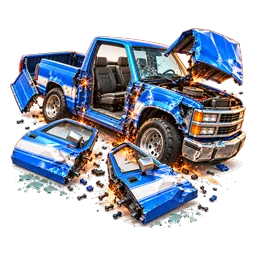
Rips the hinges: doors, hood and tailgate hang or fall off.
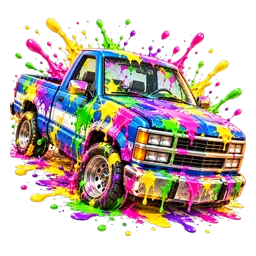
Repaints the car in random colours.
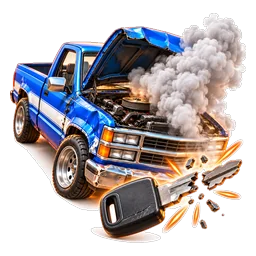
The engine cuts out and won't start or accelerate until the time is up.
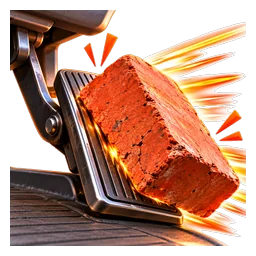
Full throttle that can't be released (the handbrake is released too).
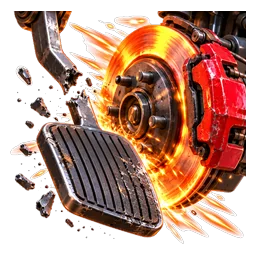
The brakes and the handbrake stop working.
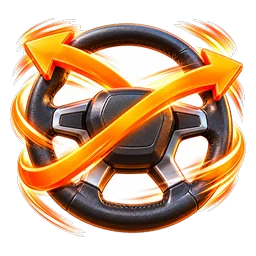
Left steers right and right steers left.
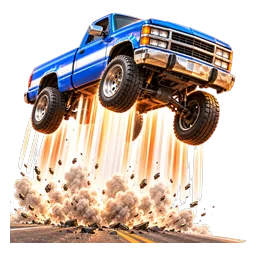
Launches the car straight up.
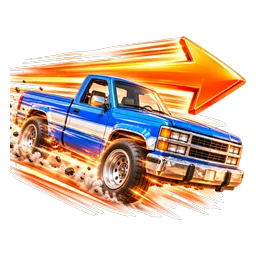
A sudden push in the direction the car is facing.
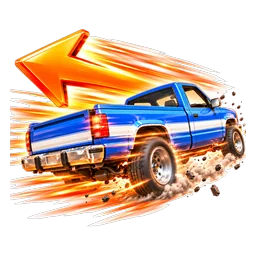
A sudden push backwards: brakes hard or throws the car in reverse.
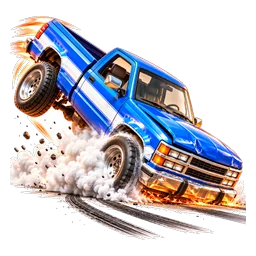
The car stops dead in a single frame, whatever its speed.
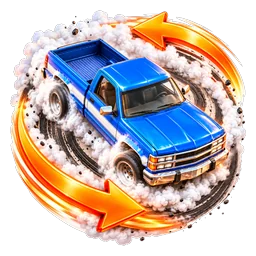
Kicks the tail sideways: the car spins.
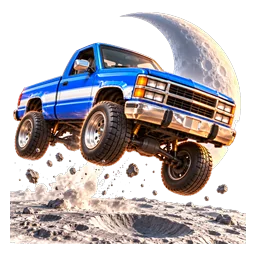
Gravity drops to the Moon's: every jump becomes a flight.
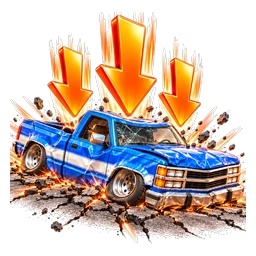
Everything weighs three times as much: the suspension bottoms out and jumps fall short.
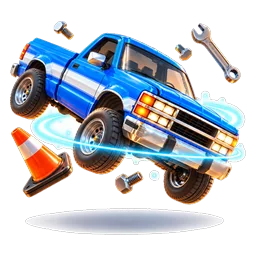
Almost no gravity: anything that leaves the ground floats away.
The whole simulation goes into slow motion.
Pushes every other car and object away from the streamer's car.
Pulls every other car and object towards the streamer's car.
Fixes the car on the spot, as good as new (and puts out the fire).
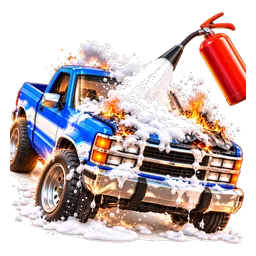
Puts out the fire on the car.
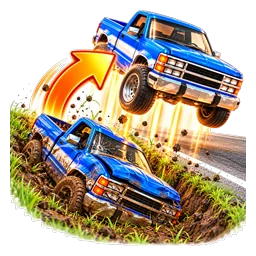
Puts the car, repaired and upright, on the nearest road.
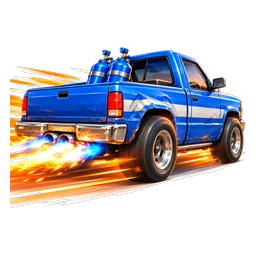
A continuous forward push while it lasts.
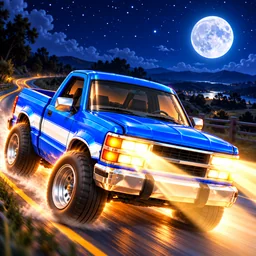
Turns night (still readable on stream) and switches on the high beams.
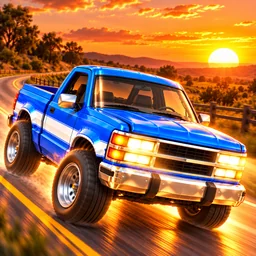
Golden hour with the lights on.
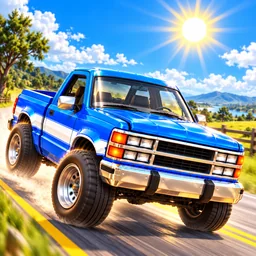
Full daylight.
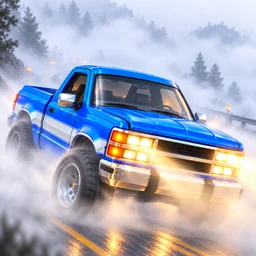
A fog so thick you can barely see the next corner.
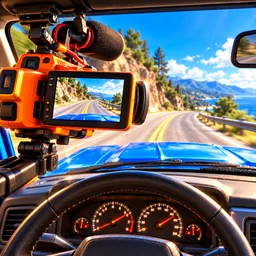
Forces the in-car camera.
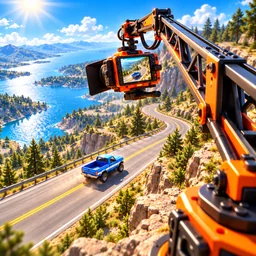
The chase camera moves far away.
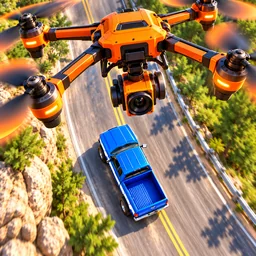
The camera looks straight down from above.
Download OverInteractive and let your viewers get in your car.
Download free