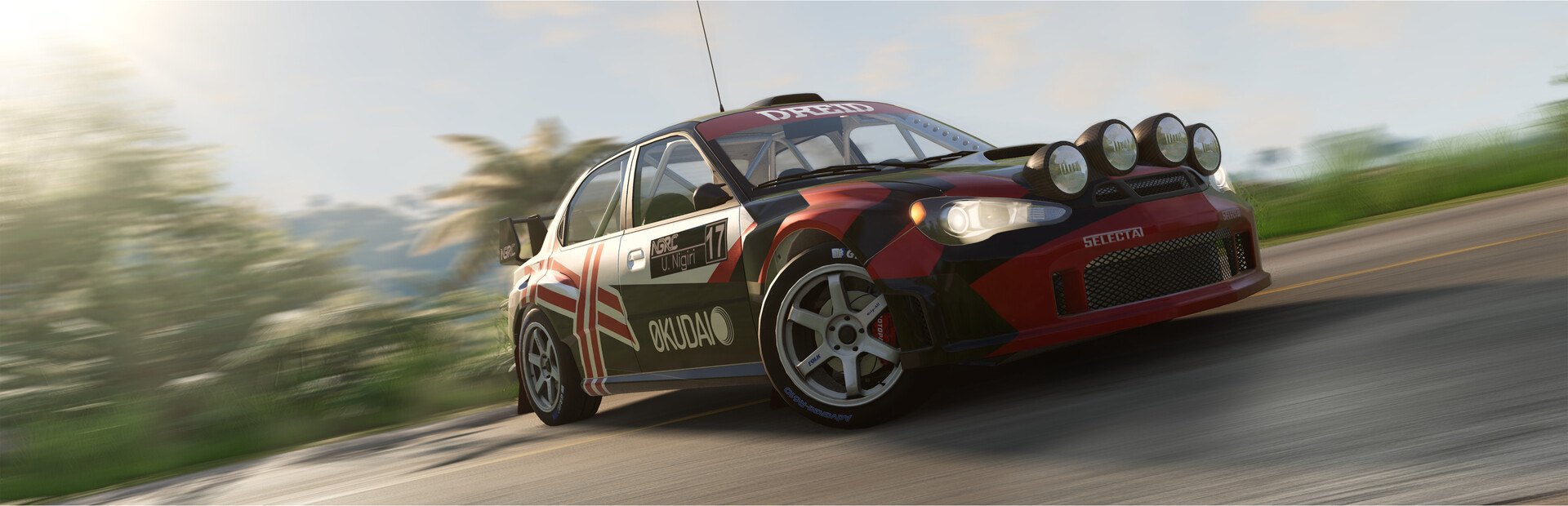
Car sabotage
Flat tires, fire, explosion, parts falling off, dead engine, stuck throttle, no brakes and inverted steering.
Your chat gets into the most realistic physics in any car game: they burst your tires, launch you into the air, cut your brakes and flip your steering.
Four stops, in under a second.
From TikTok, Twitch, Kick, YouTube or Starvios: a gift, a follow, likes or a chat command.
Receives the event, checks your active profile for the matching effect and sends it.
A mod the app installs in BeamNG's mods folder that runs every effect inside your game.
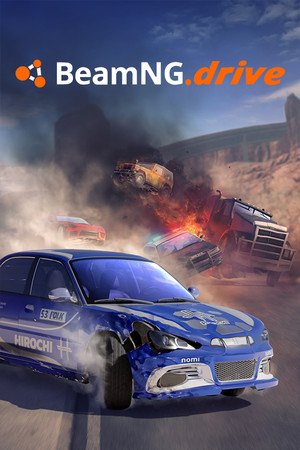
The effect hits your car instantly.
Everything happens from the game's status bar, at the bottom of the app.
It detects BeamNG.drive on Steam by itself. If it lives in another folder, pick it in the «Game» step of the bar below.
Press «Install mod». No loader needed: the mod goes into your BeamNG user mods folder and doesn't touch any game file.
Press «Launch game» or open it from Steam. As soon as it reaches the menu, the app drops you into the map with the car you choose in «Settings».
If you'd rather go through the menus yourself, turn off «Go straight into the map» in the game's «Settings» tab.
The bar below switches to «Connected» already from the game's menu. From then on every gift reaches your game.
In «Profiles» create an example one in one click or build your own: each gift, its effect.
Each effect is assigned to a gift, a follow, likes or a chat command.
Flat tires, fire, explosion, parts falling off, dead engine, stuck throttle, no brakes and inverted steering.
Yeet, pushes, dead stops, spin-outs, moon or triple gravity, slow motion, force field and magnet.
Repair, back to the road, nitro and put out the fire.
Night, sunset, thick fog, driver's, far or top-down camera.
The mod switches itself off in the community multiplayer: the effects are for your game, not someone else's.
Nothing the chat sends adds cars or objects to the map: everything acts on your car, the physics, the world or the camera, so the game never freezes.
Nothing is applied in the main menu; while a map is loading, the effect waits until it finishes.
Download OverInteractive for free: this same guide is waiting inside the app, in the game's «Start» tab.
Download free