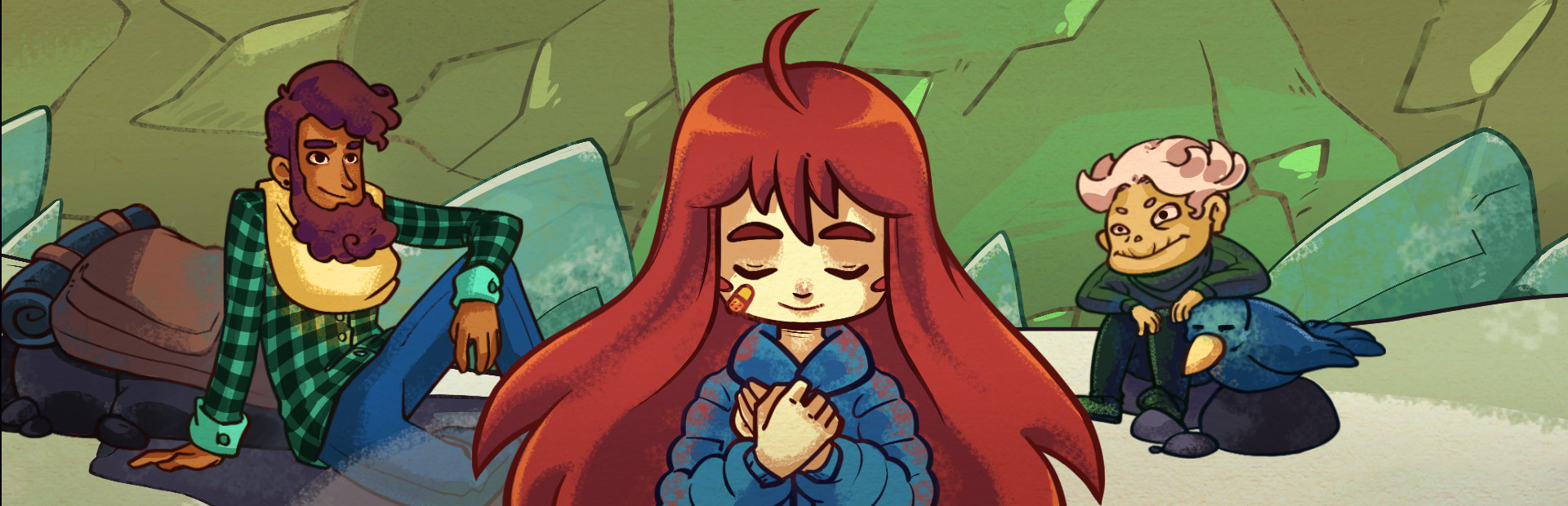
Your audience hands her what she needs to reach the top — or cuts the climb short with one shove.
- Refill dash and stamina, or leave her with nothing
- Super jump, Summit launch and shoves
- Take her dash or her controls away for a few seconds
Connect TikTok Live, Twitch, Kick, YouTube or Starvios and turn every gift into one less dash, mirrored controls or a seeker chasing Madeline — in real time.
From your viewer's gift to the effect on screen, in about one frame.
A gift, reward or follow from your audience.
The app receives the event and turns it into a game command.
Receives the command over a local socket and runs it in the game.
The missing dash, the seeker or the dark room happen on screen.
Everything is handled from the app. No programming, no editing game files.
Download OverInteractive for Windows and install it in seconds.
Link your TikTok Live, Twitch, Kick, YouTube or Starvios account from the app.
One click installs Everest and the OverInteractive mod into your Celeste folder.
Open Celeste and start your interactive ascent.
Effects ready to map to gifts, rewards or chat commands.
Your audience hands her what she needs to reach the top — or cuts the climb short with one shove.
The game's own variants, switched on and off by chat: the ones you already know, except you don't pick when.
Everything that shows up is a real Celeste entity: it looks and behaves exactly like in the original chapters.
The same effects the game uses in its most intense moments, now on chat's request.
TikTok, Twitch, Kick, YouTube and Starvios. Connect one or several: triggers work the same wherever the event comes from.
Direct connection to your TikTok Live from the app. No extra software, no extra accounts.
If you already use TikFinity for alerts or overlays, OverInteractive links to it over WebSocket and reuses your session.
Device Code Flow login and real-time event subscription. Map channel point rewards, subs, bits and follows.
OAuth login and official events over webhooks. Map Kicks, subs and follows from your Kick channel.
Connect your YouTube live by typing your @handle, no sign-in needed. Map Super Chats, Super Stickers, memberships and chat messages.
Connect your Starvios live by typing your channel. Map Starvies, subs, follows, raids, Star Showers and chat messages.
Powered by Everest, Celeste's community mod loader. The mod connects to the app over a local socket and runs every command inside the game.
The app installs Everest and the OverInteractive mod into your Celeste folder.
The app detects your Steam install of Celeste on its own.
Click Install on the Celeste card. The app takes care of Everest and the mod.
Open Celeste. Everest loads the OverInteractive connector automatically.
Map gifts and rewards to commands in the app and start your stream.
Commands ready to map to gifts, rewards or chat commands.

Kills Madeline.

Teleports Madeline back to the room's spawn point, without killing her.

Instantly refills dash and stamina.

Empties her stamina — if she's clinging to a wall, she drops.

Takes her dash away.

Madeline stops responding to the controls (she can still die).

Makes her jump.

A huge jump upwards.

The Summit launch: she rockets up through the room. Stops on its own when she hits a ceiling.

An explosion under her feet sends her flying.

A sideways shove in the direction she's facing.

One involuntary hop.

Gives her the feather flight right away.

Drops whatever she's carrying (Theo, jellyfish…).

Madeline can't die.

She can climb forever without tiring.

Unlimited dashes.

Two dashes per refill.

Left is right: the controls are mirrored.

She can't grab onto walls.

The ground turns to ice.

The dash sends her flying.

Dash at any angle, not just the eight directions.

Constant hiccups: involuntary hops at the worst moment.

Madeline turns invisible while moving.

Swaps Madeline's look for Badeline's.

Snowballs rolling across the screen (the Chapter 4 hazard).

Drops a Seeker that hunts Madeline down.

Angry Oshiro barges in from the left, chasing her.

Summons Badeline to hunt Madeline down — anywhere in the game, not just Chapter 2.

An explosive pufferfish right next to her.

A crystal spinner right beside her — Celeste's classic killer.

A dust bunny next to Madeline.

Leaves a boost bubble next to her.

Leaves a dash refill crystal.

Puts a spring under her feet.

Leaves a flight feather within reach.

Leaves a bumper (the orb that bounces her away).

Puts a bouncy cloud under Madeline.

Leaves Theo's crystal for her to carry.

Sideways wind that drags Madeline along.

Removes everything chat spawned in the room.

A white flash on screen.

Shakes the camera.

Zooms the camera in (Celeste can't zoom out: the map edges would show).

Distorts the image like the endgame glitch.

The anxiety effect: the screen pulses and warps.

Turns the lights off: the room becomes a dark room.

Blows out the image: everything glows.

Changes the screen's color palette.

Slows time down.

Speeds the world up.

Freezes the game's time for a moment.
Download OverInteractive and let your audience climb the mountain with you.
Download free