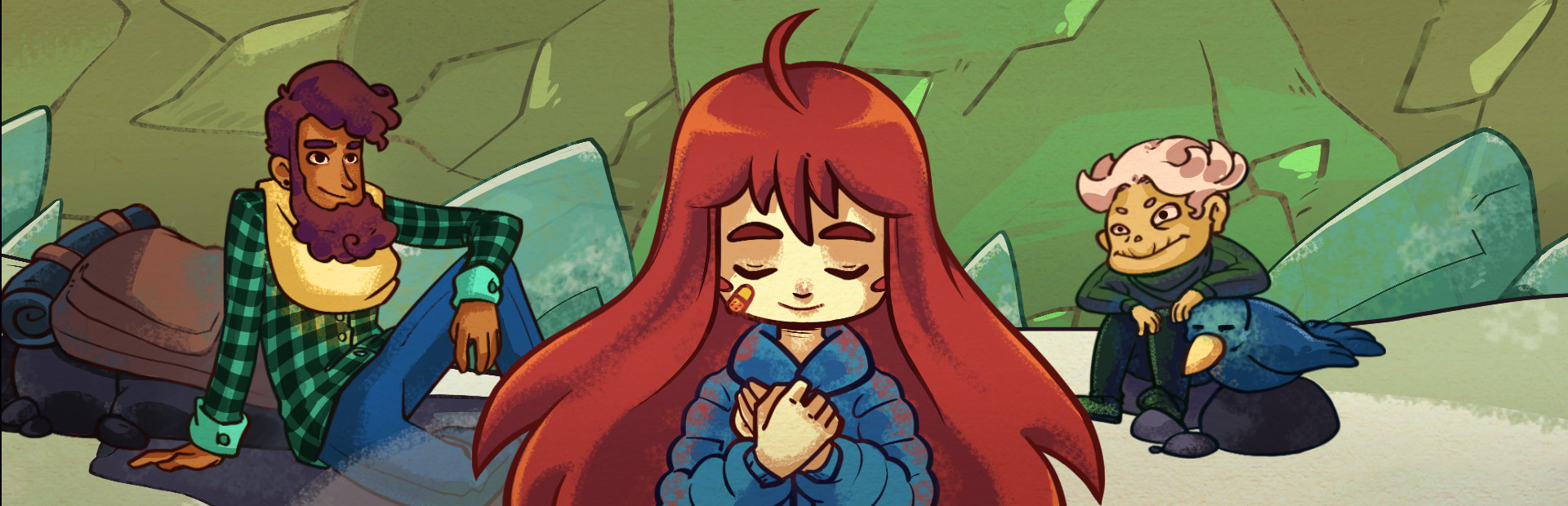
Madeline
Refill dash and stamina or drain them, no dash, no control, super jump, summit launch, shoves, hiccups, feather flight, dropping what she carries or killing her.
Your chat runs the mountain: they take Madeline's dash, mirror her controls, send seekers and an angry Oshiro after her, and mess with the clock.
Four stops, in under a second.
From TikTok, Twitch, Kick, YouTube or Starvios: a gift, a follow, likes or a chat command.
Receives the event, checks your active profile for the matching effect and sends it.
Everest is Celeste's mod loader. The app installs it along with the OverInteractive mod, which runs every effect inside the chapter.
The effect reaches Madeline instantly, built from the game's own pieces.
Everything happens from the game's status bar, at the bottom of the app.
It detects Celeste in your Steam library. If it lives somewhere else, press «Set path» in the bar below and pick it.
With Celeste closed, press «Install mod». The app downloads Everest, installs it in the game folder and adds the OverInteractive mod.
Installing Everest can take a few minutes. It keeps the original files and the game plays the same.
Press «Launch game» or open it from Steam as usual: Everest loads the mod by itself.
With the game open, the bar below switches to «Connected». Effects apply inside a chapter.
In «Profiles» create an example one in a click or build your own: each gift, follow or chat command fires the effect you pick.
Each effect is assigned to a gift, a follow, likes or a chat command.
Refill dash and stamina or drain them, no dash, no control, super jump, summit launch, shoves, hiccups, feather flight, dropping what she carries or killing her.
The game's own, switched on by chat: mirror mode, no grabbing, slippery floor, infinite dashes, super dash, 360° dashing, invisible or playing as Badeline.
Seekers, angry Oshiro, Badeline chasing you, snowballs, puffers, crystal spinners… and help like springs, feathers or refill crystals.
Flash, shake, zoom, glitch, anxiety, lights out, overexposure or a color grade change.
Slow motion, fast forward or frozen time.
Everest can't be installed while Celeste is open: the app won't start and tells you.
In the menu or the chapter map effects don't apply: the app rejects them and shows you why.
Celeste ignores flash, glitch, anxiety and shake if its photosensitive option is on. The app allows them by default; if you're sensitive to flashes, turn it off in «Settings» → «Flashes and glitch».
Removing the mod leaves Everest in place, which doesn't change how the game plays. To remove it too, verify the game files from Steam.
Download OverInteractive for free: this same guide is waiting inside the app, in the game's «Start» tab.
Download free