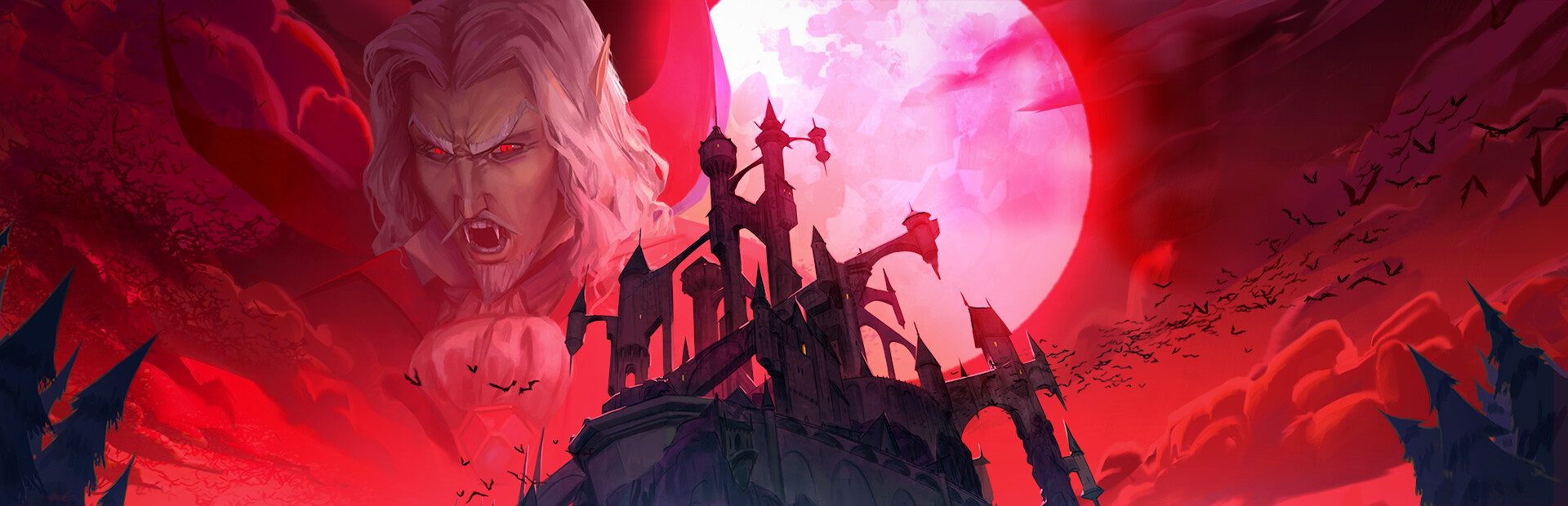
Enemies
A random one or a specific one from the bestiary (zombies, archers, grenadiers, ninjas…), hordes, elites, wiping the room, or healing, freezing, speeding up and enraging enemies.
Your chat rules the island: they throw hordes and elites at you with their name on top, gift you allies that fight for you, steal your gold and curse you.
Four stops, in under a second.
From TikTok, Twitch, Kick, YouTube or Starvios: a gift, a follow, likes or a chat command.
Receives the event, checks your active profile for the matching effect and sends it.
DCCM is an open-source mod loader for Dead Cells. The app installs it in a separate folder along with the OverInteractive mod.
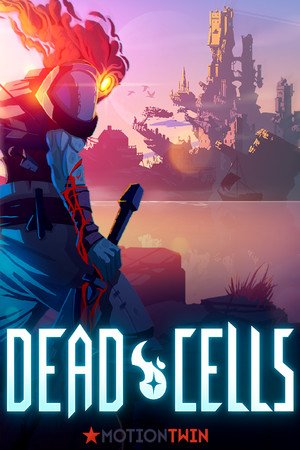
The enemy, ally or curse shows up in your run instantly, with the name of whoever sent it.
Everything happens from the game's status bar, at the bottom of the app.
It detects Dead Cells on Steam and in the usual GOG and Epic folders. If it can't find it, press «Set path» in the bar below and pick its folder.
DCCM needs Microsoft's .NET 10 (x64) runtime. If it's missing, the app installs nothing and tells you, with the official download link.
Press «Install mod». The app downloads DCCM and the mod and puts everything in a «coremod» folder inside the game. Your executable is not touched.
That's what starts the game with mods. From Steam the regular Dead Cells opens and loads nothing.
Once the game starts, the bar below switches to «Connected». From then on every gift reaches your run.
In «Profiles» create an example one in a click or build your own: each gift, follow or chat command fires the effect you pick.
Each effect is assigned to a gift, a follow, likes or a chat command.
A random one or a specific one from the bestiary (zombies, archers, grenadiers, ninjas…), hordes, elites, wiping the room, or healing, freezing, speeding up and enraging enemies.
The same bestiary enemies, but fighting on your side. A random one or the one you pick.
Heal, damage, full heal, set health, invincible or kill him.
Curse you, with a number of enemies to kill without taking a hit, or lift the curse as a reward.
Give or steal gold, and give or steal cells.
Refill ammo, reset cooldowns and Brutality, Tactics or Survival scrolls.
Launch you into the air, shove you, lock the controls or low gravity.
From Steam the regular Dead Cells starts, without mods, and the bar stays at «Stopped». Use «Launch game».
Without the .NET 10 (x64) runtime the loader doesn't work. The app checks it before installing and tells you where to get it.
Dead Cells ties each boss to its arena and creating one outside it crashes the game, so chat can't summon bosses.
Download OverInteractive for free: this same guide is waiting inside the app, in the game's «Start» tab.
Download free