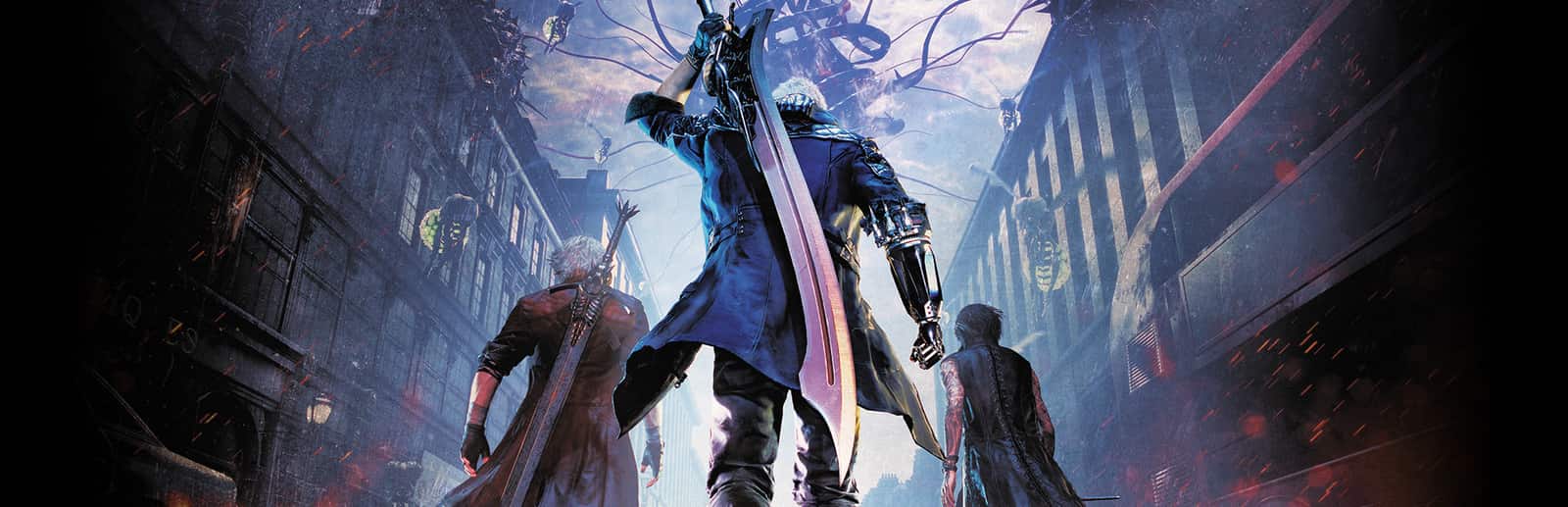
The game's own enemies, with their health, attacks and orbs. They spawn even if the mission doesn't have them.
- Hells, Empusas and Riots
- Scudo and Proto Angelo, Behemoth and Nobody
- Death Scissors, Baphomet, Lusachia and Pyrobats
Connect TikTok Live, Twitch, Kick, YouTube or Starvios and turn every gift into an Empusa, a Behemoth, a horde of Hells or an Angelo squad right in front of you.
From your viewer's gift to the on-screen effect, in about one frame.
A gift, reward or follow from your audience.
The app receives the event and translates it into a game command.
Reads the command from files every frame and drops the demon with the game's own loader.
The demon spawns in front of your character and fights like any other enemy.
Everything is handled from the app. No programming or editing game files needed.
Download OverInteractive for Windows and install it in seconds.
Link your TikTok Live, Twitch, Kick, YouTube or Starvios account from the app.
One click installs REFramework plus the OverInteractive scripts in the Devil May Cry 5 folder.
Open Devil May Cry 5 and start your interactive hack and slash stream.
Commands ready to map to gifts, rewards or chat commands.
The game's own enemies, with their health, attacks and orbs. They spawn even if the mission doesn't have them.
Whole groups at once for when the chat wants chaos.
A surprise demon and two ways to clear the area.
TikTok, Twitch, Kick, YouTube and Starvios. Connect one or several: triggers work the same wherever the event comes from.
Direct connection to your TikTok Live from the app. No extra software, no extra accounts.
If you already use TikFinity for alerts or overlays, OverInteractive links to it over WebSocket and reuses your session.
Device Code Flow login and real-time event subscription. Map channel point rewards, subs, bits and follows.
OAuth login and official events over webhooks. Map Kicks, subs and follows from your Kick channel.
Connect your YouTube live by typing your @handle, no sign-in needed. Map Super Chats, Super Stickers, memberships and chat messages.
Connect your Starvios live by typing your channel. Map Starvies, subs, follows, raids, Star Showers and chat messages.
Built on REFramework, the standard mod loader for Capcom games. No specific build required.
The app installs REFramework and the OverInteractive scripts in your Devil May Cry 5 folder — both removable.
The app detects your Devil May Cry 5 install on Steam.
Click Install on the Devil May Cry 5 card. The app sets up REFramework and the scripts.
Open Devil May Cry 5. REFramework loads the OverInteractive connector automatically.
Map gifts and rewards to demons in the app and start your stream.
Commands ready to map to gifts, rewards or chat commands.

Spawns a scythe-wielding Hell Caina in front of the player.

Spawns a sword-wielding Hell Antenora in front of the player.

Spawns a Hell Judecca, the one that summons more Hells in front of the player.

Spawns an Empusa, the insect-like demon in front of the player.

Spawns a Green Empusa, which heals on death in front of the player.

Spawns a Red Empusa, which drops red orbs in front of the player.

Spawns the huge Empusa Queen in front of the player.

Spawns a Riot, the agile clawed demon in front of the player.

Spawns a Chaos, the bladed demon that rolls at you in front of the player.

Spawns a Fury, the fast teleporting demon in front of the player.

Spawns a Scudo Angelo, the shielded knight in front of the player.

Spawns a Proto Angelo, the heavy lance knight in front of the player.

Spawns a Baphomet, the floating mage demon in front of the player.

Spawns a Lusachia, the tentacled demon in front of the player.

Spawns a giant Behemoth in front of the player.

Spawns a Nobody, the shape-shifting demon in front of the player.

Spawns a Death Scissors, the reaper with giant shears in front of the player.

Spawns a Pyrobat, the flying demon in front of the player.

Spawns a Fire Pyrobat that spits fire in front of the player.

Spawns a random common demon in front of the player.

Spawns 4 Hell Cainas led by a Hell Judecca around the player.

Spawns 6 Empusas plus a Green and a Red one around the player.

Spawns a Riot, a Chaos and a Fury at once around the player.

Spawns 2 Scudo Angelos and a Proto Angelo around the player.

Removes every enemy spawned by viewers (mission enemies stay).

Kills every enemy alive (mission ones too) with their normal death animation, one after another.
Download OverInteractive and let your viewers pick the demons you face in Devil May Cry 5.
Download free