Getting started In-game script

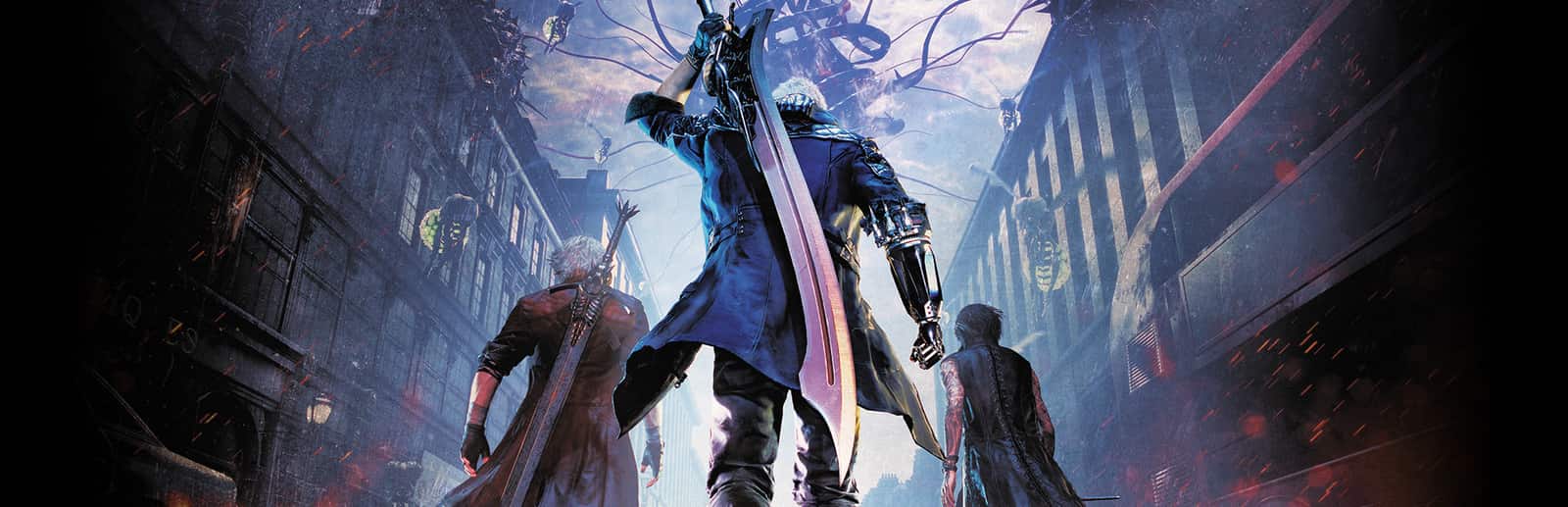
Devil May Cry 5

Your chat floods your mission with demons: Hells, Empusas, Riots, Angelos and Behemoths spawning right in front of you, whole hordes at once or a surprise demon, and when it gets ugly, a «kill all» with their death animation.

5Steps
2Effect types
6Answered questions
A GIFT'S JOURNEY

How a gift reaches the game

Four stops, in under a second.

  1. A viewer sends a gift

    From TikTok, Twitch, Kick, YouTube or Starvios: a gift, a follow, likes or a chat command.

  2. OverInteractive

    Receives the event, checks your active profile for the matching effect and sends it.

  3. DMC5 mod (REFramework)

    REFramework, the standard mod loader for Capcom games, plus the OverInteractive scripts. The app installs both in the game folder.

  4. Devil May Cry 5 · missions

    Each demon spawns in your mission a few meters in front of your character and fights like any enemy in the game.

STEP BY STEP

Getting started

Everything happens from the game's status bar, at the bottom of the app.

  1. 1

    The app finds your game

    It detects Devil May Cry 5 on Steam. If it lives in another library and doesn't show up, press «Set path» in the bar below and pick its folder.

  2. 2

    Install the mod in one click

    Press «Install mod» with the game closed. The app downloads REFramework and drops the OverInteractive scripts in its folder. No original game file is touched.

    If you already used REFramework on your own, the app keeps it and doesn't replace it.

  3. 3

    Open Devil May Cry 5

    Press «Launch game» or open it from Steam as usual. REFramework loads the mod on startup.

  4. 4

    Wait for «Connected»

    Once the game finishes loading, the bar below switches to «Running · Connected». From then on every gift reaches your game.

  5. 5

    Choose what each gift does

    In «Profiles» create an example one in a click or build your own: each gift, follow or chat command fires the demon you pick.

EFFECTS

What your chat can do

Each effect is assigned to a gift, a follow, likes or a chat command.

Demons

19 enemies from the game: Hell Caina, Antenora and Judecca, regular, Green, Red and Queen Empusas, Riot, Chaos, Fury, Scudo and Proto Angelo, Baphomet, Lusachia, Behemoth, Nobody, Death Scissors and Pyrobats. They spawn even if the mission doesn't have them. There is also a surprise demon, «Clear Spawned Enemies» and «Kill All Enemies».

Hordes

Groups at once: the Hell Legion (Hells with their Judecca), the Empusa Swarm, the Riot Pack and the Angelo Squad.

IMPORTANT

Before you go live

Today's Steam version

The mod runs on the latest Steam version. It is not tested on old builds, beta branches, Game Pass or unofficial copies: effects may fail or the game may close there.

Single player only

It is designed for single-player missions and the Void. Don't use it in online games.

Enemy cap

To keep the game from crashing there are at most 20 enemies alive at once, counting the mission's own. Extra ones are not lost: they wait in a queue and spawn as the others go down.

Effects need a mission

In the menu or on a loading screen there is nowhere to drop anyone. Play with the mission loaded; whatever arrives during a load waits and spawns when you're back.

FAQ

It adds REFramework and the OverInteractive scripts to the game folder without touching original files. «Uninstall mod» removes the scripts; REFramework stays, but with no mods it changes nothing in your game.

Ready for your chat to play with you?

Download OverInteractive for free: this same guide is waiting inside the app, in the game's «Start» tab.

Download free