26 actions the app presses for you with Fortnite in the foreground, plus a random one.
- Movement: jump, crouch, moonwalk, spin 180° or 360°
- Combat: reload, pickaxe, weapon roulette, spray
- Building: wall, floor, ramp, roof and a ramp rush
Connect TikTok Live, Twitch, Kick, YouTube or Starvios: every gift presses a key for you (jump, ramp, pickaxe, reload) or gives you a challenge with a countdown — in real time.
From your viewer's gift to a key press or a challenge on screen, instantly.
A gift, reward or chat message from your audience.
The app receives the event and either presses keys or fires a challenge.
The app presses keys and mouse with Fortnite in the foreground, or draws the challenge and its countdown in a window on top. Nothing goes into the game.
Your character jumps, builds or pulls out the pickaxe, and you carry out the challenge chat gave you.
Everything is handled from the app. No programming, and nothing to install inside the game.
Download OverInteractive for Windows and install it in seconds.
Link your TikTok Live, Twitch, Kick, YouTube or Starvios account from the app.
In Fortnite: Settings → Display → Window Mode. That way the challenges show on top of the game.
Jump into Battle Royale, Zero Build, LEGO or Festival and let chat do its thing.
Effects ready to map to gifts, rewards or chat commands.
26 actions the app presses for you with Fortnite in the foreground, plus a random one.
Chat sets a rule and you follow it: the card shows the challenge, its key and the time left.
For when you are not sure what to map: let luck decide, or your own rules.
TikTok, Twitch, Kick, YouTube and Starvios. Connect one or several: triggers work the same wherever the event comes from.
Direct connection to your TikTok Live from the app. No extra software or accounts.
If you already use TikFinity for alerts or overlays, OverInteractive links over WebSocket and reuses your session.
Device Code Flow login and real-time event subscriptions. Map channel point rewards, subs, bits and follows.
OAuth login and official events over webhooks. Map Kicks, subs and follows from your Kick channel.
Connect your YouTube live by typing your @handle, no sign-in needed. Map Super Chats, Super Stickers, memberships and chat messages.
Connect your Starvios live by typing your channel. Map Starvies, subs, follows, raids, Star Showers and chat messages.
Fortnite uses Easy Anti-Cheat, so OverInteractive installs and modifies nothing: it presses keys like you would and draws the challenges in a window on top.
Nothing to install on the game side: it just has to be open in «Windowed Fullscreen».
Go to Fortnite in the game list: no path and no install needed.
Press «Launch game» (it opens the Epic Games Launcher) or open it as usual; the app marks it as running.
Start from the example profile and try an effect to see the challenges over the game and in OBS.
Start the match and let chat make your life harder.
Commands ready to map to gifts, rewards or chat commands.
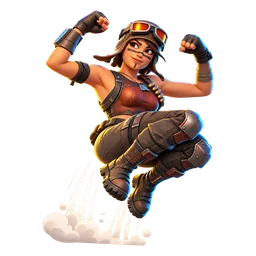
Makes the streamer jump once.
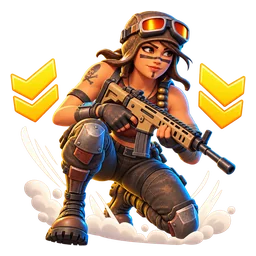
Crouches the streamer, or stands them back up.
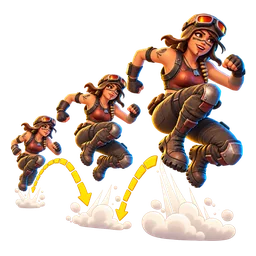
Jumps non-stop for a few seconds.
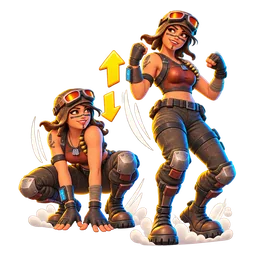
Crouches up and down for a few seconds and ends the way they were.
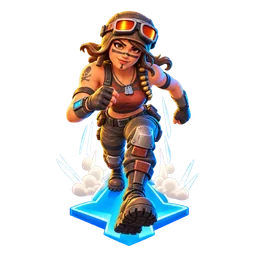
Holds forward for a few seconds, wherever the streamer is looking.
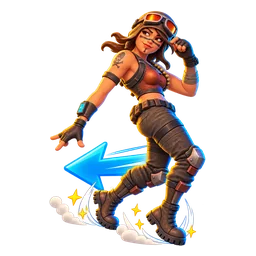
Holds backwards for a few seconds.
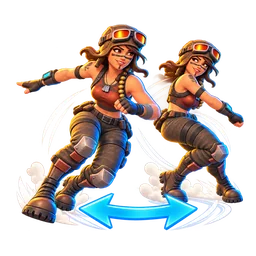
Left, right, left, right for a few seconds.
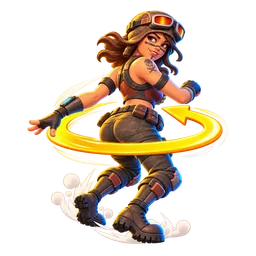
Spins the camera 180°.
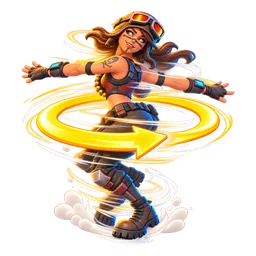
Spins the camera a full turn.

Points the camera up.
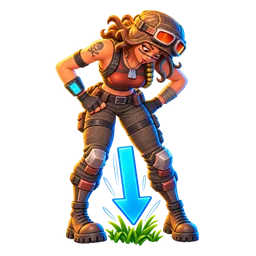
Points the camera down.
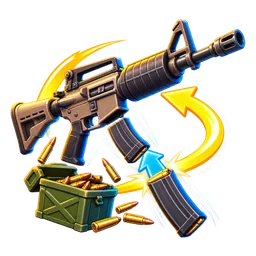
Reloads the weapon in hand, even if the magazine is full.
Switches to the pickaxe.
Switches to a random inventory slot (1 to 5).
Holds the trigger for a few seconds, wherever the streamer is aiming.
Aims down sights for a few seconds.
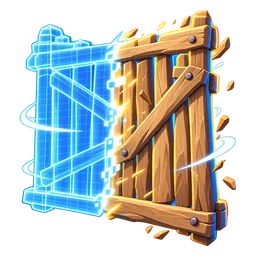
Places a wall in front of the streamer.
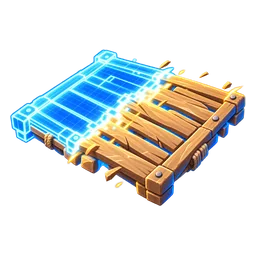
Places a floor under the streamer's crosshair.
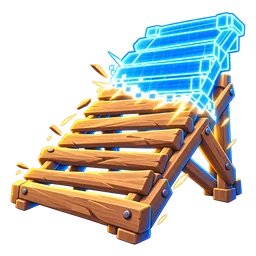
Places a ramp in front of the streamer.
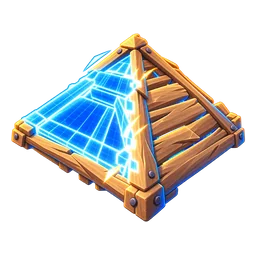
Places a roof above the streamer's crosshair.
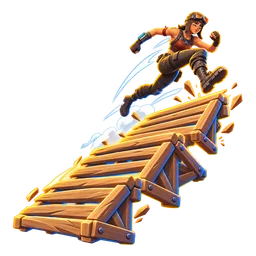
Ramp, jump, ramp, jump… for a few seconds.
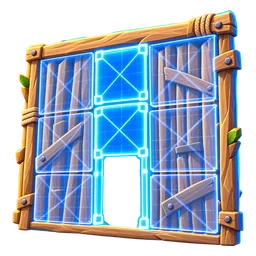
Opens edit mode for a moment and closes it again.
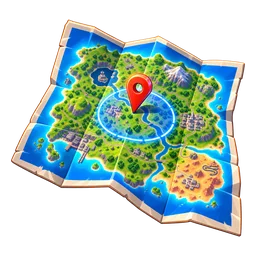
Opens the map for a few seconds, whatever is happening.
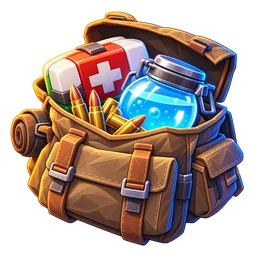
Opens the inventory for a few seconds.
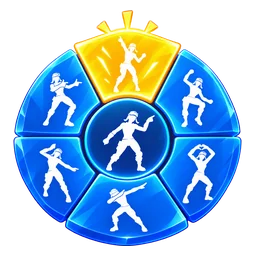
Pops the emote wheel open for a moment.
In Festival, mashes random lanes for a few seconds.
Picks one of the actions at random.
Fight with nothing but the pickaxe until the timer runs out.
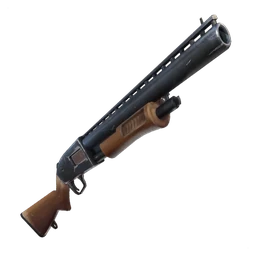
Use only a shotgun until the timer runs out. No shotgun? Go find one.
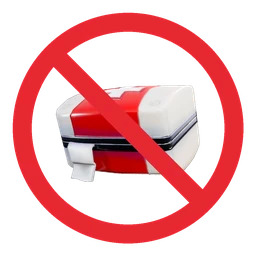
No medkits, bandages or fish until the timer runs out.
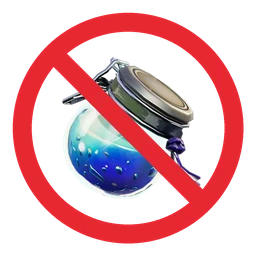
Don't drink or use any shield item until the timer runs out.
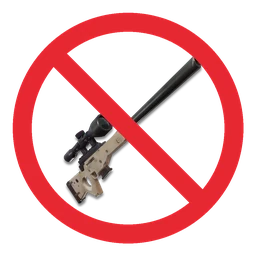
No aiming down sights (no right click) until the timer runs out.
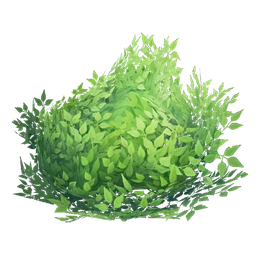
Move only while crouched until the timer runs out.
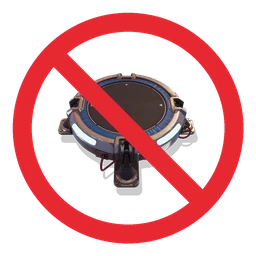
Jumping is forbidden until the timer runs out.
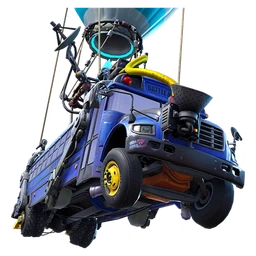
Next match, land at the busiest spot on the map.
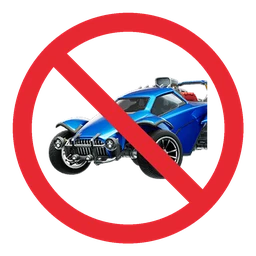
No cars, boats or mounts until the timer runs out: on foot everywhere.
Stop and do an emote right now, whatever is happening.
Narrate everything you do, like a sports commentator.
Not a single wall, floor, ramp or roof until the timer runs out.
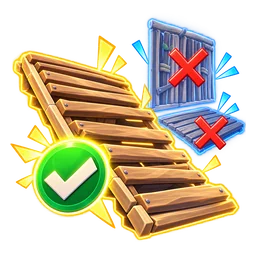
If you build, it can only be ramps until the timer runs out.
In LEGO Fortnite, don't place or build anything until the timer runs out.
In Festival, play with your eyes closed until the timer runs out.
Picks one of the challenges at random, including your own for Fortnite.
Download OverInteractive and let chat pick your next Fortnite challenge.
Download free