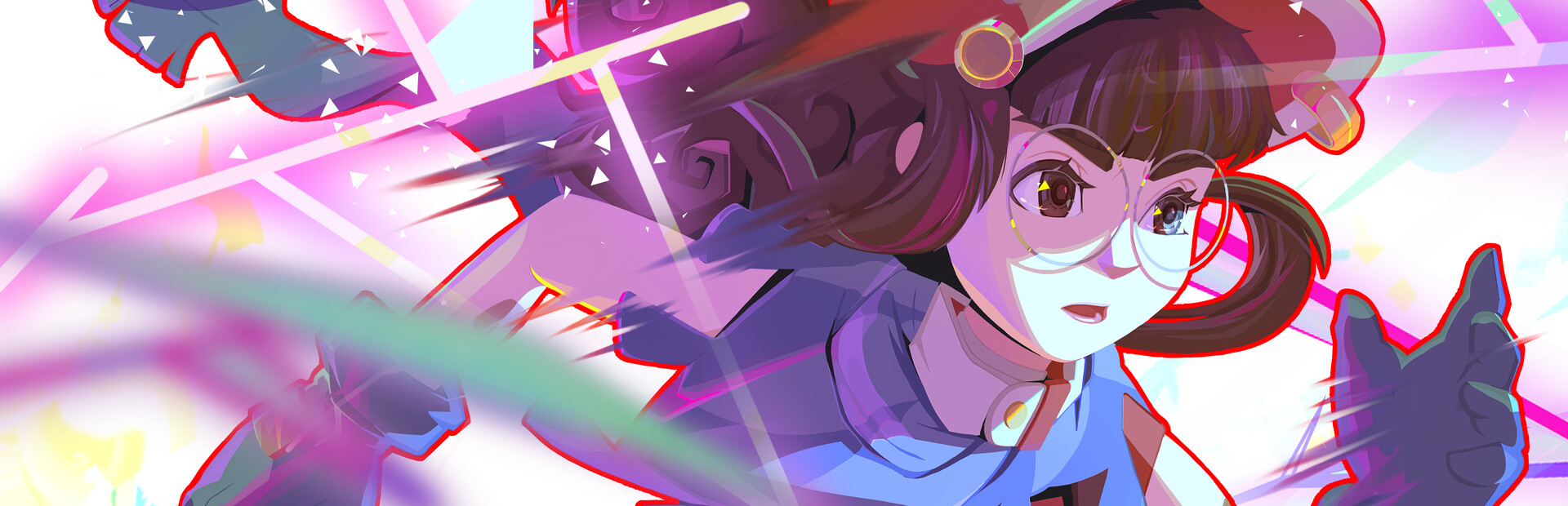
The runner
Heal, damage, halve health, extra or lost lives, energy, infinite energy, invulnerability and god mode.
Your chat runs with you through the broken worlds: they bend your gravity, slow or speed up time, raise walls on the track and gift you any of the game's 100+ items.
Four stops, in under a second.
From TikTok, Twitch, Kick, YouTube or Starvios: a gift, a follow, likes or a chat command.
Receives the event, checks your active profile for the matching effect and sends it.
A mod the app installs in the game folder, together with BepInEx, that applies every effect to your runner and the track.
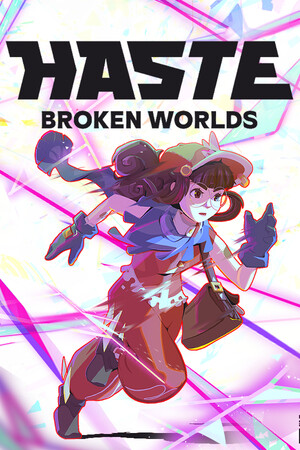
The boost, the gravity change or the obstacle shows up in your run as soon as the gift arrives.
Everything happens from the game's status bar, at the bottom of the app.
It detects Haste in your Steam library. If it lives somewhere else, press «Set path» in the «Game» step of the bar below.
Press «Install mod» with the game closed. The app puts BepInEx, in the version for modern Unity games like Haste, and the OverInteractive mod in the game folder.
If the game is open, the app asks you to close it before installing.
Open it from Steam or with «Launch game» and load your save. The mod starts with the game.
The bar below switches to «Running · Connected». From then on every gift reaches your run.
In «Profiles» create an example one in a click or build your own: each gift, follow or chat command fires the effect you pick.
Each effect is assigned to a gift, a follow, likes or a chat command.
Heal, damage, halve health, extra or lost lives, energy, infinite energy, invulnerability and god mode.
A speed boost, an instant impulse, a launch upwards, a swerve to one side, a crawl or «Ludicrous Speed».
Inverted, tilted, moon or double gravity, sticky air, truck-like turning and anvil falls.
FOV punch, fisheye, tunnel vision, camera shake and first person.
Slow motion, fast forward, time frozen for an instant and a sharp hit-stop jolt.
A random item or any of the game's 100+ items, one by one (Rocket Boots, Energy Lash, Pocket Snack…), plus giving or taking sparks, luck and rerolling the shop.
Skip the whole level or turn the runner invisible for a few seconds.
Columns and walls with a gap right on your path, an obstacle gauntlet, clearing the way or endless mode, with levels chained faster and faster.
Most work any time your runner is on screen. Obstacles, endless mode and skipping a level only make sense mid-run, and rerolling the shop only inside the shop.
«Kill» takes the runner out and «Take Life» costs you a life. Walls and columns deal real damage if you don't dodge them. Put them on expensive gifts.
Effects go to your own save and your runner.
Download OverInteractive for free: this same guide is waiting inside the app, in the game's «Start» tab.
Download free