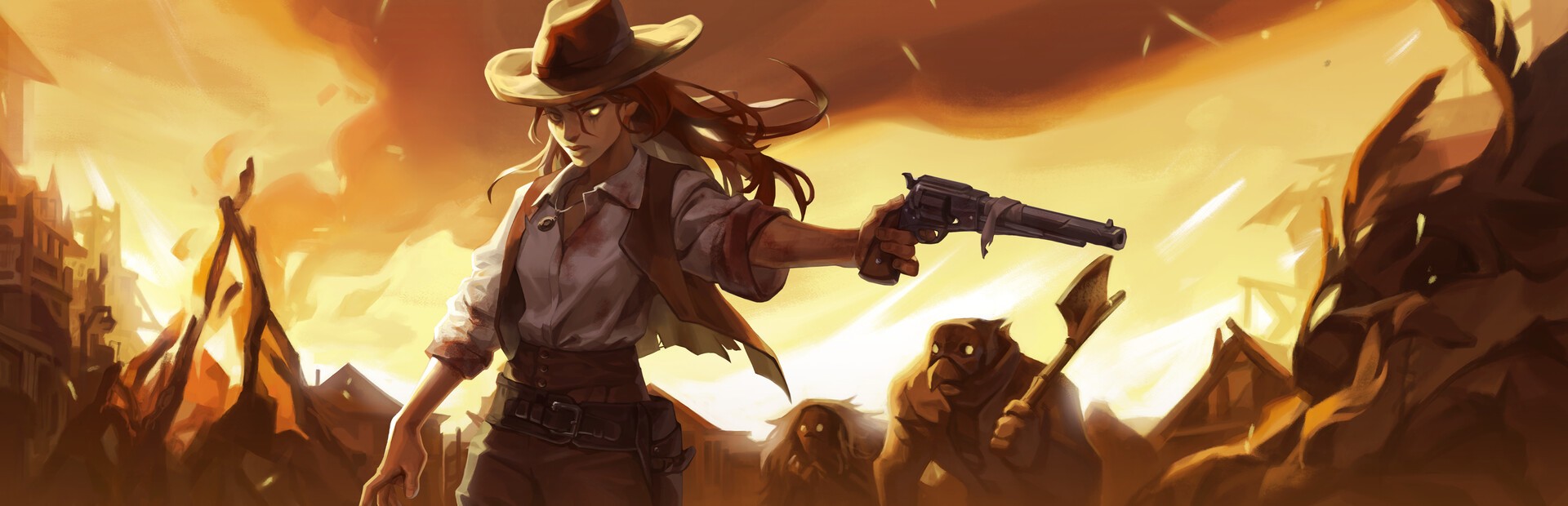
Enemies
Bandits, gunmen, bombers, ghosts, necromancers, sharpshooters… or a whole horde. They carry the viewer's name on top. There is also «Clear the Arena» to wipe them all.
Your chat fills the arena: they send bandits with their name on top, bosses, dynamite rain and fog, or lend a hand with extra lives and slow motion.
Four stops, in under a second.
From TikTok, Twitch, Kick, YouTube or Starvios: a gift, a follow, likes or a chat command.
Receives the event, checks your active profile for the matching effect and sends it.
A mod the app installs in the game folder, together with BepInEx, that runs every effect inside the arena.
The enemy, boss or effect shows up in your run instantly, with the name of whoever sent it.
Everything happens from the game's status bar, at the bottom of the app.
It detects Kill The Crows in your Steam library. If it lives somewhere else, press «Set path» in the «Game» step of the bar below.
Press «Install mod» with the game closed. The app puts BepInEx, the standard mod loader for Unity games, and the OverInteractive mod in the game folder.
If the game is open, the app asks you to close it before installing.
Open it from Steam or with «Launch game». The mod starts with the game and effects kick in as soon as you are in the arena.
The bar below switches to «Running · Connected». From then on every gift reaches the arena.
In your Kill The Crows profile, the «Streamer» tab lets you choose how many lives you start each run with and pause the automatic waves. The heart indicator shows up inside the game.
In «Profiles» create an example one in a click or build your own: each gift, follow or chat command fires the effect you pick.
Each effect is assigned to a gift, a follow, likes or a chat command.
Bandits, gunmen, bombers, ghosts, necromancers, sharpshooters… or a whole horde. They carry the viewer's name on top. There is also «Clear the Arena» to wipe them all.
Chat summons the game's three bosses: the Hunter, Nemesis and the Shaman.
Heal, extra life, god mode, freeze, faster or slower movement, forced reload or dodge, and a revolver swap (shotgun, LeMat, explosive…).
Bullet hell, dense fog, fast enemies, faster waves, hidden HUD and dynamite rain.
Slow motion, super slow motion or sped-up time for a few seconds.
There is no arena in the main menu: the effect waits or is dropped depending on the case. Start a run before going live.
With the «Streamer» tab in your profile you start every run with as many lives as you want. «Extra Life» adds one and raises the maximum; «Heal» never goes above it.
A boss in the middle of a full wave can end the run. Put them on your most expensive gifts.
Download OverInteractive for free: this same guide is waiting inside the app, in the game's «Start» tab.
Download free