Pick a side
Join the blue or the red team. Hook it to a chat word (for example «!blue» and «!red»); once in, the viewer can't switch sides until the fight ends.
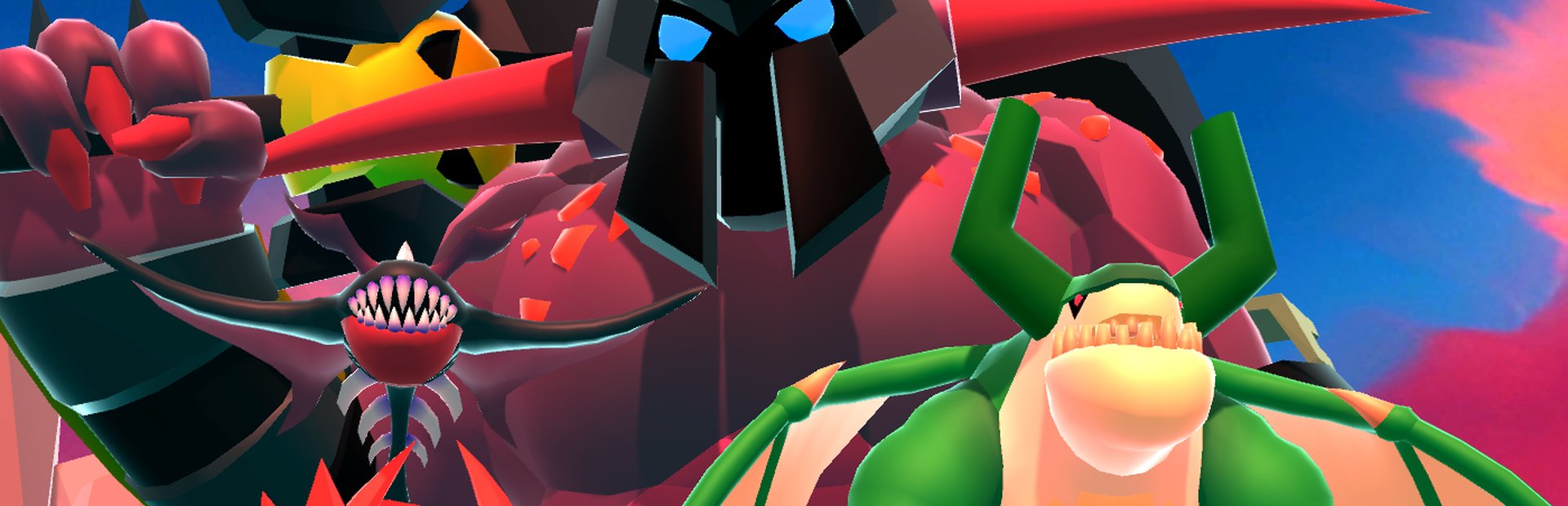
Your chat picks a side, blue or red, and every gift drops monsters (from skeleton to titan) that march off to bring down the enemy tower.
Four stops, in under a second.
From TikTok, Twitch, Kick, YouTube or Starvios: a gift, a follow, likes or a chat command.
Receives the event, checks your active profile for the matching effect and sends it.
League of Monsters is built for streams: the app sends it every gift and the game turns it into monsters. There's no mod involved.
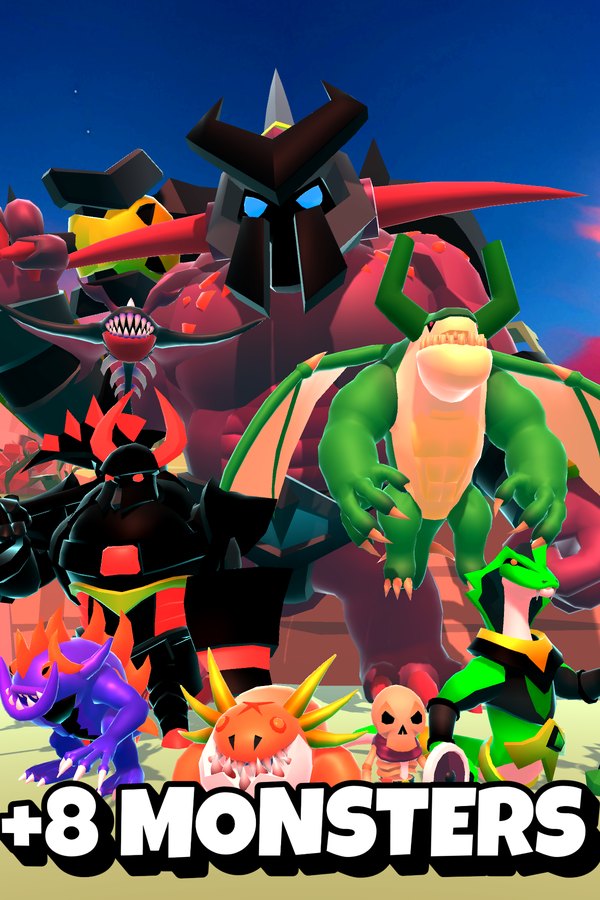
The monster enters the field on the viewer's side, with their name, and goes after the enemy tower.
Everything happens from the game's status bar, at the bottom of the app.
Open League of Monsters and leave webhooks on in its settings. That's what lets the app talk to it.
The app doesn't open it for you: launch it as usual. Once it detects the webhooks listening, the bar below switches to «Running».
Start the match from the game. From then on every gift or chat command drops monsters on the field.
In «Profiles» create an example one in a click or build your own: chat words to pick a side and a ladder of monsters per gift.
Each effect is assigned to a gift, a follow, likes or a chat command.
Join the blue or the red team. Hook it to a chat word (for example «!blue» and «!red»); once in, the viewer can't switch sides until the fight ends.
Skeleton, Brute, Spiker, Shaman, Manta, Dark Knight, Bat Demon and Titan, or a random one. Each with an amount (1 to 50) and automatic, blue or red team.
If the bar doesn't switch to «Running» with the game open, check that webhooks are turned on in League of Monsters' settings.
With the team on «auto», the monster goes to the viewer's side. If they haven't picked yet, the game puts them on a random one.
In a multiplayer room your monsters come in on your side: blue if you created the room, red if you joined.
Download OverInteractive for free: this same guide is waiting inside the app, in the game's «Start» tab.
Download free