Sabotage
Ragdoll so he collapses wherever he is, a launch straight up and «No Jump», which takes the jump away in a game made of jumping.
Your chat decides whether you climb or fall: they ragdoll you two kilometers up, take away your jump or send you back to the start… or gift you moon gravity and a shortcut upward.
Four stops, in under a second.
From TikTok, Twitch, Kick, YouTube or Starvios: a gift, a follow, likes or a chat command.
Receives the event, checks your active profile for the matching effect and sends it.
UE4SS, the mod loader for Unreal games, plus the OverInteractive script. The app installs both in the game folder.
The effect hits your climber instantly, however high you are.
Everything happens from the game's status bar, at the bottom of the app.
Since it's no longer on Steam, the app looks in your usual folders (Desktop, Downloads, Games…). If it can't find it, press «Set path» in the bar below and pick the game's main folder, the one that contains the «OnlyUP» folder.
Press «Install mod» with the game closed. The app puts UE4SS next to the executable and the OverInteractive mod in its mods folder. No game file is modified.
Press «Launch game»: the app opens the executable directly, without Steam. Start the game from the menu.
With the game open, the bar below switches to «Running · Connected». From then on every gift reaches your climber.
In «Profiles» create an example one in a click or build your own. Tip: sabotage for the expensive gifts and boosts for the cheap ones.
Each effect is assigned to a gift, a follow, likes or a chat command.
Ragdoll so he collapses wherever he is, a launch straight up and «No Jump», which takes the jump away in a game made of jumping.
Moon gravity, super jump, extra speed, slow motion for precision jumps and walking on air for a few seconds.
Jump up the meters you choose, warp to any landmark on the route (the bus, the Ferris wheel, the helicopter, the dragon…) or a random one, and the cruelest: «Back to the Start».
Giant or tiny climber and first person, so you can't even see your feet on the ledge.
Pitch-black night and thick fog so you can't see where to jump.
Fish-eye or tunnel vision, and a camera sensitivity that makes aiming impossible.
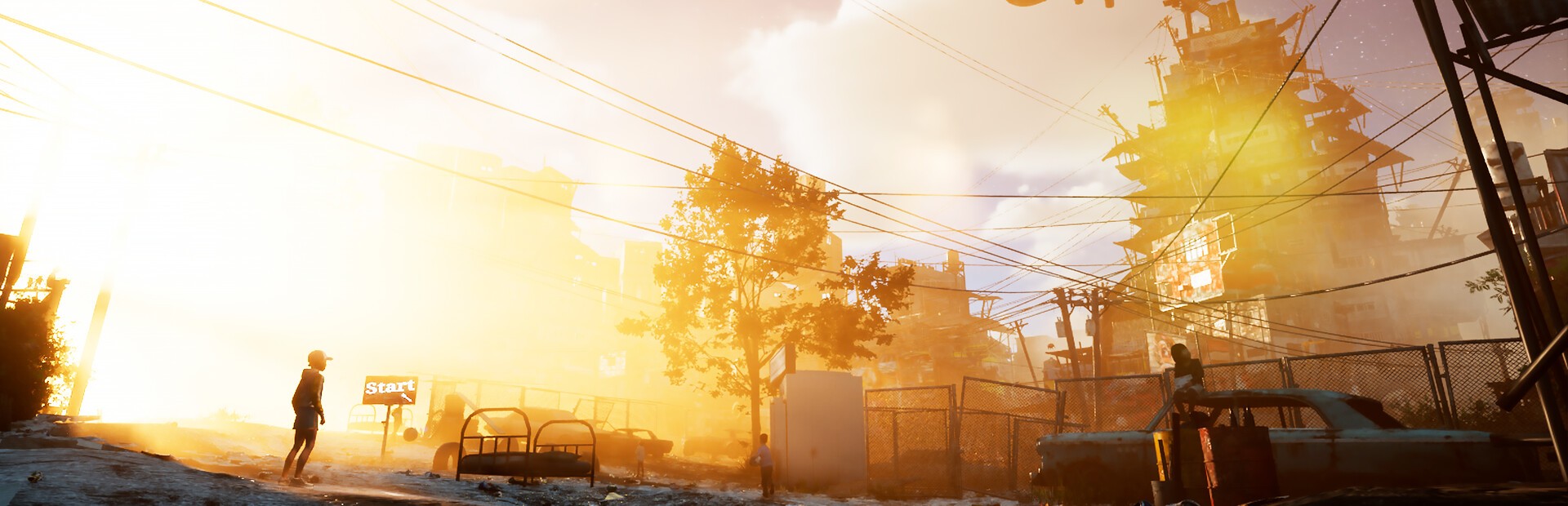
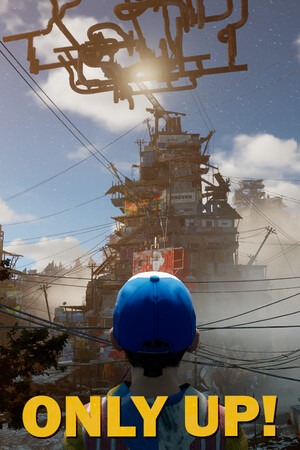
Only Up! was pulled from Steam in 2023 and can't be bought again. It works with the copy you already have, by picking its folder.
A ragdoll halfway up or «Back to the Start» can cost you hours of climbing. Only map them to gifts that are really worth it.
Pick the game's main folder, the one that contains «OnlyUP». If you pick another one, the bar will ask you to «Choose another folder».
In the main menu there is no climber to apply anything to. Start the game so every gift shows.
Download OverInteractive for free: this same guide is waiting inside the app, in the game's «Start» tab.
Download free