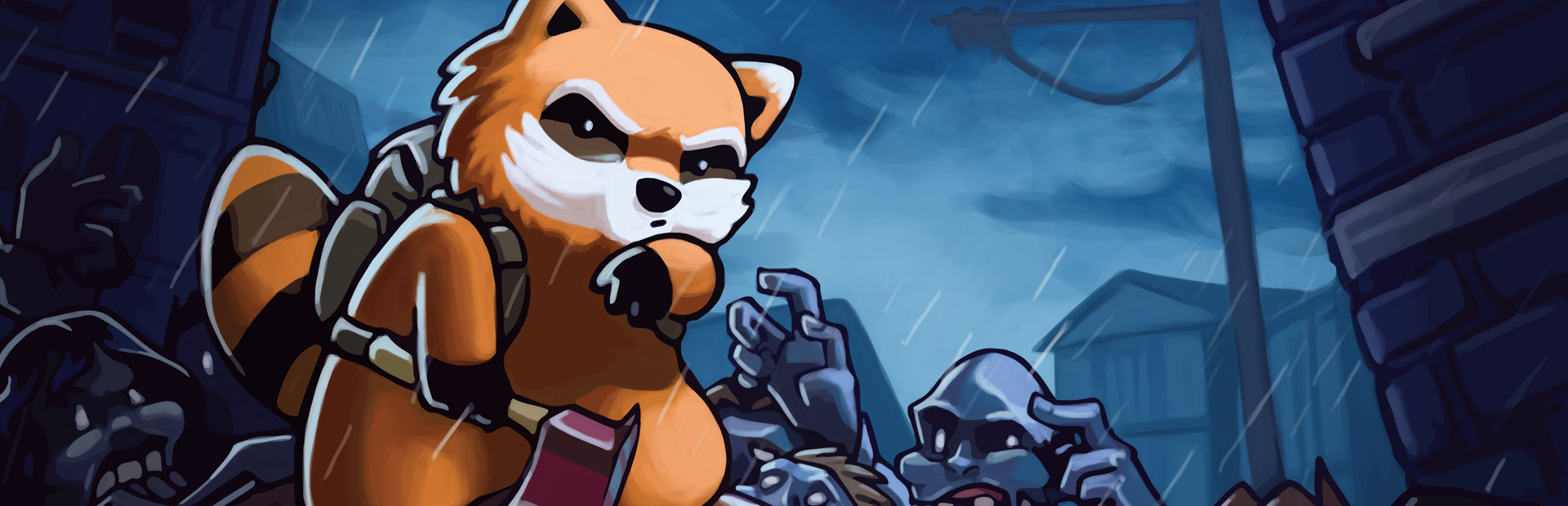
Your audience spawns zombies and hordes around the survivor instantly.
- Regular zombies near your survivor
- Full horde up to 30 zombies
- Sprinter zombies at full speed
Connect TikTok Live, Twitch, Kick, YouTube or Starvios and turn every gift into zombies, health, items or chaos on your survivor.
From your viewer's gift to the on-screen effect, in under 50 ms.
A gift, reward or follow from your audience.
The app receives the event and translates it into a game command.
Receives the command via file I/O and runs it in the game.
The zombie, item or effect appears on your survivor.
Everything is handled from the app. No programming or editing game files needed.
Download OverInteractive for Windows and install it in seconds.
Link your TikTok Live, Twitch, Kick, YouTube or Starvios account from the app.
One click in the app installs the Project Zomboid mod in your Zomboid profile folder.
Open Project Zomboid and start your interactive survival stream.
32 effects ready to map to gifts, rewards or chat commands.
Your audience spawns zombies and hordes around the survivor instantly.
Weapons, food, medical supplies and ammo dropped directly into the inventory.
Direct effects on your character, helpful or deadly.
TikTok, Twitch, Kick, YouTube and Starvios. Connect one or several: triggers work the same wherever the event comes from.
Direct connection to your TikTok Live from the app. No extra software, no extra accounts.
If you already use TikFinity for alerts or overlays, OverInteractive links to it over WebSocket and reuses your session.
Device Code Flow login and real-time event subscription. Map channel point rewards, subs, bits and follows.
OAuth login and official events over webhooks. Map Kicks, subs and follows from your Kick channel.
Connect your YouTube live by typing your @handle, no sign-in needed. Map Super Chats, Super Stickers, memberships and chat messages.
Connect your Starvios live by typing your channel. Map Starvies, subs, follows, raids, Star Showers and chat messages.
Compatible with Steam's Build 42, the default stable version. The mod installs to your user's mods folder, not the game folder.
The mod installs to your Zomboid profile folder — it never modifies game files.
The app auto-detects your Project Zomboid install on Steam.
Click Install on the Project Zomboid card. The app copies the mod to your Zomboid profile.
Open Project Zomboid, go to Mods and enable "OverInteractive Connector". Only needed once per save.
Map gifts and rewards to commands in the app and start your stream.
32 commands ready to map to gifts, rewards or chat commands.

Spawns a zombie near the player.

Spawns a horde of zombies around the player.

Spawns a fast sprinter zombie nearby.

Fully heals the player.

Causes pain and drains endurance.

Gets the player heavily intoxicated.

Maxes out the player's hunger.

Maxes out the player's thirst.

Maxes out the player's fatigue.

Restores endurance, removes fatigue and pain.

Removes zombie infection and bites.

Gives the player an axe.

Gives the player a baseball bat.

Gives the player a katana.

Gives the player a crowbar.

Gives the player a machete.

Gives the player a hunting knife.

Gives the player a pistol with 2 ammo boxes.

Gives the player a shotgun with shells.

Gives the player an assault rifle with ammo.

Gives the player a full water bottle.

Gives the player a can of baked beans.

Gives the player any item by type ID.

Gives the player a random food item.

Gives the player a random melee weapon.

Gives the player a random firearm with ammo.

Gives the player a random survival tool.

Gives the player a first aid kit with supplies.

Gives 3 molotov cocktails and a lighter.

Starts heavy rain.

Turns off the regional electricity supply.

Turns off the regional water supply.
Download OverInteractive and let your viewers survive Project Zomboid with you.
Download free