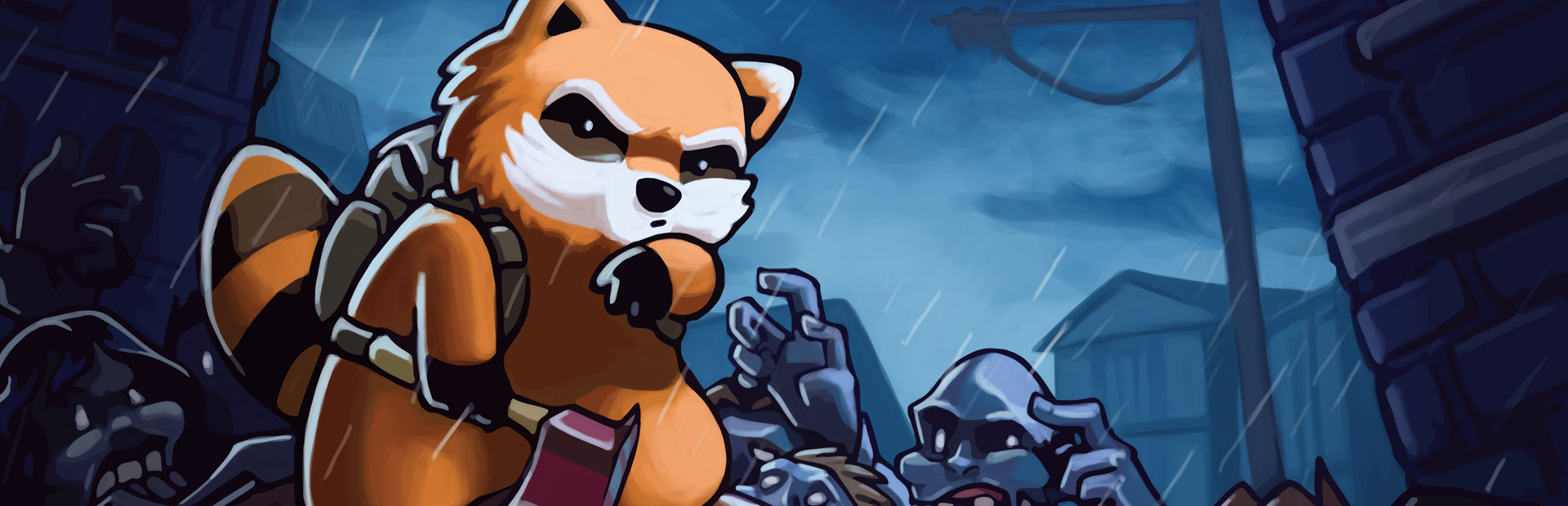
Zombies
A zombie near you, a horde of up to 30 around you or a sprinter at full speed.
Your chat decides how you survive: they drop hordes and sprinters on you, get you drunk or cut your power and water… or gift you a katana, a medical kit and the cure for the virus.
Four stops, in under a second.
From TikTok, Twitch, Kick, YouTube or Starvios: a gift, a follow, likes or a chat command.
Receives the event, checks your active profile for the matching effect and sends it.
A mod the app installs in your user's Zomboid mods folder, without touching the game folder.
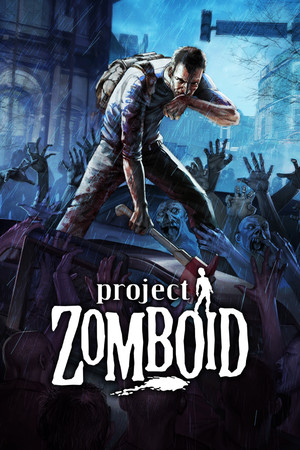
The effect reaches your survivor instantly and they say out loud who sent it.
Everything happens from the game's status bar, at the bottom of the app.
It detects Project Zomboid on Steam. If it doesn't show up, press «Set path» in the bar below and pick its folder.
Press «Install mod» with the game closed. The app puts it in your user's Zomboid mods folder; the game folder is not touched.
Press «Launch game» or open it from Steam as usual.
In the main menu go to «Mods» and enable «OverInteractive Connector». If you load an existing save, check it is enabled in that save's mods too.
You only need to do it once per save: after that it stays enabled.
With your survivor in the world, the bar below switches to «Running · Connected». From then on every gift reaches the game.
In «Profiles» create an example one in a click or build your own: each gift, follow or chat command fires the effect you pick.
Each effect is assigned to a gift, a follow, likes or a chat command.
A zombie near you, a horde of up to 30 around you or a sprinter at full speed.
Heal, deal damage, get them drunk, hungry, thirsty or tired, restore endurance or cure the zombie infection.
Axe, katana, machete, pistol, shotgun, rifle, medical kit, molotov cocktails, food and water, random weapons or tools, or any item from the list.
Heavy rain, cutting the electricity or cutting the water for the whole area.
The mod is for Build 42, the default stable version on Steam. Build 41 is no longer supported: if you are on the «b41multiplayer» branch, go to Steam → Properties → Betas and pick «None».
Installing it from the app is not enough: enable it in the «Mods» menu and in your save's mods. Otherwise the bar stays «Offline».
«Cut Electricity» and «Cut Water» shut off the supply in that save as if the blackout had arrived. There is no command to bring it back.
In the main menu there is no survivor to apply anything to. Load your save so every gift shows.
Download OverInteractive for free: this same guide is waiting inside the app, in the game's «Start» tab.
Download free