Zombies and animals
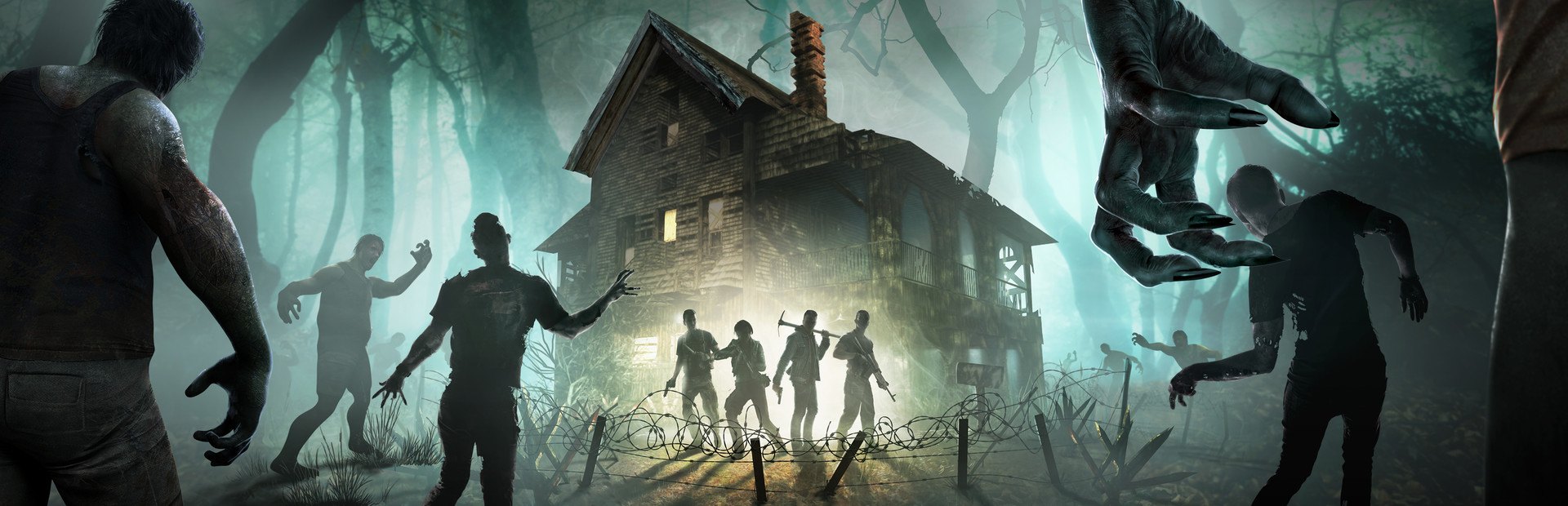
Over 90 of the game's spawns: normal, feral, radiated and infernal zombies, dogs, wolves, bears, vultures, groups and whole hordes. Each one carries the viewer's name on top.
Your chat moves into your 7 Days to Die: they send zombies with their name on top, hordes and animals, drop supply crates, give you buffs or debuffs, change the time and the weather and even bring the Blood Moon early.
Four stops, in under a second.
From TikTok, Twitch, Kick, YouTube or Starvios: a gift, a follow, likes or a chat command.
Receives the event, checks your active profile for the matching effect and sends it.
A mod the app installs in the game's Mods folder that runs every effect in your game, using the game's own events.
The zombie, the crate or the buff shows up at once, with the name of whoever sent it on top or in an on-screen notice.
Everything happens from the game's status bar, at the bottom of the app.
It detects 7 Days to Die in your Steam library. If it lives somewhere else, press «Set path» in the «Game» step of the bar below and pick the folder that holds 7DaysToDie.exe.
Press «Install mod» with the game closed. The app puts the OverInteractive mod in the game's Mods folder; no separate loader needed.
Open it with «Launch game» or, from Steam, pick the option without EasyAntiCheat in the game's launcher. Then start or load a single-player game.
If the game starts with EasyAntiCheat, the mod doesn't load and the bar stays at «Running» without «Connected».
The bar below switches to «Running · Connected». From then on every gift reaches your game.
In «Profiles» create a sample one in one click or build your own: each gift, follow or chat command fires the effect you choose.
Each effect is assigned to a gift, a follow, likes or a chat command.
Over 90 of the game's spawns: normal, feral, radiated and infernal zombies, dogs, wolves, bears, vultures, groups and whole hordes. Each one carries the viewer's name on top.
Crates of weapons, ammo, armor, food, medicine, explosives, books and vehicle parts that drop next to you.
Regen, shield, jump, speed, pack mule, infinite ammo or extra XP.
Blindness, confusion, slowness, headshots only, no running, no vehicles, tougher enemies or crappy loot.
Scares, ragdoll, big heads, enraged or crippled zombies, explosions and, for the brave, destroying the backpack or the armor.
Rain, snow, thunderstorm or fog, jump to morning or night, and the Blood Moon tonight.
Heal, full restore, damage that never kills you, hunger, thirst and stamina.
Spike traps, mines, cacti or a sinkhole under your feet; and inside your base, shuffle or spoil the chests.
Whatever spawns fights like in the game: if it kills you, you lose what your game settings say you lose. The «Damage» command alone never kills you.
Each action follows the conditions the game sets for it: crates drop when you're safe, the weather doesn't change during the Blood Moon and base actions only work inside your land claim. If they aren't met, the effect is retried.
The mod works in single player or hosting your game. On someone else's server there are no effects.
Download OverInteractive for free: this same guide is waiting inside the app, in the game's «Start» tab.
Download free