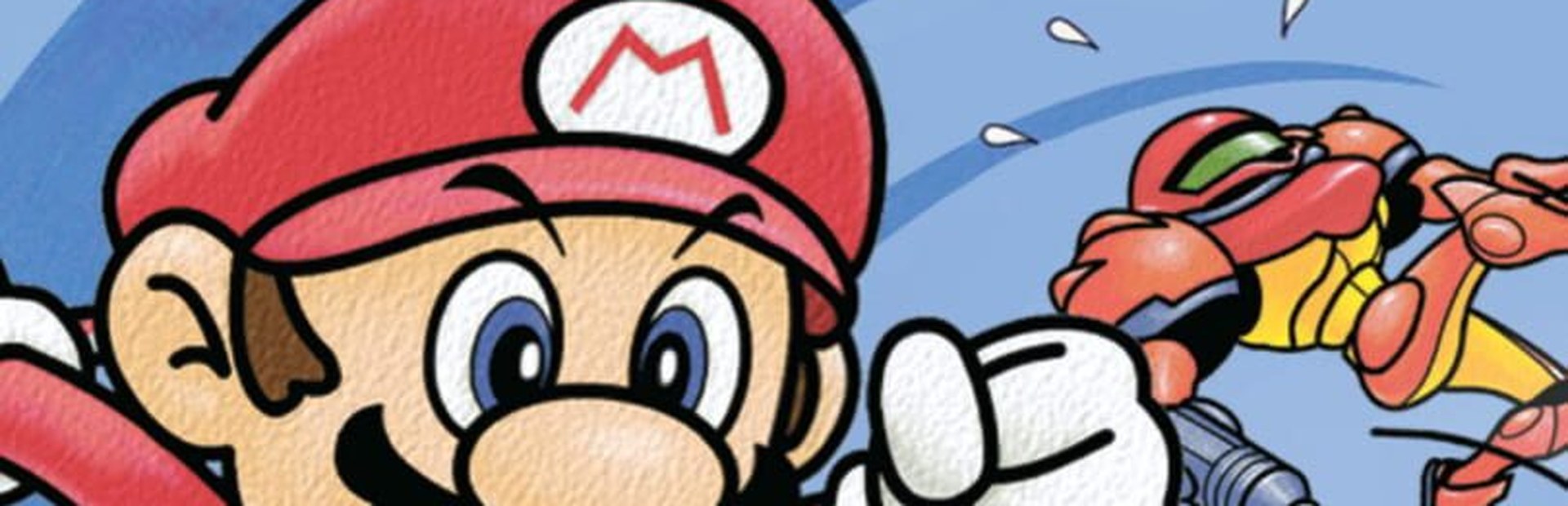
The game's 12 join as CPU rivals at the level and with the lives you pick for each gift. Three fit at a time; the rest wait in a queue.
- Mario, Pikachu, Link, Kirby, Samus…
- Level 1–9 and lives per gift
- The viewer's name goes on the overlay
Connect TikTok Live, Twitch, Kick, YouTube or Starvios and fight alone: each gift brings in a CPU fighter with the viewer's name, at the level and lives you choose — in real time, on the N64 classic.
From your viewer's gift to the rival on screen, before the next «GO» sounds.
A viewer sends a gift, redeems a reward or types in chat.
The app receives the event and decides which command to fire based on your profile.
The runtime the app installs receives the command and applies it in the game instantly.
The effect comes out of the game engine: real fighters join to battle you and items drop on the stage.
Four steps and the fight is in the audience's hands.
Download OverInteractive for Windows and install it in seconds.
One click and the app downloads the runtime that runs the game. Nothing to configure.
Pick your copy of Super Smash Bros. (US): the game builds its files from it the first time.
Link TikTok, Twitch, Kick, YouTube or Starvios, enable your trigger profile and start the fight: each gift brings in a rival.
Fighters and items come from the original engine, so they look and sound like real Super Smash Bros.
The game's 12 join as CPU rivals at the level and with the lives you pick for each gift. Three fit at a time; the rest wait in a queue.
The odd rivals from single-player mode, for the priciest gifts.
They drop on the stage and don't take a rival slot: the fight fills with weapons.
Viewers don't just send rivals: they decide which side they fight on and make them stronger.
The same fight, with the audience you already have.
Direct connection to your TikTok Live from the app. No extra software or additional accounts.
If you already use TikFinity for alerts or overlays, OverInteractive links via WebSocket and reuses your session.
Point redemptions, subs, bits and chat mapped to the game's effects.
Kick events connected to the same trigger profile.
Connect your YouTube live by typing your @handle, without signing in. Maps Super Chats, Super Stickers, members and chat messages.
Connect your Starvios live by typing your channel. Maps Starvies, subs, follows, raids, Star Rain and chat messages.
Super Smash Bros. isn't on Steam: it runs on a runtime the app installs for you.
No editing files or installing mods by hand.
Pick Super Smash Bros. in the games list.
The app downloads the runtime and enables the OverInteractive connection.
Select your US .z64, .n64 or .v64 file from the picker.
The game opens on the VS mode character select; the first time it builds its files from the ROM.
Commands ready to map to gifts, rewards or chat commands.

Mario joins the fight as a CPU rival.

Fox joins the fight: fast, with his blaster and reflector.

Donkey Kong joins the fight: slow, heavy and huge damage.

Samus joins the fight with her charge shot and missiles.

Luigi joins the fight: slippery and with a wild green missile.

Link joins the fight with his sword, boomerang and bombs.

Yoshi joins the fight: swallows rivals and turns them into eggs.

Captain Falcon joins the fight: the fastest one, with his fiery punch.

Kirby joins the fight: copies the move of whoever he swallows.

Pikachu joins the fight: quick and hard to hit.

Jigglypuff joins the fight: floats around and puts rivals to sleep.

Ness joins the fight with his psychic attacks.

The faceless mario from the last stage of the single-player mode.

The faceless fox from the last stage of the single-player mode.

The faceless donkey kong from the last stage of the single-player mode.

The faceless samus from the last stage of the single-player mode.

The faceless luigi from the last stage of the single-player mode.

The faceless link from the last stage of the single-player mode.

The faceless yoshi from the last stage of the single-player mode.

The faceless captain falcon from the last stage of the single-player mode.

The faceless kirby from the last stage of the single-player mode.

The faceless pikachu from the last stage of the single-player mode.

The faceless jigglypuff from the last stage of the single-player mode.

The faceless ness from the last stage of the single-player mode.

Metal Mario: heavy, barely flinches and very hard to knock out.

A Donkey Kong twice the size, with reach and damage to match.

A Bob-omb drops in, walks around and blows up on contact.

A Poké Ball drops in: whoever opens it gets a Pokémon fighting for them.

A mine that sticks where it lands and blows up on whoever walks past.

A shell that slides across the stage and knocks over whoever it hits.

A shell that chases fighters on its own.

A bumper that bounces away whoever touches it.

A hammer: whoever grabs it swings non-stop for a few seconds.

A star: whoever grabs it becomes untouchable for a few seconds.

A beam sword with much longer reach.

The bat that sends whoever it hits flying off the screen.

A ray gun with a few shots.

A flower that throws a jet of fire.

A rod that shoots stars while swinging.

A fan for very fast, very weak hits.

A tomato that heals whoever grabs it.

A heart that heals almost all the damage.

A crate full of items: it breaks and scatters them.

A barrel full of items that rolls across the stage.

A capsule with an item inside… or an explosion.

An egg with an item inside.

The viewer joins your side: their fighters fight with you and don't hit you.

The viewer joins the red team: their fighters fight together with everyone on red.

The viewer joins the blue team: their fighters fight together with everyone on blue.

The viewer joins the green team: their fighters fight together with everyone on green.

The viewer leaves their team: their fighters fight everyone on their own.

The viewer levels up THEIR fighter (the one fighting, or the one waiting in line) up to level 9: the CPU fights better right away.
Download OverInteractive and let your audience decide who you fight.
Download free