
Fighters
The game's 12 (Mario, Pikachu, Link, Kirby, Samus, Donkey Kong…) join as CPU rivals at the level and with the lives you pick for each gift.
You fight alone and the chat sends your rivals: each gift brings in a CPU fighter with the viewer's face and name on the overlay, at the level and with the lives you choose, and items rain down on you.
Four stops, in under a second.
From TikTok, Twitch, Kick, YouTube or Starvios: a gift, a follow, likes or a chat command.
Receives the event, checks your active profile for the matching effect and sends it.
The program the app uses to run Nintendo 64 Super Smash Bros. on your PC, plus the OverInteractive connection the app adds to it.
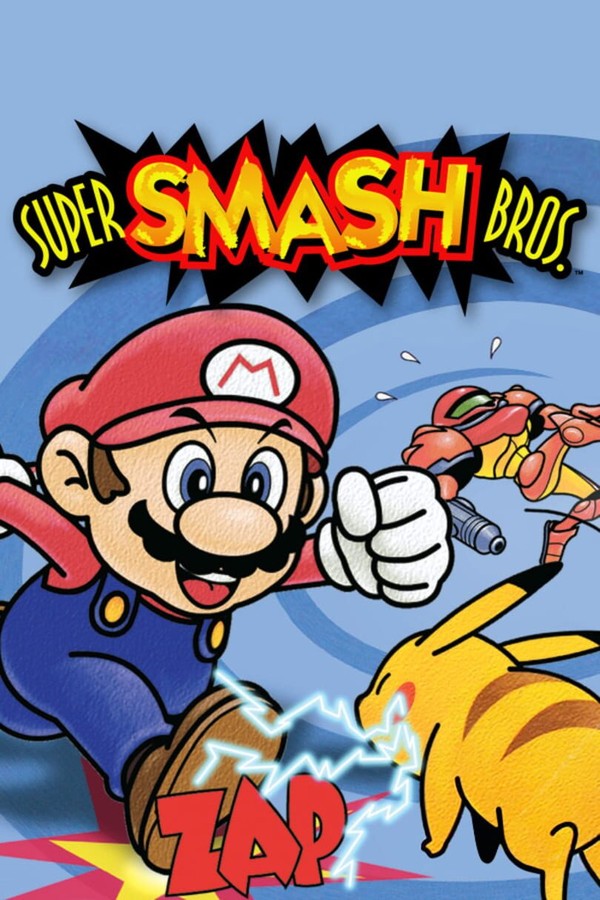
Rivals are real fighters from the game: they join mid-fight, battle you and leave when they run out of lives.
Everything happens from the game's status bar, at the bottom of the app.
In the bar below press «Download runtime». It downloads once and the app keeps it in its own folder.
Press «Choose ROM» and pick your .z64, .n64 or .v64 file (if it's in a .zip or .7z, extract it first). The app checks it is the US one; if not, the step turns red and tells you why.
Press «Enable connection» with the game closed: the app downloads what the game needs to receive the chat's fighters and puts it in place.
The game opens straight on the VS mode character select. The first time it reads your ROM and builds its files in a few seconds: don't close the window meanwhile.
Move the hand with WASD to your character and press A (X). You don't need to add rivals: with your fighter picked press Start (Space) and choose a stage with A (X). The rule (Time or Stock), the minutes, the lives and the other VS options can also be set from the app's «Arena» tab: the app and the game always show the same.
If you add a CPU in the menu, it leaves the fight when GO sounds and frees its slot for the chat.
Once the fight starts the bar below shows «Connected». From then on each gift brings in a rival or drops an item.
In «Profiles» create the example one in a click or build your own. For each fighter you pick its level (1–9) and its lives; with lives at 0 it uses the ones you set in the arena rules (the «Arena» tab).
In the game's «Overlays», «Arena», there are four pieces, each with its own URL for OBS: «Fighters» (a card per rival with their character, the viewer's photo and name, level, lives and damage; when it loses its last life it leaves with a KO), «Up next» (the queue), «Top KOs» and «Winner» (the round winner full screen). Place and resize them separately. Fighter lives aren't set here but in the rules on the «Arena» tab.
The game only shows your own meter: everything about the viewers is on the overlay. Without OBS, «Open in a window» puts it on another screen.
Smash Remix is a fan project with dozens of new characters. Patch your US ROM with its official patcher (version 2.0.1), then on the game's «Settings» tab press «Choose Smash Remix ROM» and pick the patched file. The app checks it is the right version and, the next time you open the game, it prepares the characters in a few seconds.
Your original ROM is still the one from step 2: the Smash Remix one goes alongside and you can remove it any time from «Settings».
Each effect is assigned to a gift, a follow, likes or a chat command.
The game's 12 (Mario, Pikachu, Link, Kirby, Samus, Donkey Kong…) join as CPU rivals at the level and with the lives you pick for each gift.
The single-player polygons, Metal Mario and a giant Donkey Kong: the big gifts.
Bob-ombs, Poké Balls, shells, hammer, star, bat, beam sword, tomato and heart… The viewer's fighter throws them at its rivals (already active and on its side), holds them or uses them, or they drop on the stage for anyone to grab. They don't take a slot.
The game has four slots and one is yours. Fighters that don't fit wait in a queue in order of arrival (no gift skips ahead) and join as soon as one loses all its lives. Items don't wait.
Each viewer picks a side with the side commands (in the example profile, typing !ally, !red, !blue, !green or !solo in chat): with the streamer, red, blue, green or on their own. It applies right away, also to their fighter already fighting. A gift can set its own team in the «Team» parameter. Fighters on the same team don't hit each other and fight together; with four slots, the most is 3 against 1 or 2 against 2.
In the «Arena» tab you pick the mode: «Free» (no winner), «Last one standing» (everyone with their lives; yours are the game's «Stock»), «Chat vs you» (if you go down the chat wins; if you beat everyone and the queue empties, you win) or «Chat vs chat» (you don't fight). When there's a winner the game says «GAME SET», goes back to character select and the «Winner» overlay shows it full screen. With the «Time» rule, whoever scores the most KOs when the clock runs out wins.
Each fighter joins with its gift's lives or, if they're at 0, with the arena rules' (the «Arena» tab). With lives to spare it respawns on the platform like any player; after losing the last one, it gives its place to the next.
Other versions, fan translations and romhacks can't be converted, so the app won't let you use them. The app doesn't download or distribute ROMs.
Enabling the connection and uninstalling the runtime are done with the game closed.
If a gift arrives in a menu or while paused, its fighter waits and joins on its own as soon as you're fighting again.
Download OverInteractive for free: this same guide is waiting inside the app, in the game's «Start» tab.
Download free