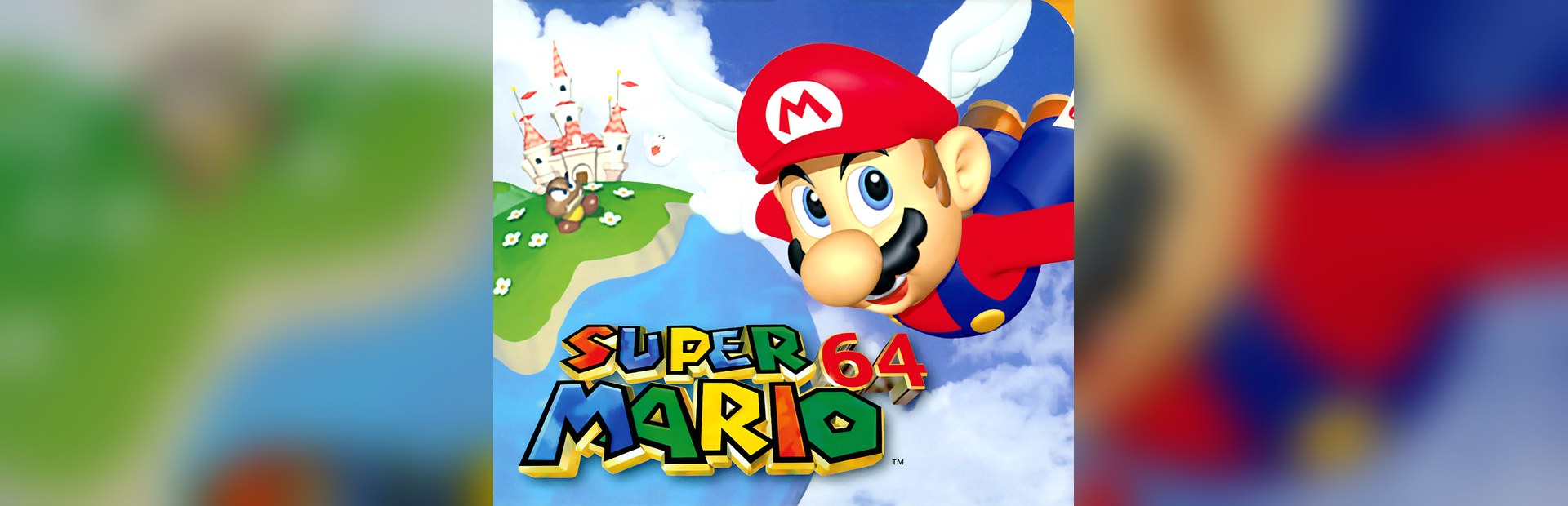
Enemies
Goomba and Huge Goomba, Bob-omb, Boo, Chuckya, Bullet Bill, Whomp, Piranha Plant, Mad Piano… spawn in front of Mario with the viewer's name on top.
Your chat moves into Peach's castle: they drop Goombas, Bob-ombs, Chuckyas and a killer piano with their name on top, give Mario the Wing or Metal Cap, shrink or grow him and flip the world around.
Four stops, in under a second.
From TikTok, Twitch, Kick, YouTube or Starvios: a gift, a follow, likes or a chat command.
Receives the event, checks your active profile for the matching effect and sends it.
The program the app uses to run Super Mario 64 on your PC, plus the OverInteractive connection the app adds to it.
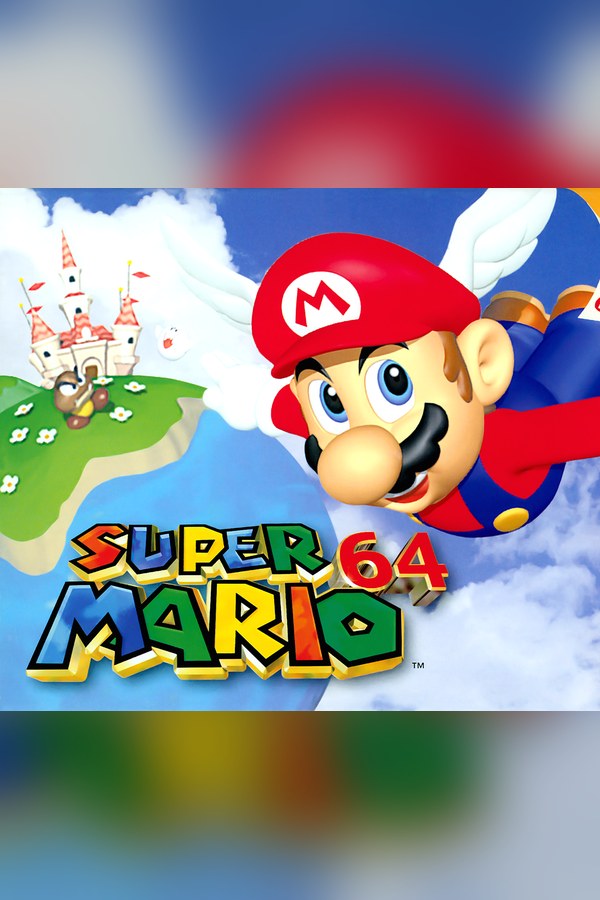
The effect comes out through the game's own engine: real enemies in front of Mario, caps and statuses in an instant.
Everything happens from the game's status bar, at the bottom of the app.
In the bar below press «Download runtime». It downloads once and the app keeps it in its own folder.
Press «Choose ROM» and pick your .z64, .n64 or .v64 file (if it's in a .zip or .7z, extract it first). The app checks it is the US or Japanese one; if not, the step turns red and tells you why.
The exact list of versions that work and don't is behind the help icon in the bar below.
Press «Enable connection» with the game closed: the app downloads what the game needs to receive effects and puts it in place.
The first time, the game reads your ROM and builds its files in a few seconds. It asks nothing: don't close the window meanwhile. After that it starts straight away and the ROM is no longer needed.
Before that first launch the app shows you these steps in a window.
With Mario's face on screen press Start (Space) and select MARIO A with the A button (X). The bar below shows «Connected» and effects land as soon as you control Mario in front of the castle.
In «Profiles» create an example one in a click or build your own: each gift, follow or chat command fires the effect you pick.
Each effect is assigned to a gift, a follow, likes or a chat command.
Goomba and Huge Goomba, Bob-omb, Boo, Chuckya, Bullet Bill, Whomp, Piranha Plant, Mad Piano… spawn in front of Mario with the viewer's name on top.
Lit Bob-ombs, explosions and coin rain.
Take health, burn, electric shock, launch him into the air, lose his cap, fall asleep, steal coins, lose a life… and Game Over.
Heal, give coins, a 1-Up, invincibility or half damage for a while.
Wing, Metal or Vanish Cap, giant or tiny Mario, high or low gravity, slippery floor, reversed controls, no jumping and one-hit KO, for as long as you choose.
Mirror mode, earthquake, no HUD or another course's music.
The European version, the Shindou edition, fan translations and romhacks can't be converted, so the app won't let you use them. With the Japanese one the in-game text is in Japanese. The app doesn't download or distribute ROMs.
Enabling the connection, installing or removing the texture pack and uninstalling the runtime are done with the game closed.
They land when you control Mario inside a level. If they arrive in a menu, a text box, a cutscene or while paused, they wait in a queue and play on their own afterwards (for up to 10 minutes). Timed effects don't spend time while paused.
Once the level can't fit more objects, the next enemies wait in the queue and come out as soon as there's room.
Download OverInteractive for free: this same guide is waiting inside the app, in the game's «Start» tab.
Download free