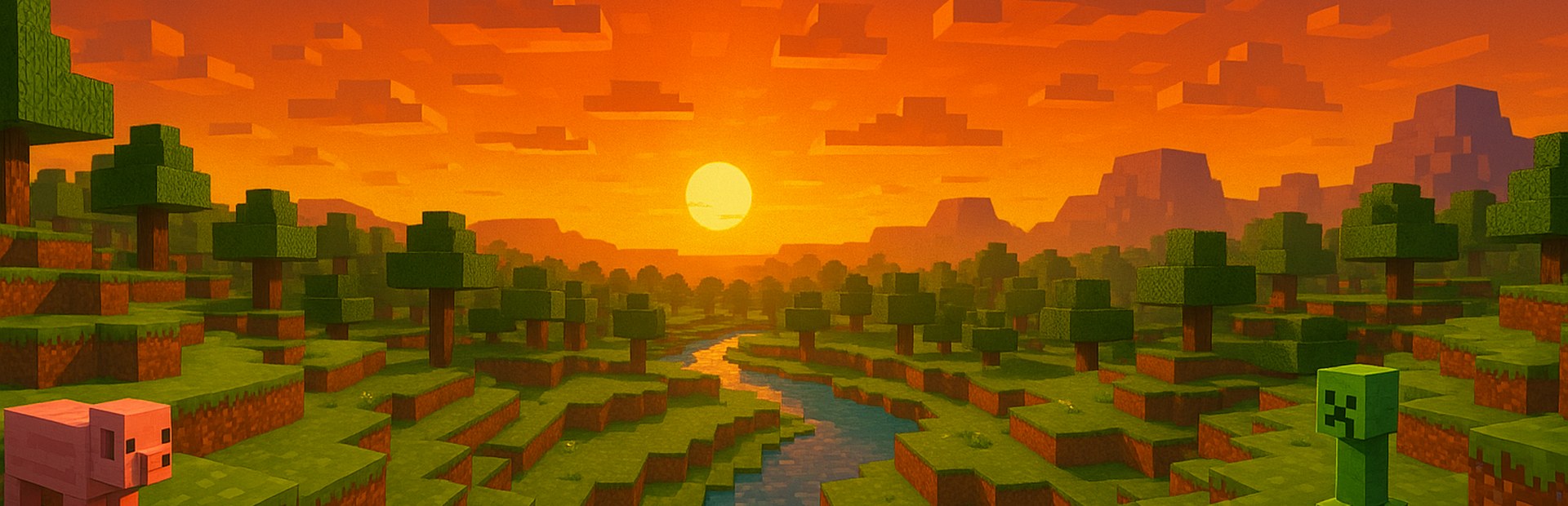
The mod's whole mob catalog — hostile, neutral, passive and bosses — spawned on top of you carrying the viewer's name.
Minecraft minigame
Survival
A survival run from scratch with one clear goal: outlast the clock, kill the mobs, or find the red sheep.
—mode commands
3challenges
1player
Overview
What Survival is
Survival is the simplest challenge in the catalog, and that's why it works with any audience: a clean run from scratch with a goal, a scoreboard and a clear way to lose. You pick the challenge — survive N minutes, defeat N hostile mobs, or find the RED sheep that spawns far away — and just play. What changes everything is that here the sabotage is Minecraft's regular command set: every gift is a fresh threat inside your run. Dying loses it.
- Three challenges in one mode: timer, mob hunt or the red sheep.
- A run from scratch: your inventory is cleared on start and returned on stop.
- No sabotage commands of its own: it uses the whole Minecraft catalog (600+ commands).
- Dying loses the challenge: the tension comes from the audience, not the mode.
- The ideal first minigame to introduce the mechanic to a new chat.
How to play
The round, step by step
You play; chat helps or sabotages. The objective, the timer and the scoreboard are drawn inside the game itself, so they show up on stream without setting anything up in OBS.
01
Pick the challenge
The Play command takes the goal type (time, kills or sheep) and its value, and starts the run from scratch.
02
Just play
No arena, no odd rules: it's Minecraft. What changes is that chat has a hand on the board.
03
Survive chat
Your profile's triggers fire mobs, effects, weather, TNT and item theft using the mod's regular commands.
04
Close it out
Meeting the goal wins; dying loses. You can also force a win or a loss as a reward or a punishment from chat.
Your audience
What your viewers can do
Every command is mapped to a gift, bits, a sub, likes or a chat keyword. These are the mode's families of effects.
Status effects, enchantments, weather and time changes to make your night harder.
TNT, terrain changes, gifts and item theft: chat can also help you reach the goal.
Force the victory celebration or the defeat, to close a round when the stream calls for it.
Setup
Getting it running
Same for every minigame: once the app and the server are connected, Survival starts with a single command.
01
Install OverInteractive
Download the app, install it and open it. Nothing else to configure to get started.
02
Connect your stream
Link TikTok LIVE, Twitch or Kick from the app. Events — gifts, bits, subs, likes and chat — start arriving in real time.
03
Pick Minecraft
The app installs and launches a local Paper server with the OverInteractive plugin for you. You just join that server from your Minecraft Java.
04
Load a template or build your triggers
A trigger is simply "this gift → this command". Start from a ready-made template and change whatever you want.
05
Launch the mode
Run the minigame's Play command (or wire a trigger that launches it) and the round starts with its objective and scoreboard.
Command guide
Every Survival command
The list comes from the mod's real catalog, so it always matches what you have installed. Each command shows its parameters and default values.
Your audience normally fires them through triggers, but you can also type them in the game chat. Parameters go after the command in that same order, separated by spaces: [in brackets] are optional (leave them out and the chip's default value is used) and <in angles> must be given. The button copies the line with the default values already filled in.
Loading commands…
Tips
Making it work on stream
- It's the best mode to debut interaction: there are no new rules to explain — everyone understands "survive".
- The red sheep challenge gives the best content: it forces you to explore with chat on your back.
- Start with short goals (5 minutes) and raise them as the audience warms up.
- Mix help and sabotage in the same profile: if everything is punishment, the run ends itself.
Frequently asked questions
Play Survival on your next stream
OverInteractive is free to start: install it, connect Minecraft and your audience is already inside the game.
Download free